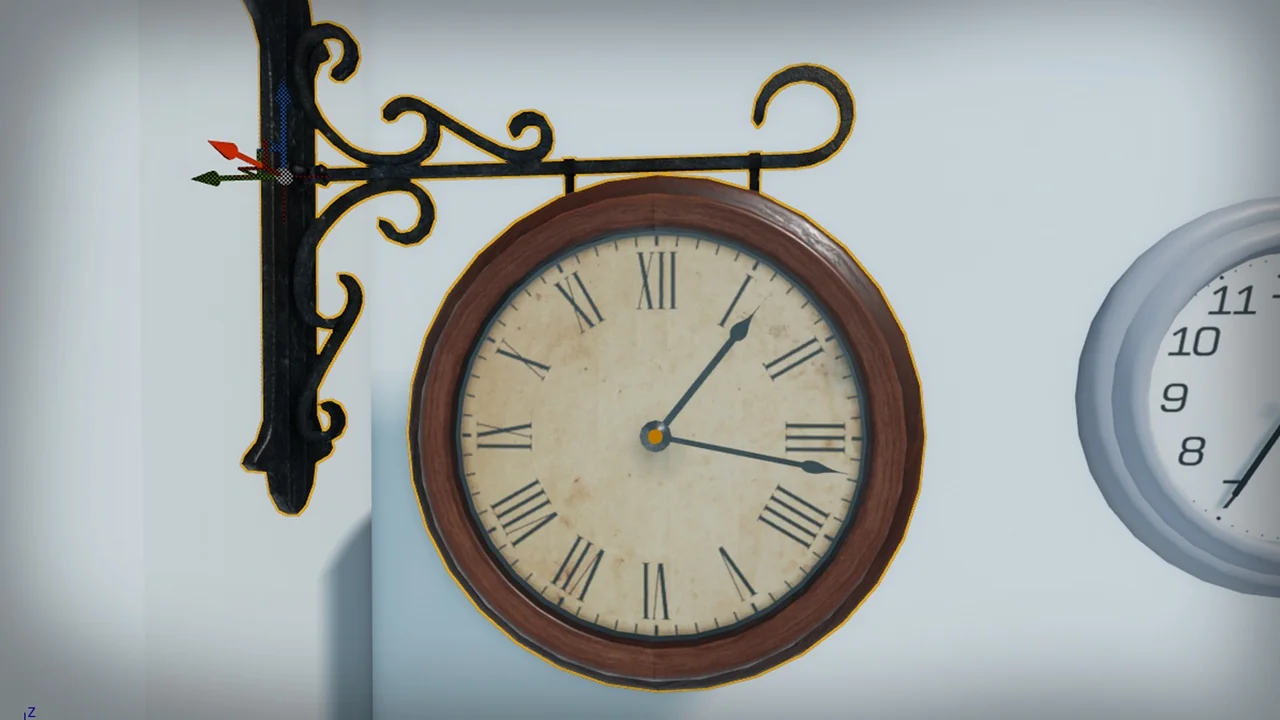
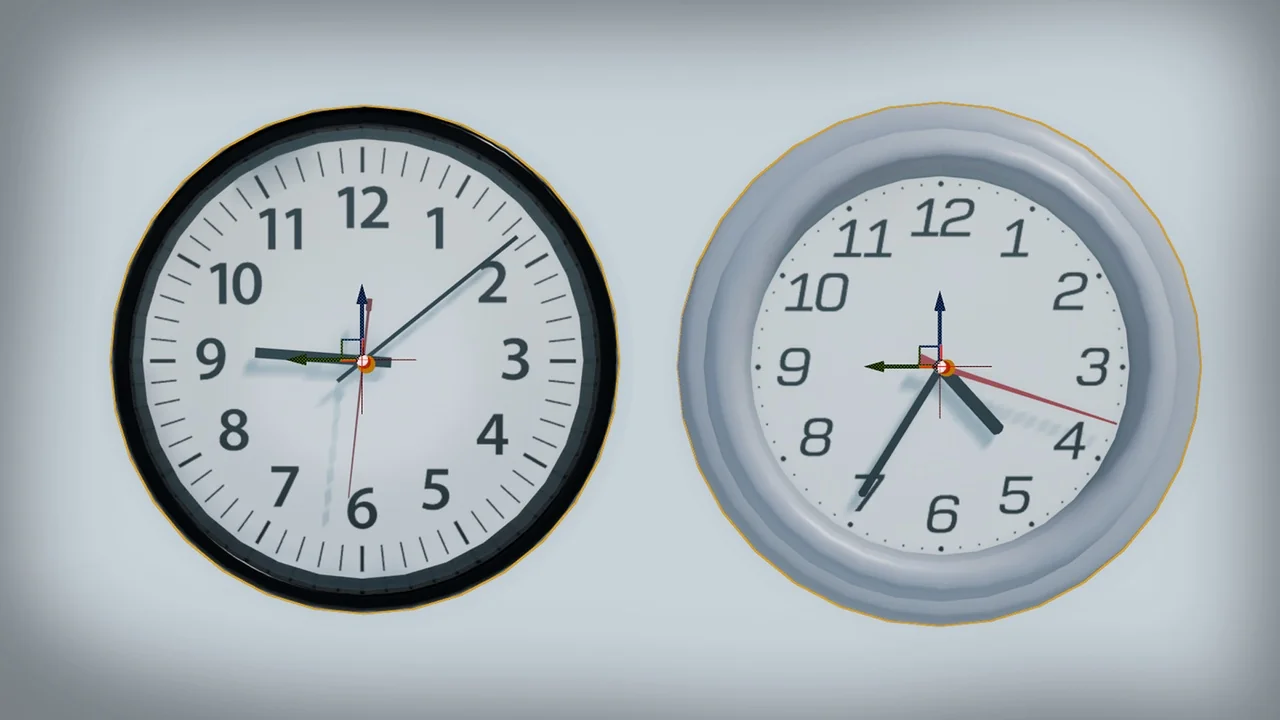
Enhance Your Game Environments with Dynamic Clocks
Small details often define the atmosphere of a digital world. One such detail is a functional, ticking clock. Dynamic Clocks provides a robust solution for Unreal Engine developers. This tool allows you to create interactive timepieces with ease. Consequently, your environments will feel more alive and immersive.
The system is designed for maximum flexibility and ease of use. You can bring your own artistic vision to life without complex coding. Therefore, it is perfect for both beginners and experienced technical artists. Whether you are building a cozy home or a busy station, these clocks fit perfectly.
Seamless Integration and Customization
The workflow for this resource is remarkably straightforward. First, you model your clock and its hands in your preferred 3D software. Next, you import these assets into the Unreal Editor. Finally, you assign them to the provided blueprint. The system handles the rotation and logic automatically.
In addition to custom meshes, you have full control over the time settings. You can enable a real-time feature. This allows the clock to mirror the current time on the user’s system. Alternatively, you can manually adjust the time to fit a specific gameplay scenario. This flexibility is vital for narrative-driven projects.
Key Features of the System
- Real-Time Sync: Match the clock to the player’s actual system time.
- Adjustable Time: Set specific times for puzzles or environmental storytelling.
- Audio Integration: Assign custom ticking sounds for extra realism.
- Frequency Control: Change how often the clock ticks to match the design.
- Ready-to-Use Assets: Includes six pre-configured clocks to jumpstart your project.
Advanced Functionality in Version 1.1
The developer has recently updated the system to version 1.1. This update introduces several powerful features. Specifically, the code has been refactored for better performance and usability. You can now control the clocks programmatically through events. For instance, you can call the StartClock and StopClock functions during gameplay.
Moreover, the update introduces alarm clock functionality. This is a game-changer for interactive interior design. The package now includes an example alarm clock mesh and sound. You can set exactly when the alarm triggers. Furthermore, you can define the duration of the sound effect.
Using the ToggleAlarm event, players can interact with the clock directly. This mimics the behavior of a real-life alarm. Consequently, this adds a new layer of interactivity to your game world. It is an excellent tool for horror games or life simulators.
Practical Use Cases
Dynamic Clocks is not just a decorative asset. It can be a core part of your gameplay loop. For example, a ticking clock can build tension in a thriller. Similarly, an alarm clock could trigger a specific quest event. Because the system is blueprint-based, it integrates easily with other game systems.
If you want to see the system in action, you can view the official video tutorial here: Watch Tutorial. This guide covers the basic setup and advanced features.
Conclusion
Dynamic Clocks is a versatile and user-friendly tool for any Unreal Engine creator. It bridges the gap between static props and interactive gameplay elements. By offering real-time synchronization and alarm features, it provides immense value. Start building more believable worlds today with this powerful blueprint system.
Related Resources
- Ancient Ruins – VOL.1 (Nanite)
- Enterable Medieval Houses and Cottages – v1
- Modern Apartment – Archinteriors Vol 9 Scene 5
- Foliage VOL.13 – Southern Oak Trees (Nanite and Low Poly)
- Foliage VOL.9 – Coyote Bushes (Nanite and Low Poly)
Screenshots & Gallery