Are you still debugging complex game logic with Unity’s thin, invisible-in-build Debug.DrawLine()? It’s time to take the blindfold off. Draw XXL is an extensive toolkit designed to visualize the invisible, turning abstract code into clear, readable visual data.
Whether you are a programmer looking to visualize a Raycast hit, a designer tweaking physics, or a learner trying to understand Quaternions, Draw XXL covers it all. You can use it via simple one-line code calls or, if you prefer not to code, via drag-and-drop Inspector Components. It is the ultimate “X-Ray specs” for your Unity project.
Key Features & Benefits
Transform your debugging workflow with a suite of tools that work in Edit Mode, Play Mode, and final Builds:
- Next-Level Debug Lines:
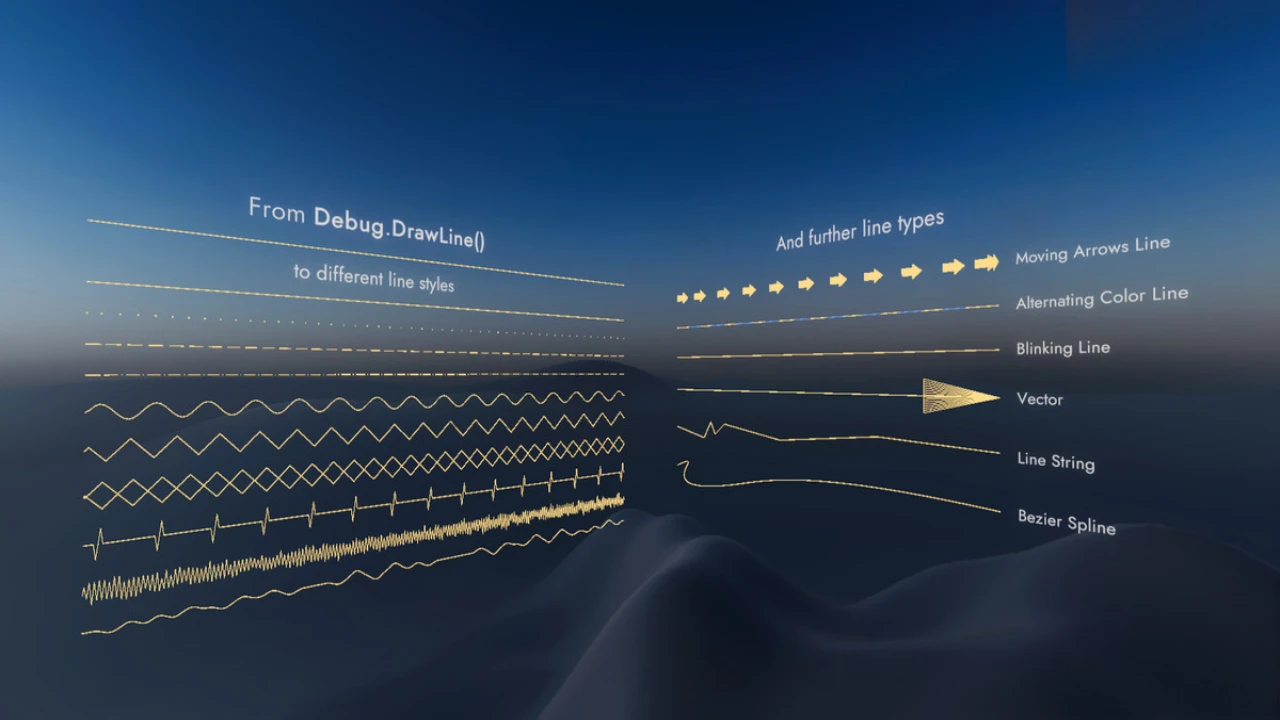
Go beyond the basics. Adjust line width, choose custom styles, and animate your debug lines for better visibility. - Visual Physics Debugging:
Stop guessing where your colliders are hitting. Visualize all physics casts (BoxCast, SphereCast, CapsuleCast) and overlaps in real-time. This is essential for tuning character controllers and combat systems. - 3D Text & Tagging:
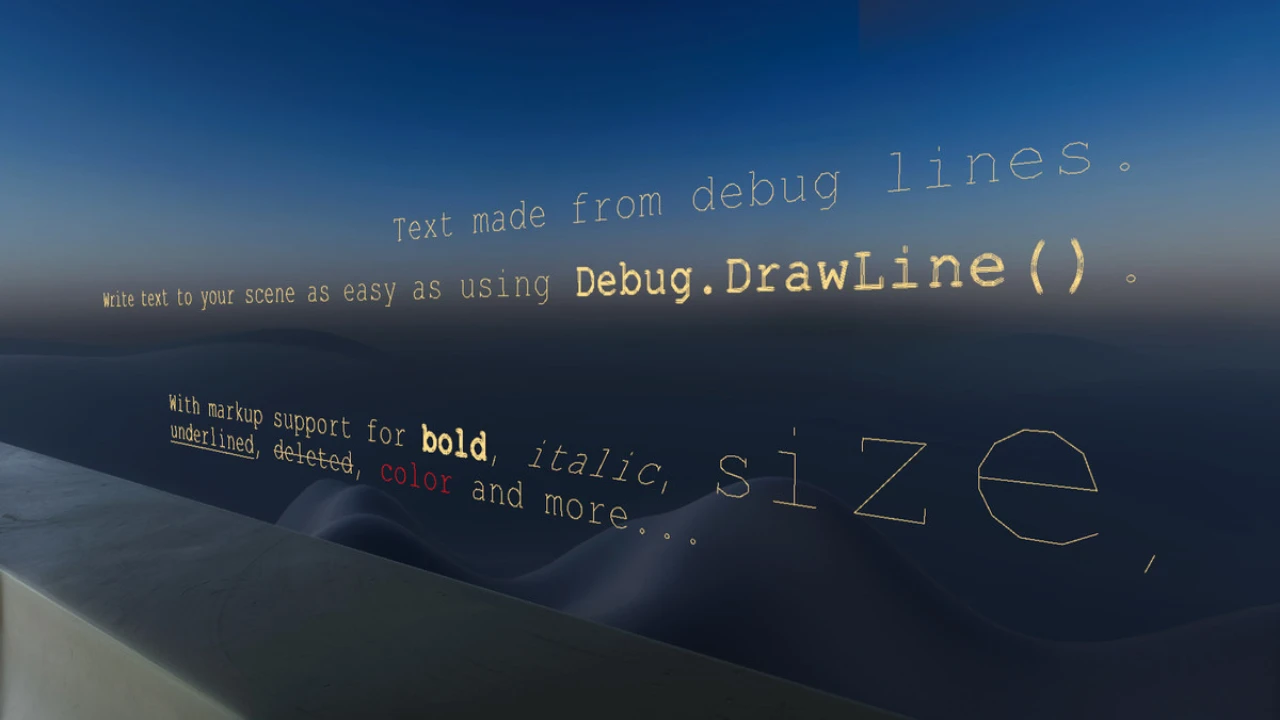
- In-Scene Labels: Draw text directly into the scene as easily as drawing a line.
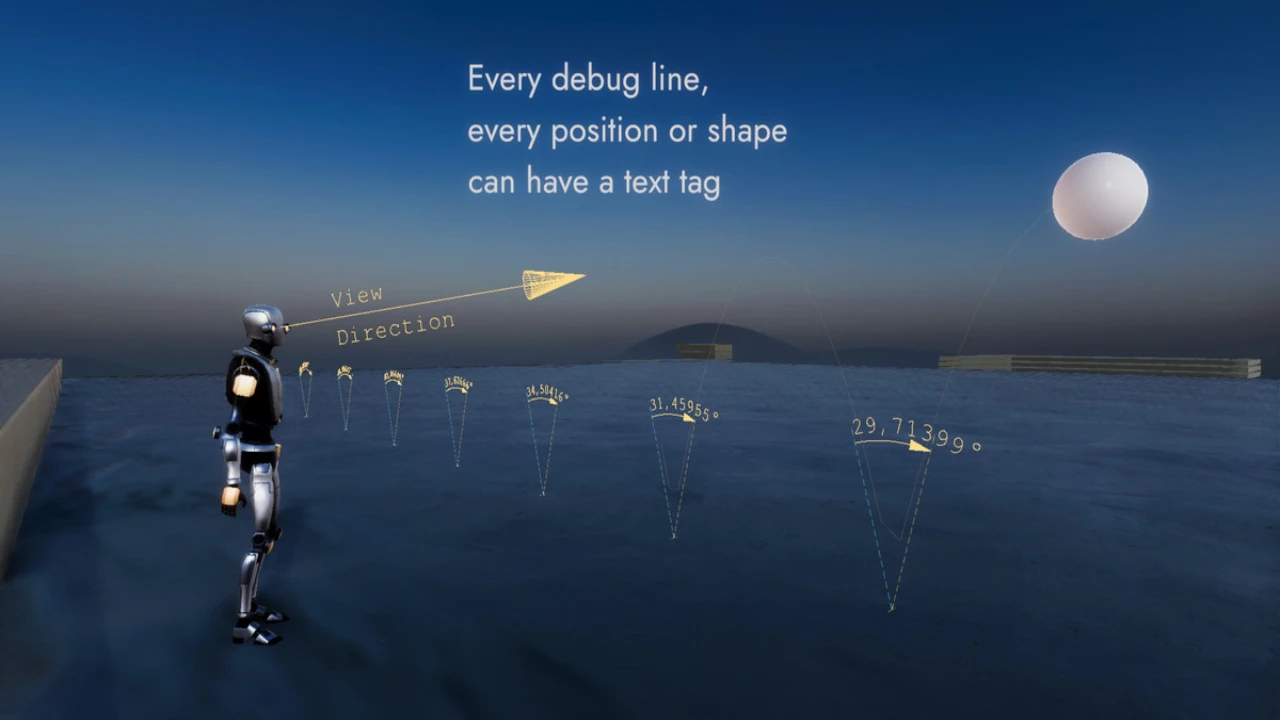
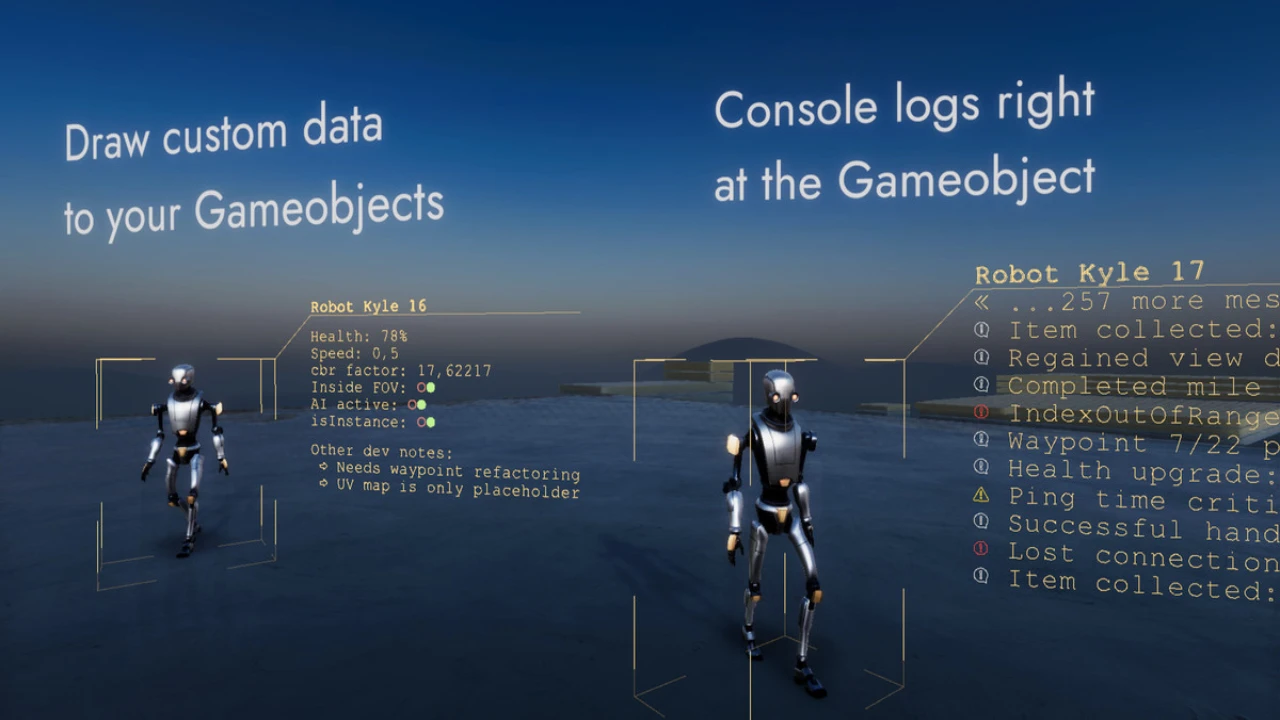
- Smart Tagging: Attach notes, console logs, or values to specific GameObjects.
- Data Visualization: Draw the contents of whole Arrays or Lists straight from your Update() loop to track data changes visually.
- Comprehensive Shape Library:
Draw what you need, when you need it. Access a wide range of shapes from simple primitives (cubes, spheres) to complex extruded 2D shapes, plus a library of over 100 icons. - Math & Engine Visualization:
Understand the math behind the movement.- Rotations: Visualize Quaternions and Euler angles to debug rotation issues.
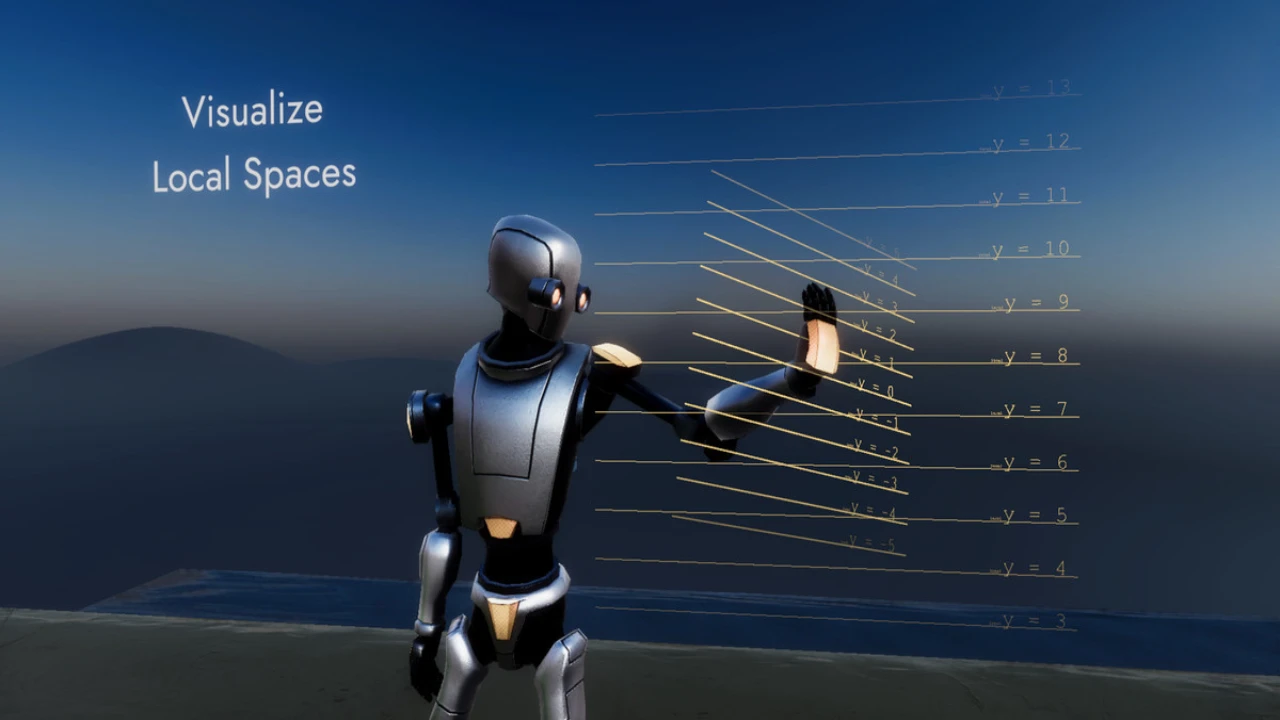
- Vectors: Draw Dot Products, Cross Products, and local space grids.
- Logic: Use “Bool Traffic Lights” to visually signal code states (True/False) in the scene view.
- Performance Charts:
Analyze data over time without leaving the editor. Create Line Charts and Pie Charts to visualize variables, and export the data to CSV for further analysis.
Why Choose Draw XXL?
Flexibility for Every Workflow
First and foremost, Draw XXL adapts to you. If you are a coder, you will love the API overloads that let you draw anything with a single line of code. If you are a technical artist or designer, you can use the component-based workflow to visualize data without writing a single script.
Precise Measurements
In addition to visual debugging, Draw XXL acts as a measurement tool. Easily draw distances (Point-to-Line, Point-to-Plane) and angles between vectors. It even supports Screenspace drawing, allowing you to debug UI and camera logic effectively.
Conclusion
Draw XXL bridges the gap between your code and the viewport. It saves you hours of frustration by letting you actually see what your physics, math, and logic are doing in real-time.
Stop debugging in the dark. Download Draw XXL today and get a clear view of your game’s inner workings!

Click the button below to download.
Download: