High-Speed Movement with Dash FX
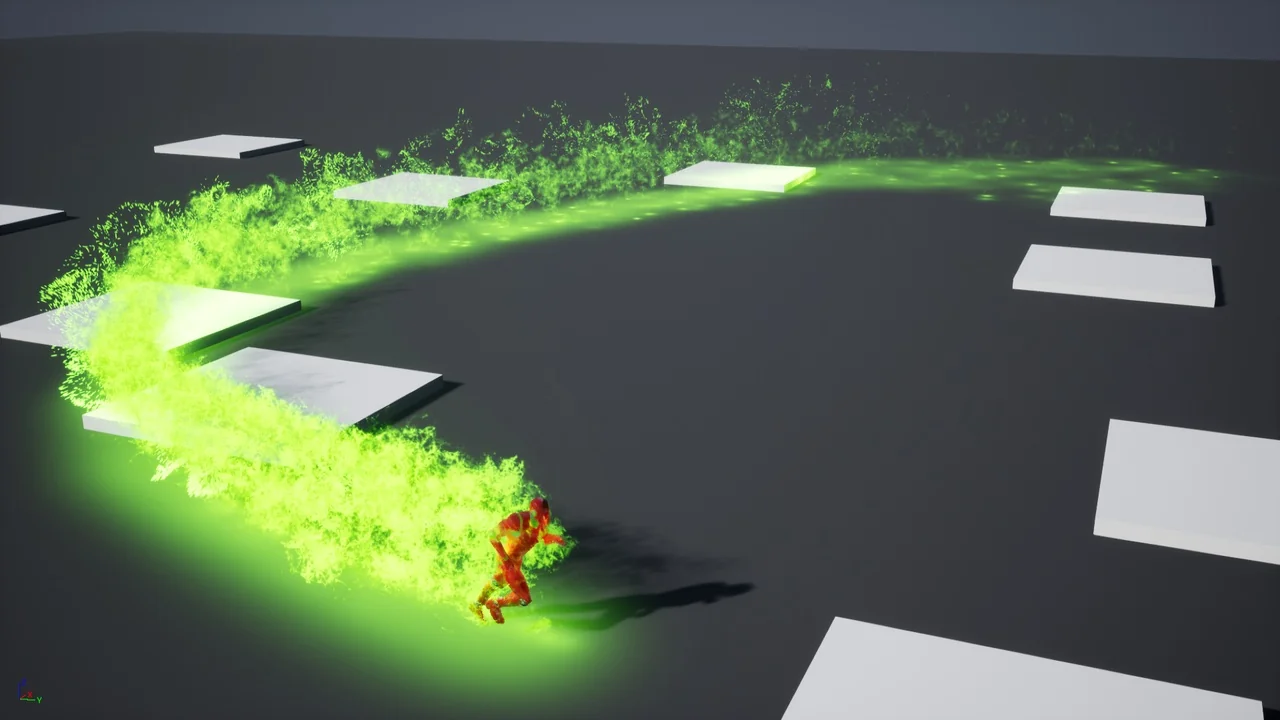
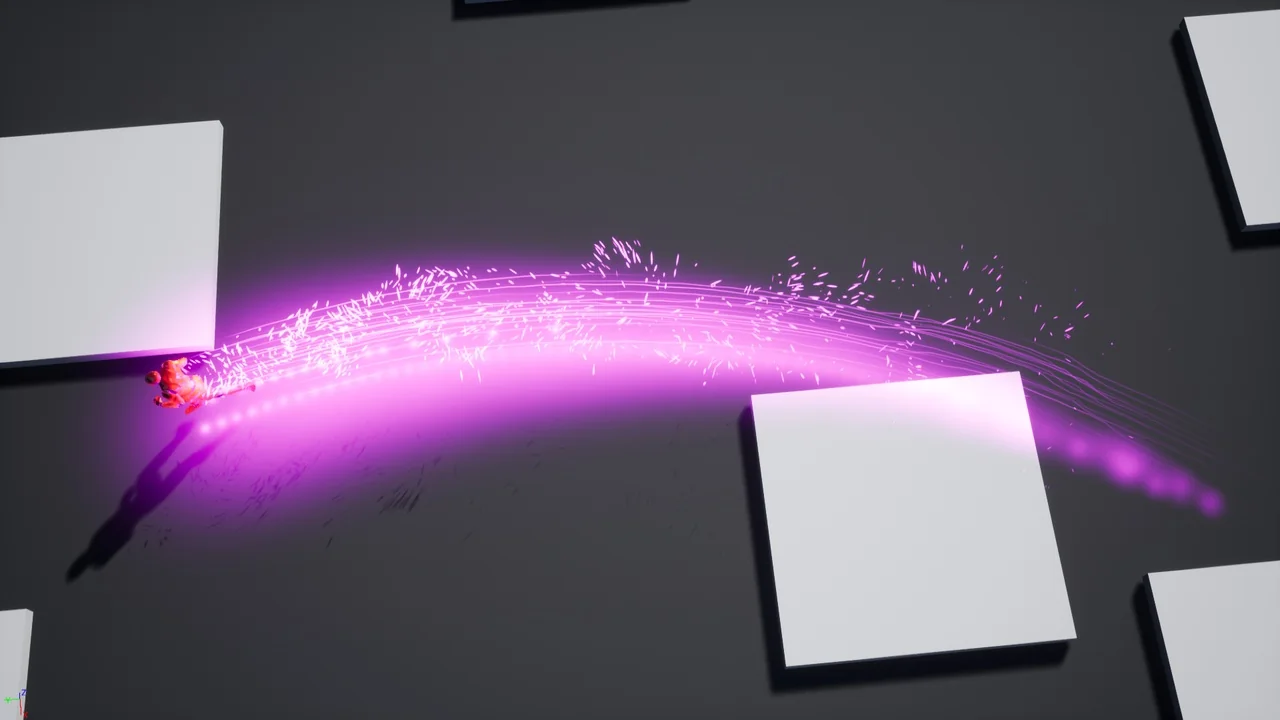
Dash FX is a specialized visual effects package designed for high-speed character movement. This collection utilizes the Niagara system to provide dynamic and impactful visuals for various gameplay mechanics. Specifically, the pack focuses on enhancing how characters move across the screen during dashes, blinks, or teleports. Consequently, it serves as a powerful tool for developers looking to add polish to their character controllers.
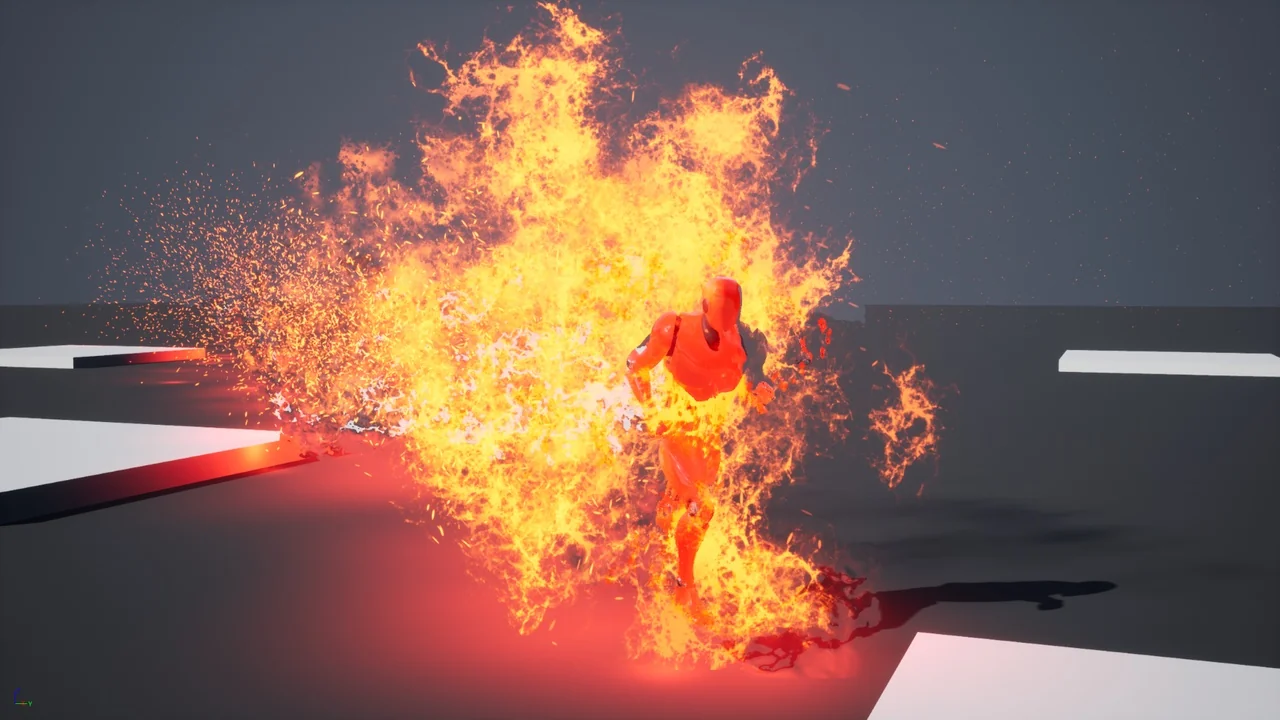
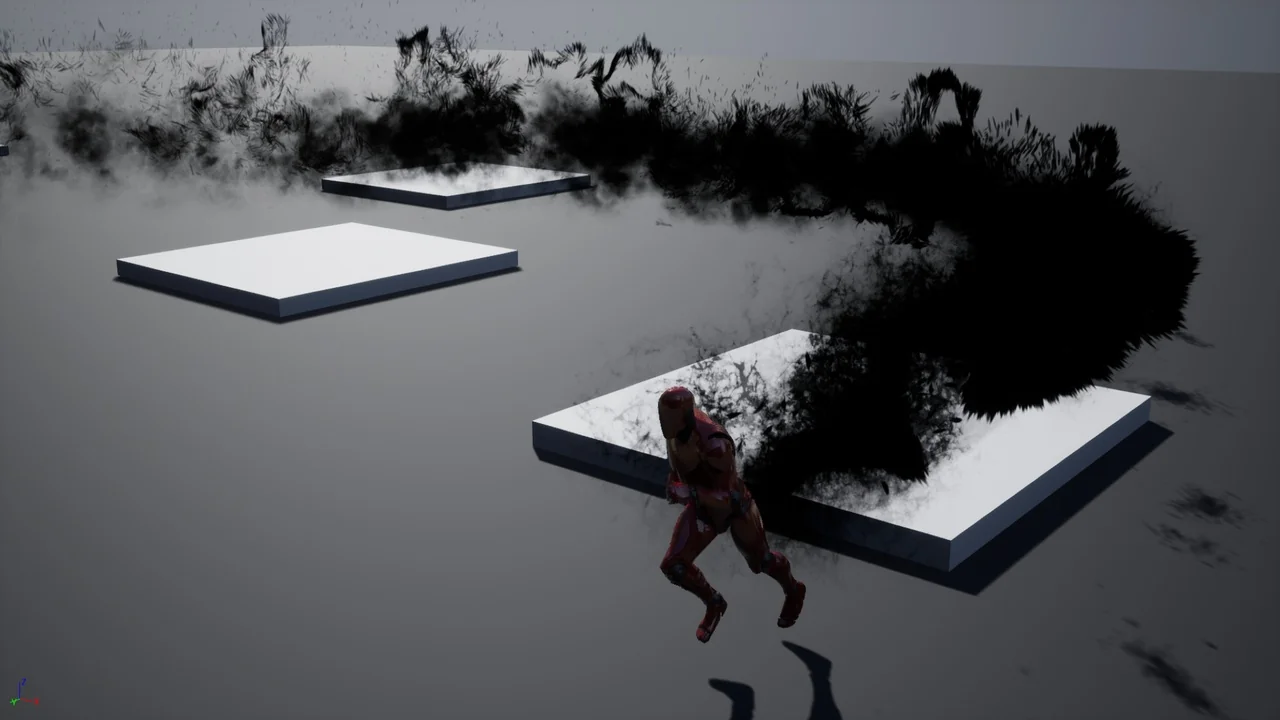
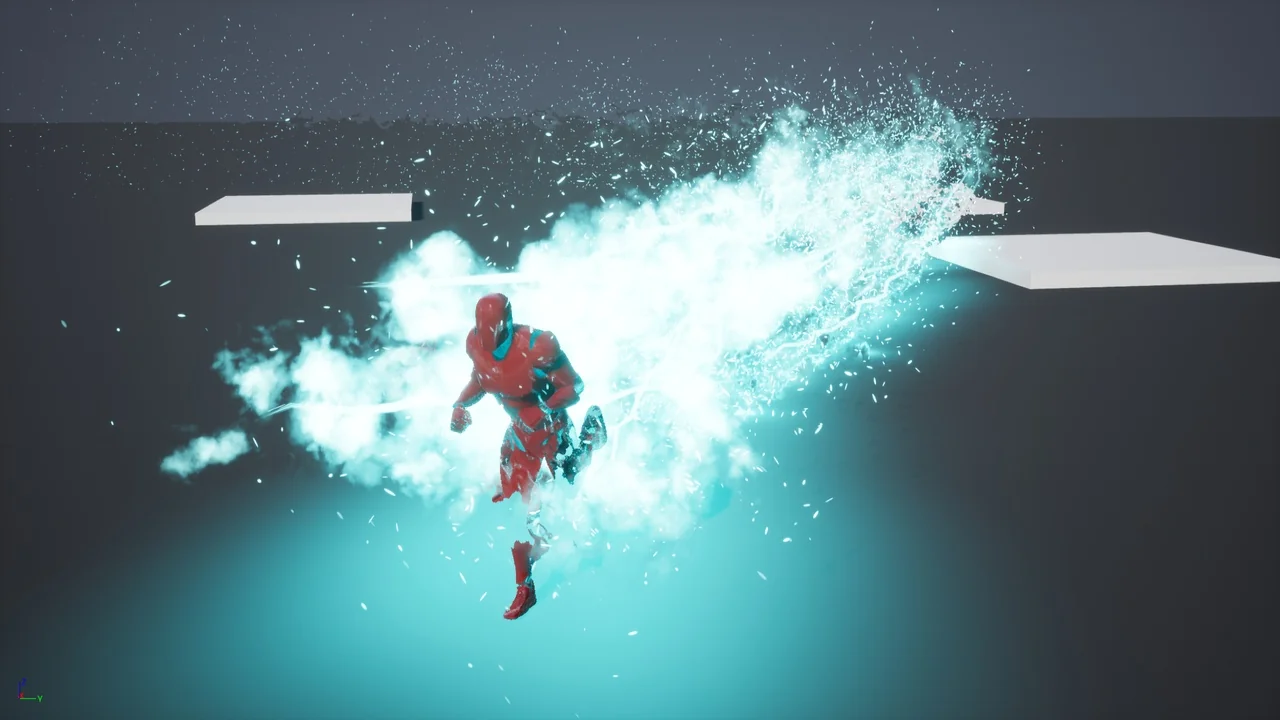
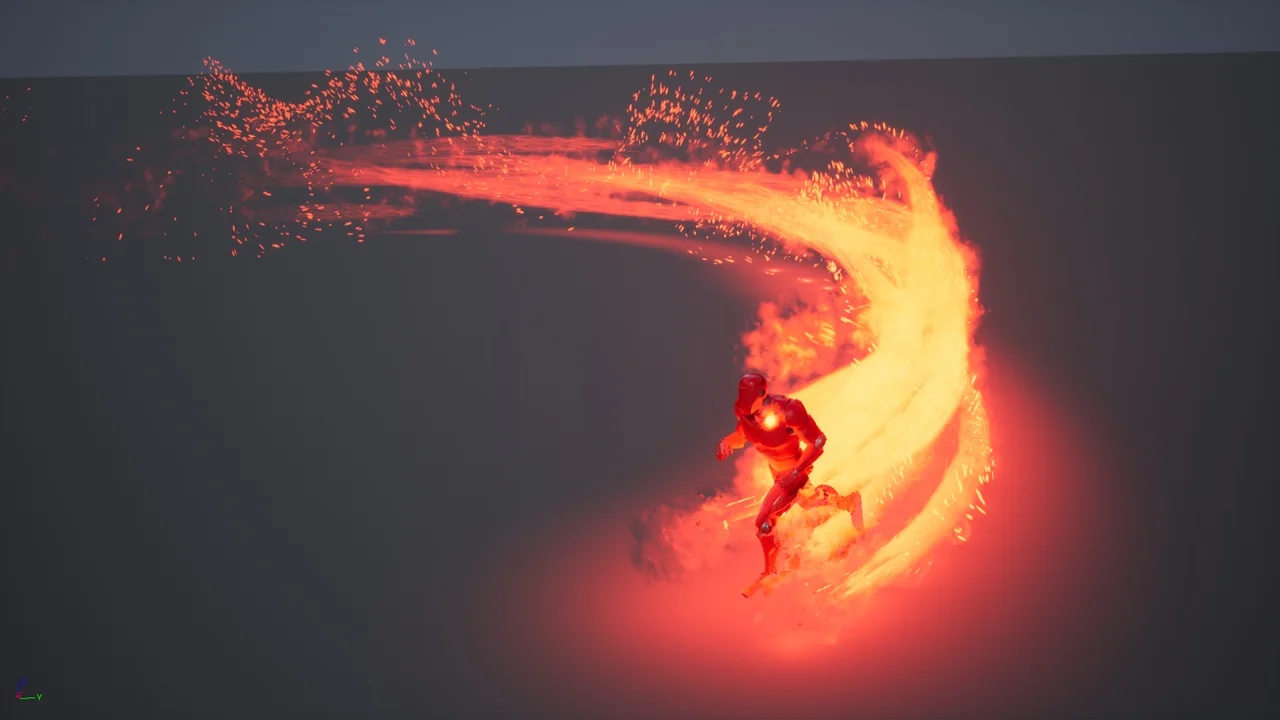
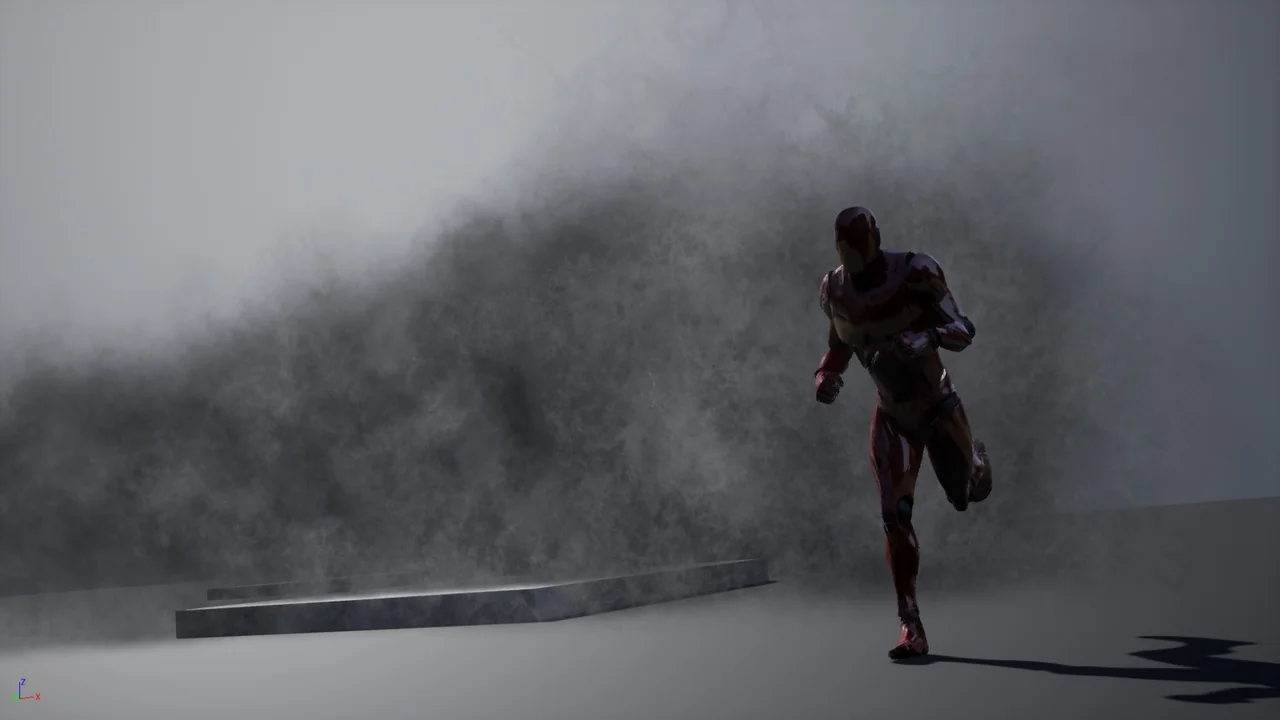
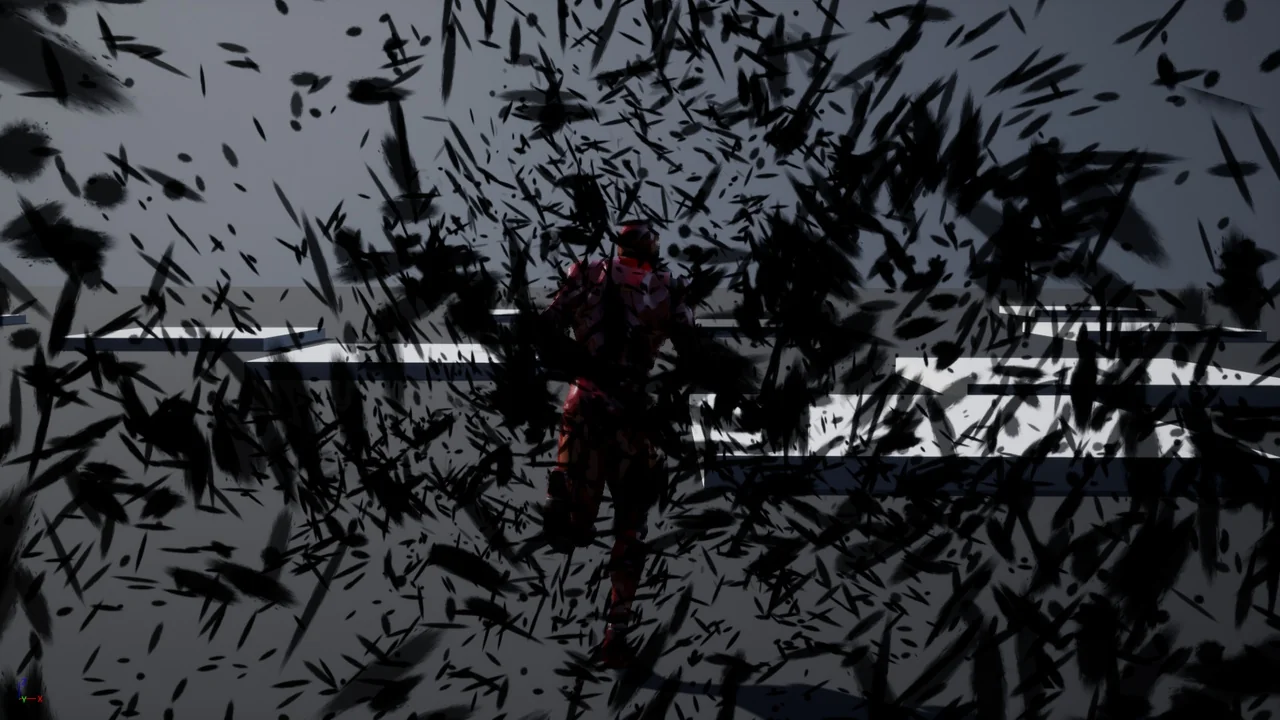
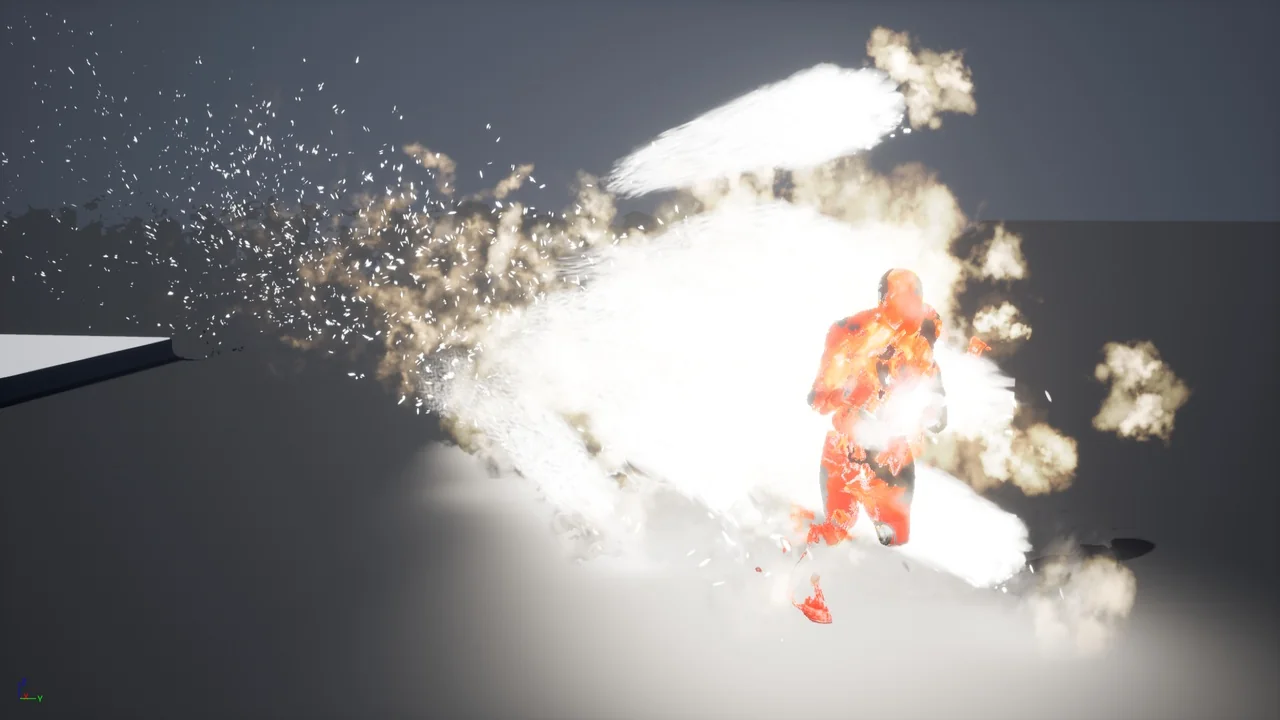
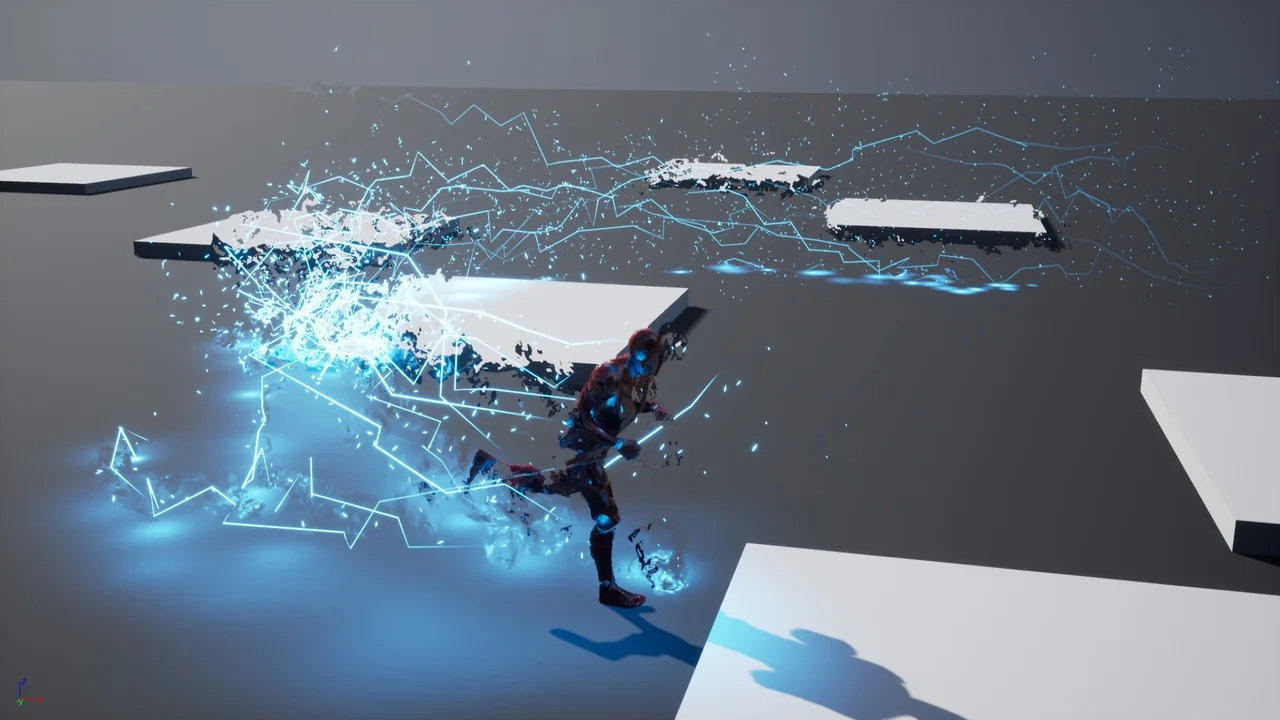
The package includes 10 distinct Dash Niagara effects. These effects cover a wide range of visual themes, including electric, fire, and darkness styles. Because of this variety, developers can find an effect that matches the specific aesthetic of their game world. Whether the character is a superhero or a turbo-powered villain, the visual variety ensures a proper fit for the theme.
Expanded Blink and Teleport Variations
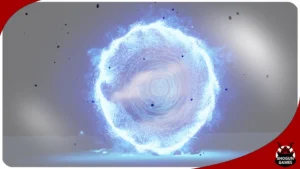
In a recent update, the developer expanded the collection significantly. Specifically, they added 10 Blink and Teleport versions for every existing dash effect. This update means users now have access to 20 total movement variations. These blink versions are ideal for characters who move instantaneously rather than sliding across the ground. Moreover, these variations maintain the same high-quality visual style as the original dash effects.
Implementing Dash FX into a character’s workflow is designed to be efficient. To use an effect, you simply place it near the center of the character inside the Blueprint. Because of this simple placement method, developers can quickly test different visuals without deep technical knowledge. Furthermore, the effects are optimized for the Niagara system, which is the modern standard for visual effects in this environment.
Demo Scene and Implementation
To help users understand the full potential of the pack, a demo scene is included. This scene comes with all effects already configured for the “ThirdPersonCharacter.” Moreover, the creator added controls that allow you to switch between different effects during play. This interactive demo makes it easy to compare the fire, electric, and darkness themes in a live environment. Consequently, you can see how each effect interacts with character movement before committing to a specific style.
The demo level relies on the standard ThirdPersonTemplate. Therefore, if you need the configuration for the input controls, you can simply add the feature pack within the engine. This ensures that the movement controls and effect triggers function as intended right out of the box. Specifically, the included controls allow for quick testing of the “Quick” and “Turbo” movement styles mentioned in the asset documentation.
Key Features of Dash FX:
- 10 Original Dash Niagara effects.
- 10 New Blink and Teleport versions.
- Easy Blueprint integration by placing effects at the character center.
- Comprehensive demo scene with the ThirdPersonCharacter.
- In-game controls to switch between effects during play.
- Support for various themes including Electric, Darkness, and Fire.
Conclusion
Dash FX provides a versatile set of tools for any project requiring high-speed movement visuals. With its combination of dash and teleport variations, it supports a wide variety of character powers and abilities. The inclusion of a ready-to-use demo scene further simplifies the integration process for developers of all skill levels. By utilizing the Niagara system, these effects offer both performance and visual quality for modern game development.
Screenshots & Gallery