High-Quality Motion Effects for Real-Time Scenes
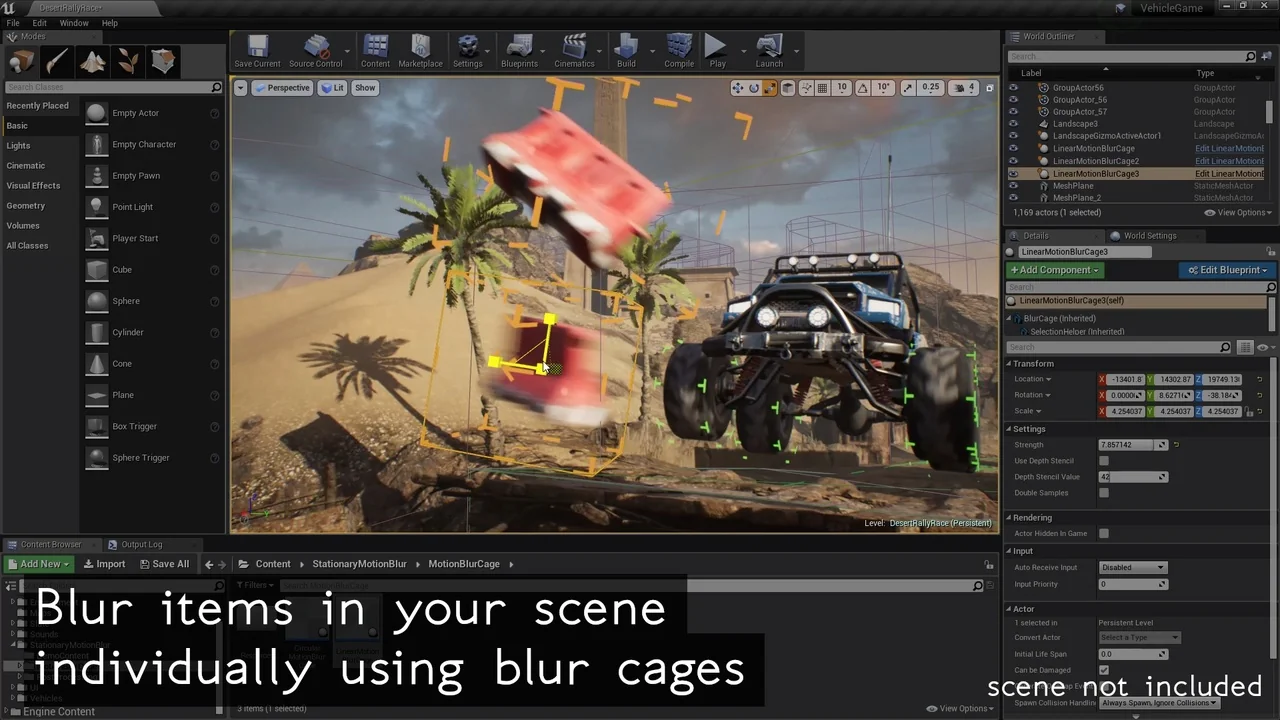
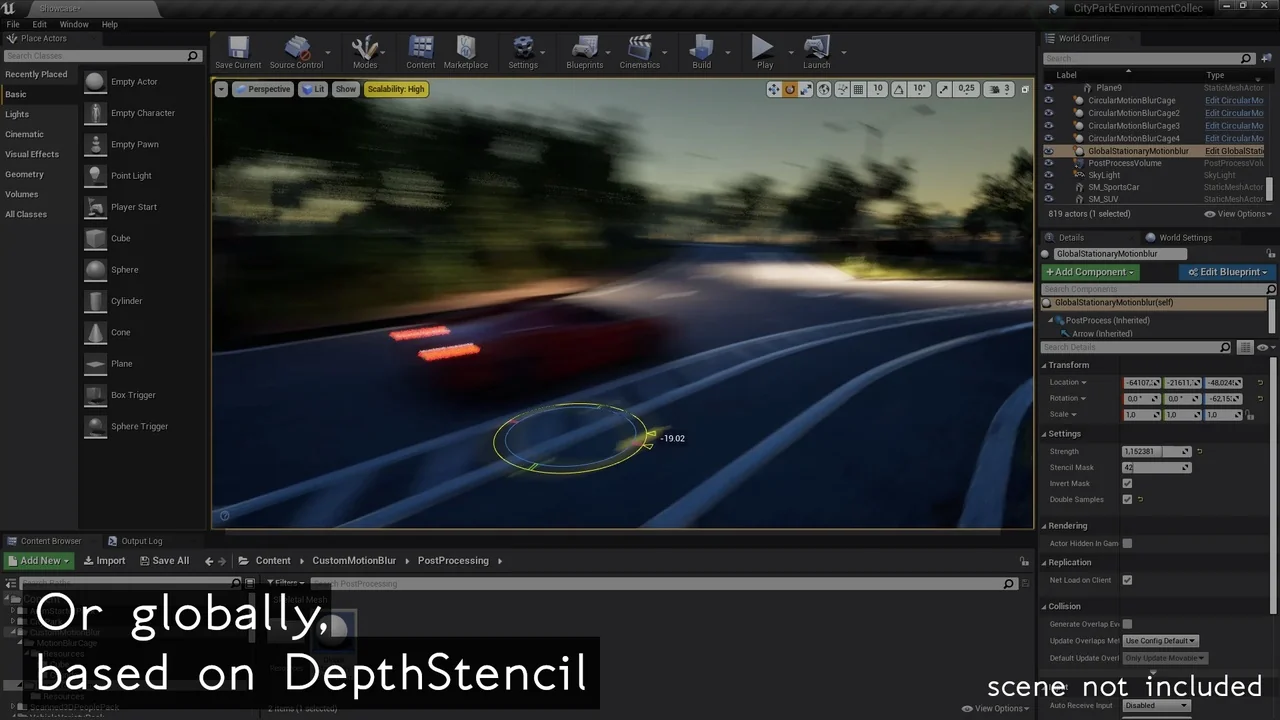
Custom Motion Blur is a specialized tool designed to bring professional, artist-controllable motion effects to specific objects within your scene. Unlike standard global effects, this pack allows users to apply high-quality blur to selected items. Consequently, developers can achieve a more precise look for their projects. This asset is particularly useful for those who need to emphasize speed or rotation in a controlled manner.
The system is built to provide high-quality results across various real-time environments. Because the focus is on artist control, you can fine-tune how the motion appears on a per-object basis. Therefore, the tool offers a level of flexibility that is often missing from automated camera-based solutions. Whether you are working on a high-speed chase or a subtle environmental detail, this asset helps maintain visual fidelity.
Linear and Circular Motion Simulation
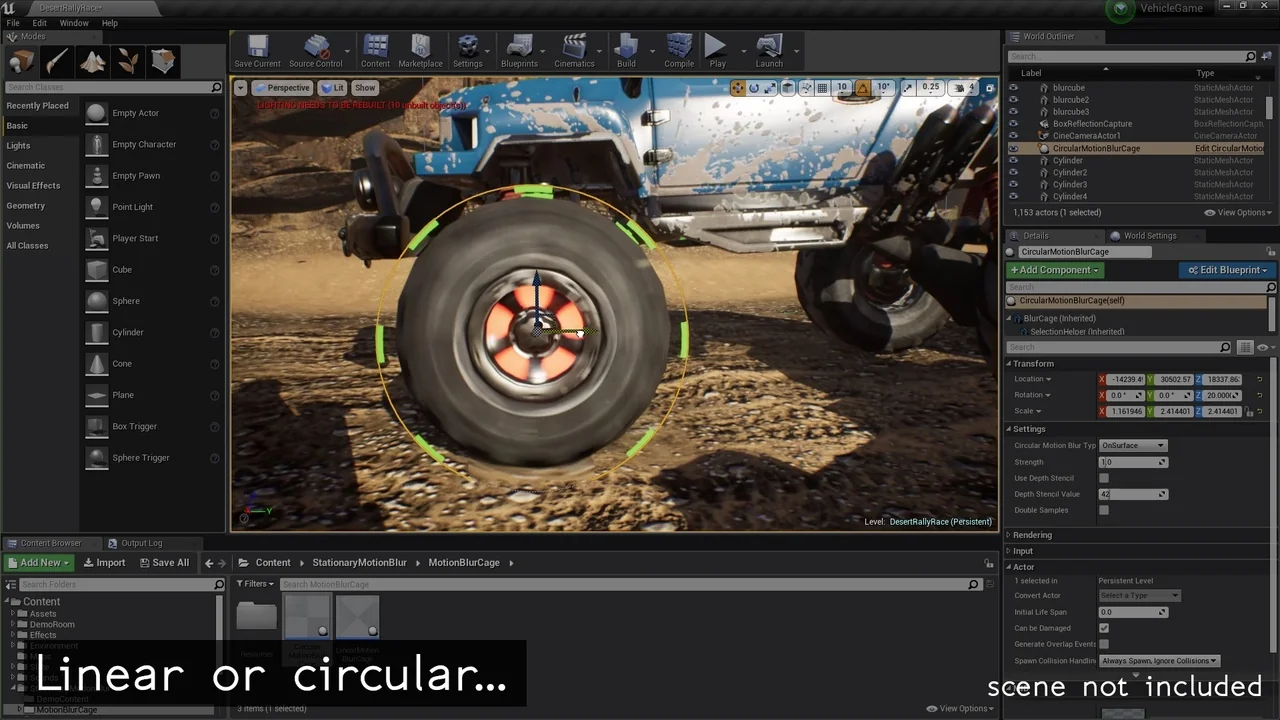
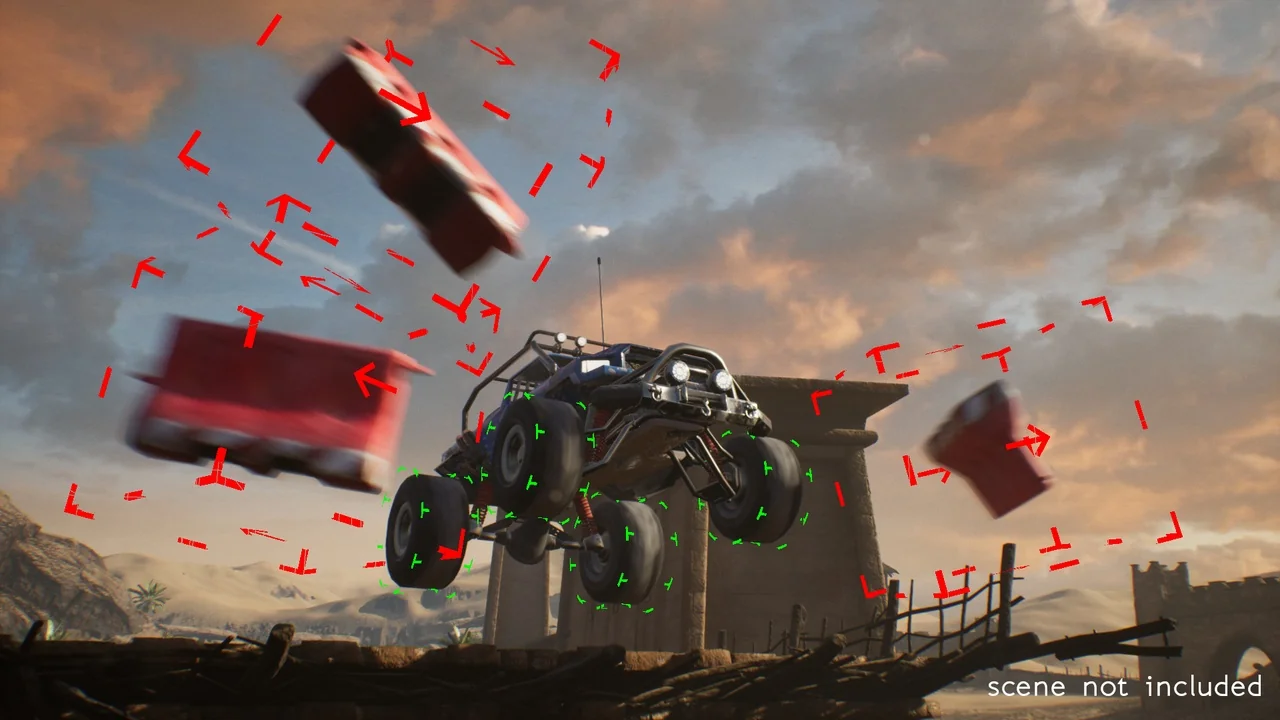
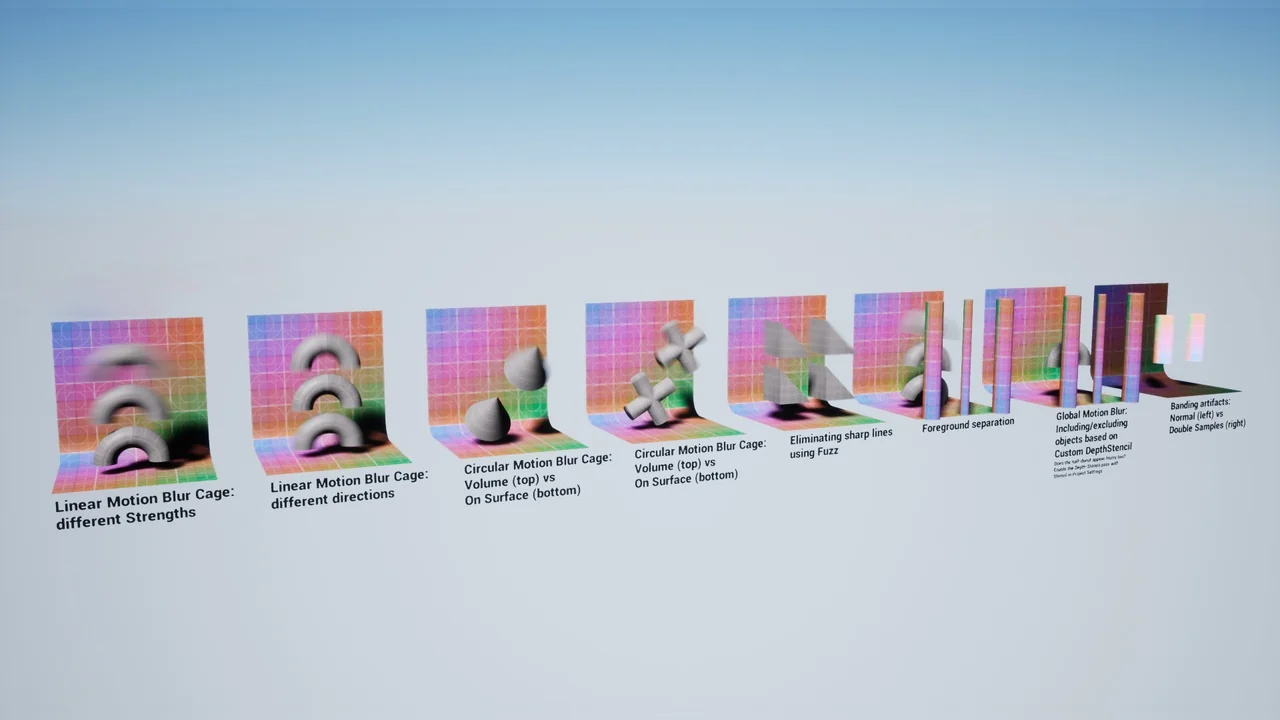
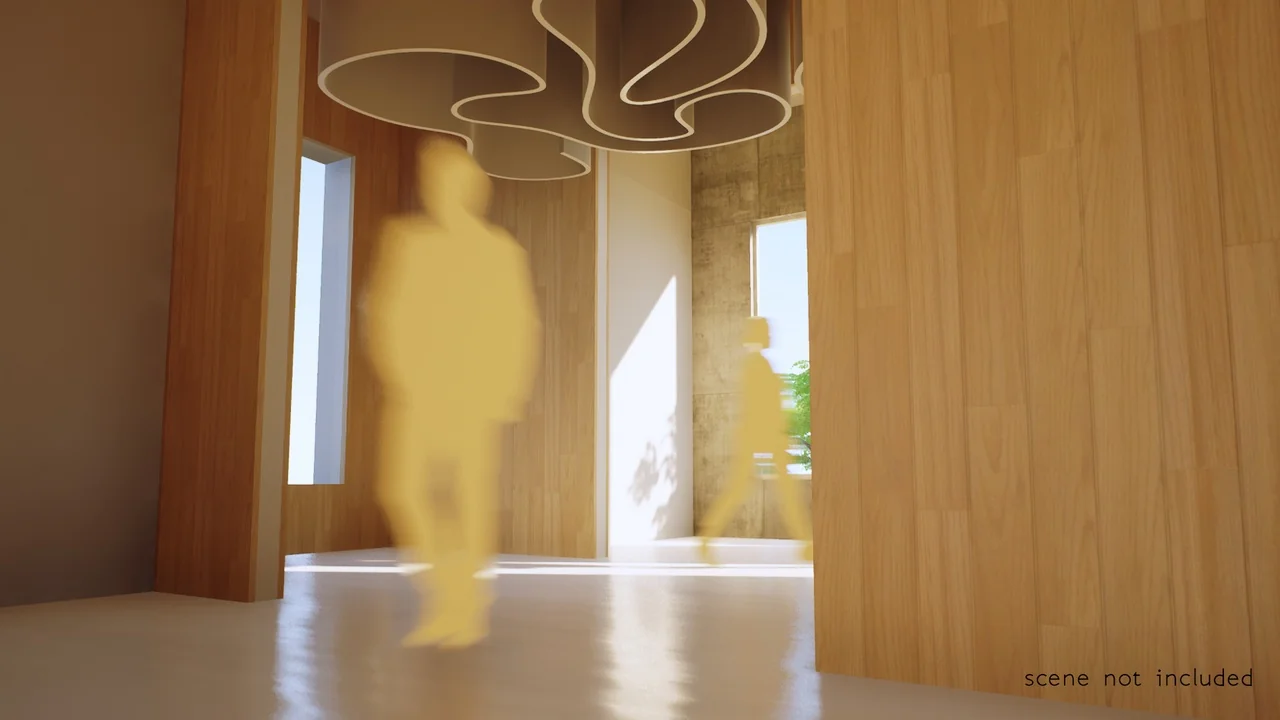
One of the primary features of Custom Motion Blur is its ability to simulate different types of movement. The developer has designed the system to handle both linear and circular motion paths. For example, if an object is moving in a straight line, the linear blur provides a realistic sense of velocity. However, if the object is spinning or moving along an arc, the circular motion simulation ensures the blur follows the correct path.
These features are essential for creating realistic visuals in modern 3D workflows. Moreover, the ability to switch between these motion types allows for a wider range of creative applications. You can use these settings to highlight the rotation of a wheel or the rapid movement of a projectile. As a result, the final output looks more dynamic and polished.
Motion Blur in Still Shots
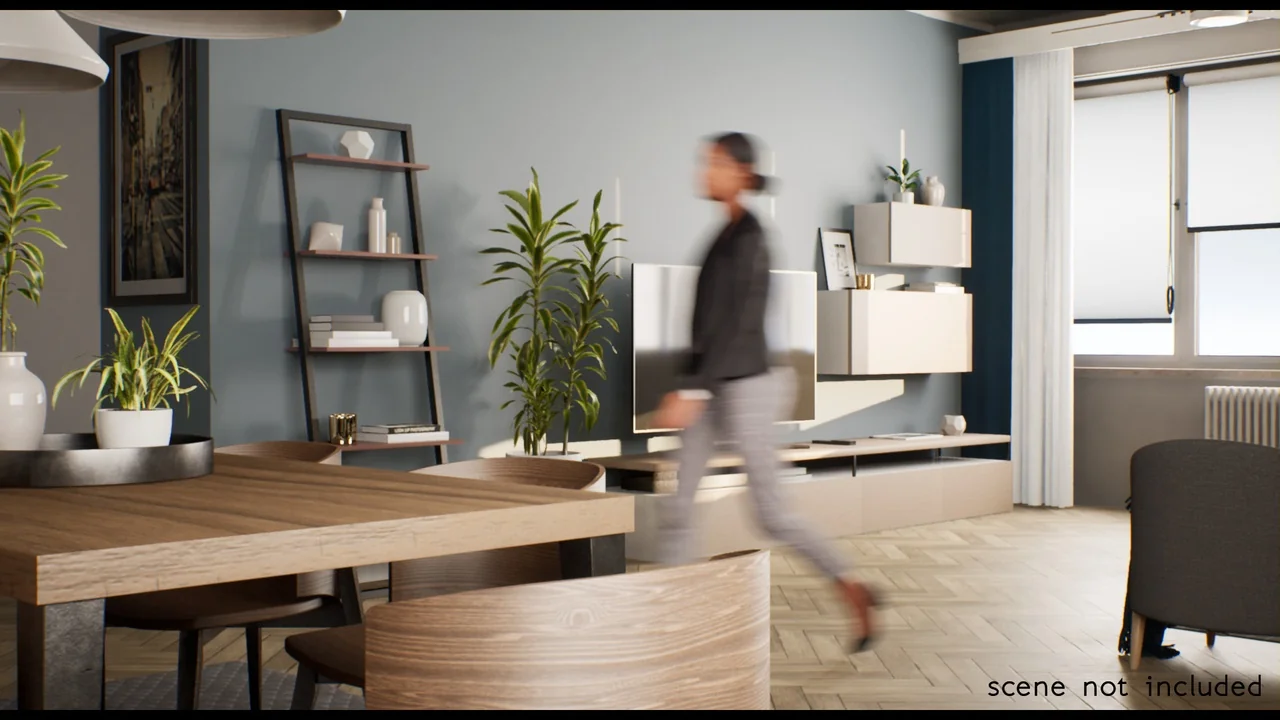
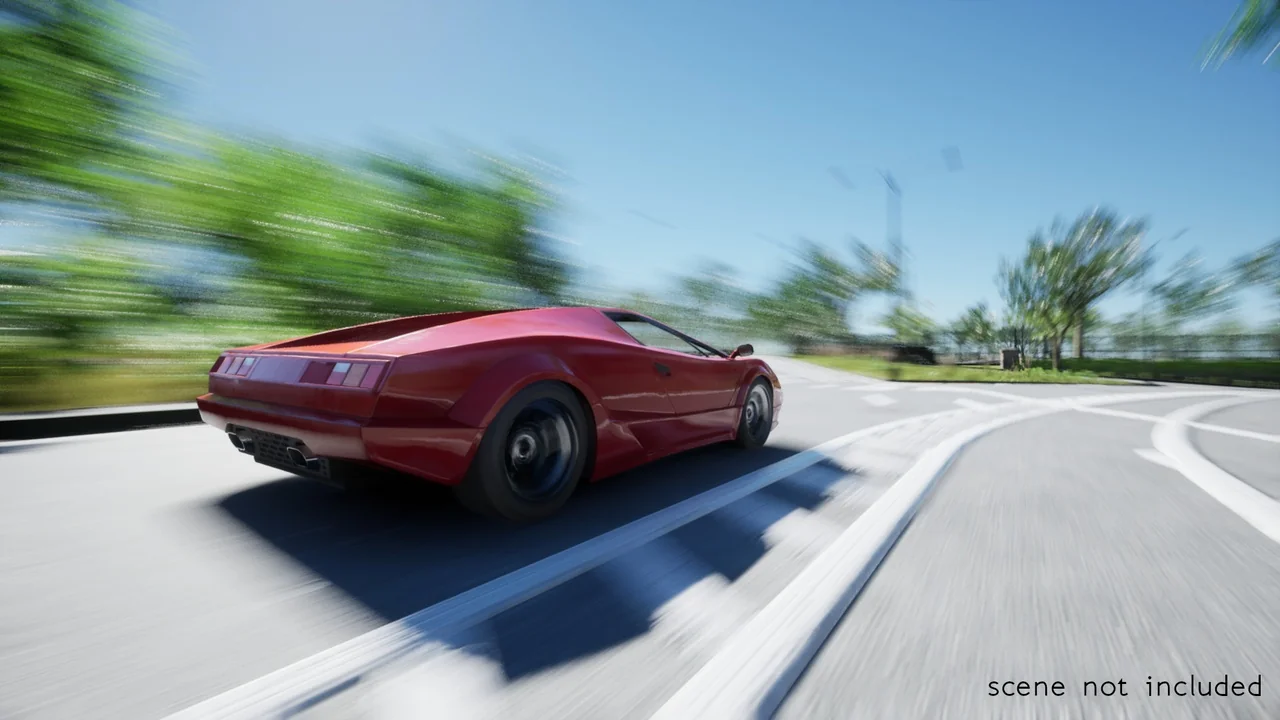
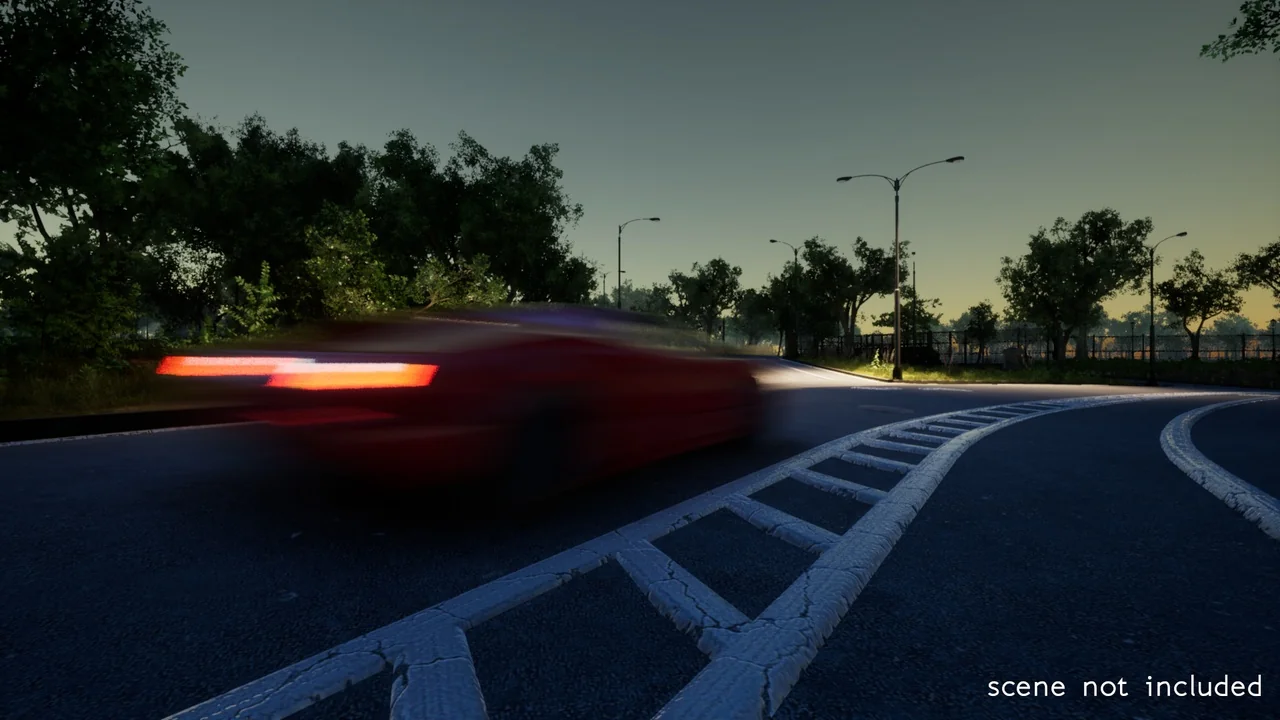
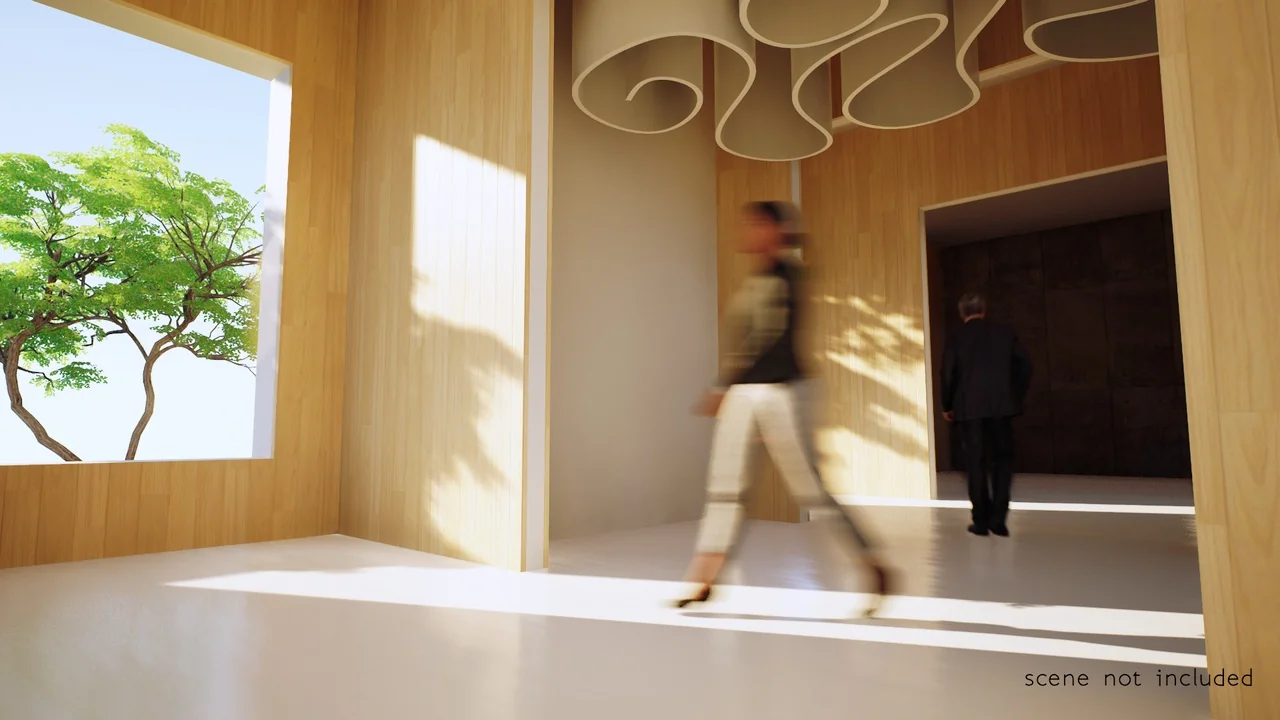
A unique advantage of this pack is its capability to simulate fast motion even in still shots. Traditionally, motion blur requires frame-to-frame movement to render correctly. However, Custom Motion Blur allows artists to generate these effects for static high-resolution images. This makes it an invaluable tool for marketing materials and portfolio renders where a sense of action is required.
By using this tool, you can capture the essence of speed without needing a complex animation sequence. Consequently, architectural visualization artists and graphic designers can create more compelling static scenes. Therefore, the asset bridges the gap between real-time performance and high-end static rendering.
Versatile Real-Time Applications
Custom Motion Blur is suitable for a wide variety of project types. The creator has optimized the tool for use in the following areas:
- Game Development: Enhance the sense of speed for characters and vehicles.
- Architectural Visualization: Add life to scenes with blurred moving elements.
- Motion Graphics: Create fluid, professional-looking transitions and object movements.
- High-Resolution Imaging: Produce realistic action shots for promotional content.
Furthermore, the asset is built using a Blueprint-based system, which aligns with modern real-time development standards. This ensures that the tool remains accessible while providing realistic results. Because it is categorized as a Realistic Blueprint asset, it focuses on delivering believable visual outcomes for demanding projects.
Conclusion
In summary, Custom Motion Blur provides a robust solution for artists needing precise control over motion effects. By supporting both linear and circular motion, it caters to a diverse range of movement types. Additionally, its ability to function in still shots makes it a versatile choice for both video and static media. If you are looking to enhance the realism of your real-time projects, this Blueprint asset offers the tools necessary to achieve high-quality, artist-driven results.
Screenshots & Gallery