Overview
OpenCV for Unity is an asset plugin that enables the use of OpenCV within the Unity environment. It supports various render pipelines and Unity versions, offering broad compatibility for your projects.
Render Pipeline Compatibility
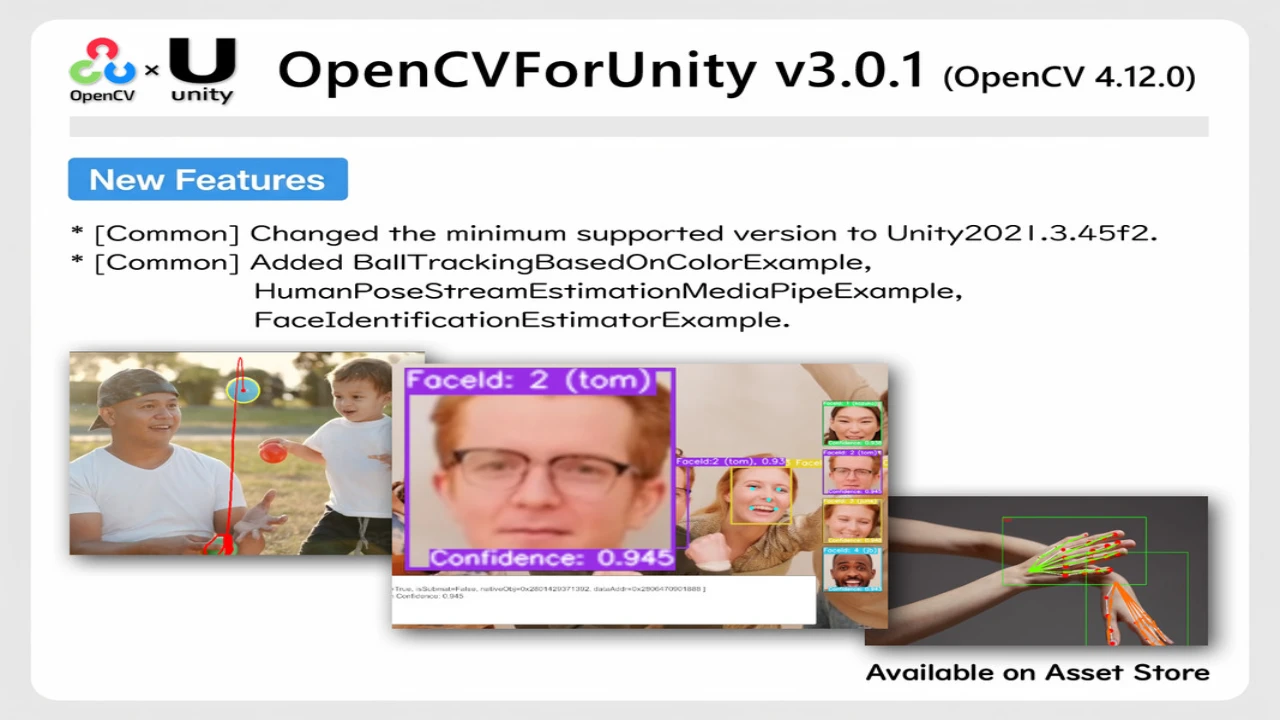
This asset supports the Built-in Render Pipeline, the Universal Render Pipeline (URP), and the High Definition Render Pipeline (HDRP). Compatibility across Unity versions 2021.3.45f2 and later is confirmed for all three pipelines.
Key Features
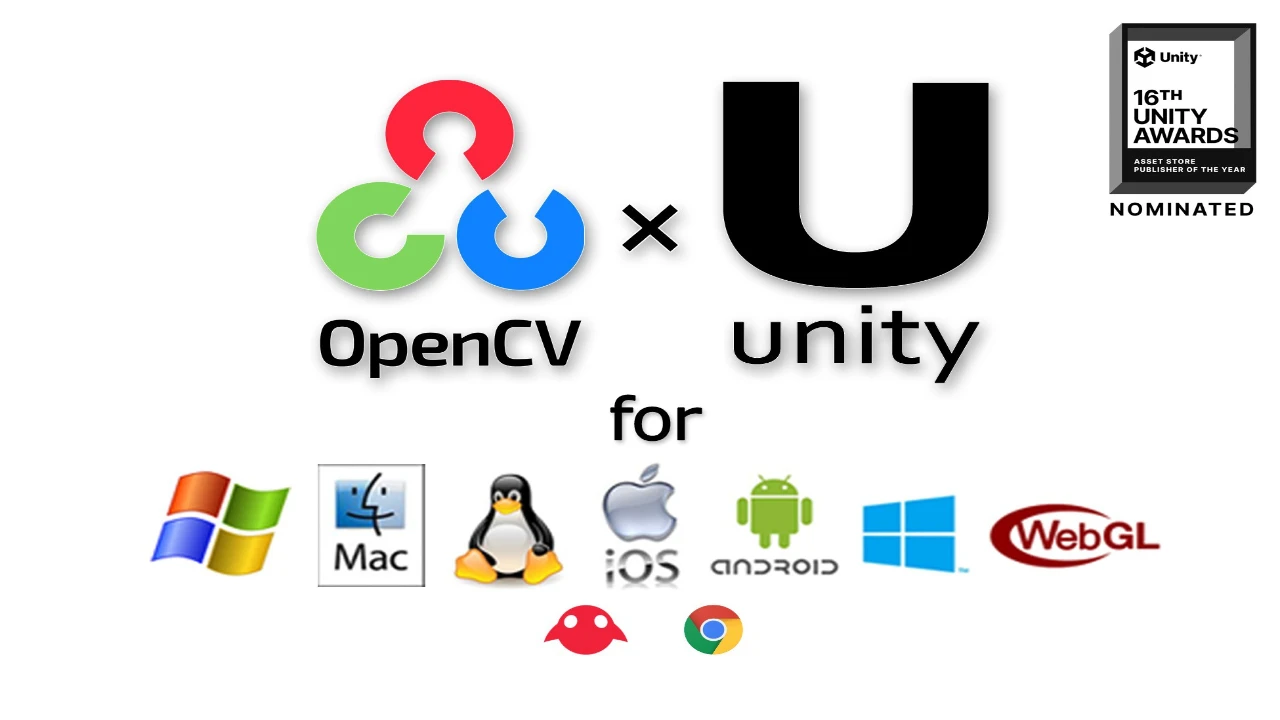
- Cross-Platform Support: Compatible with iOS, Android, Windows 10 UWP, Win, Mac, Linux Standalone, WebGL, ChromeOS and visionOS (beta).
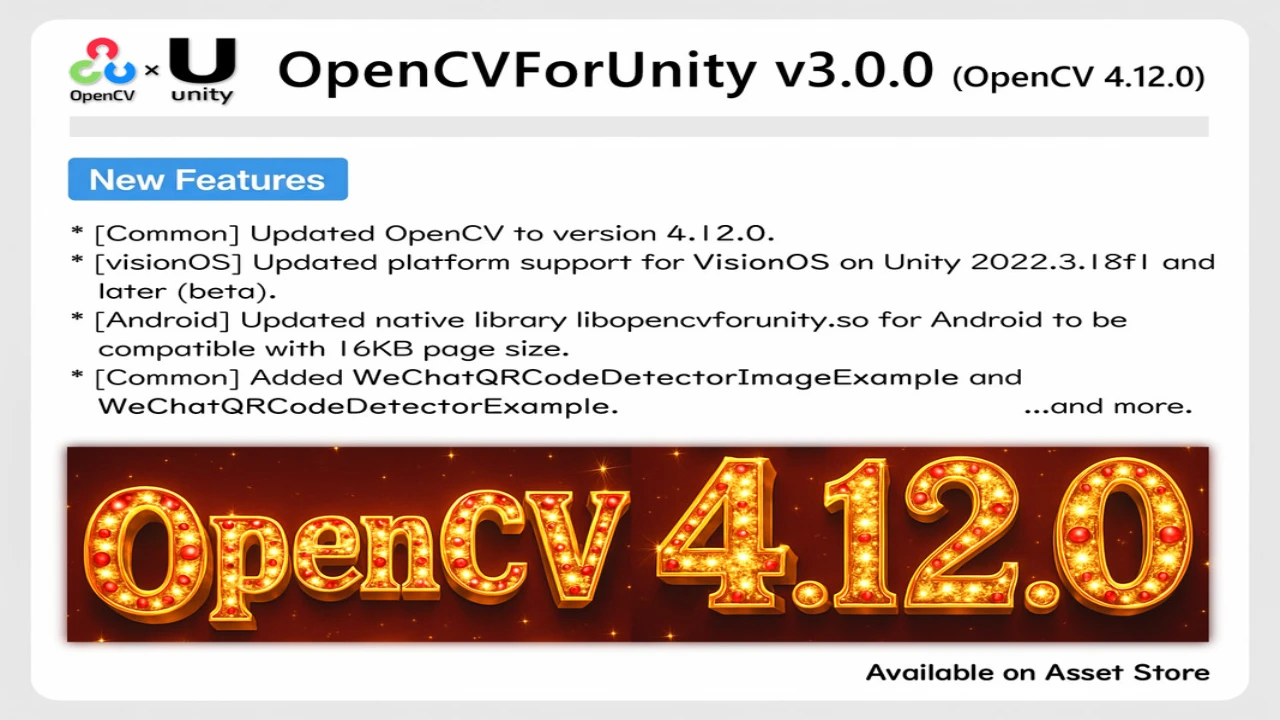
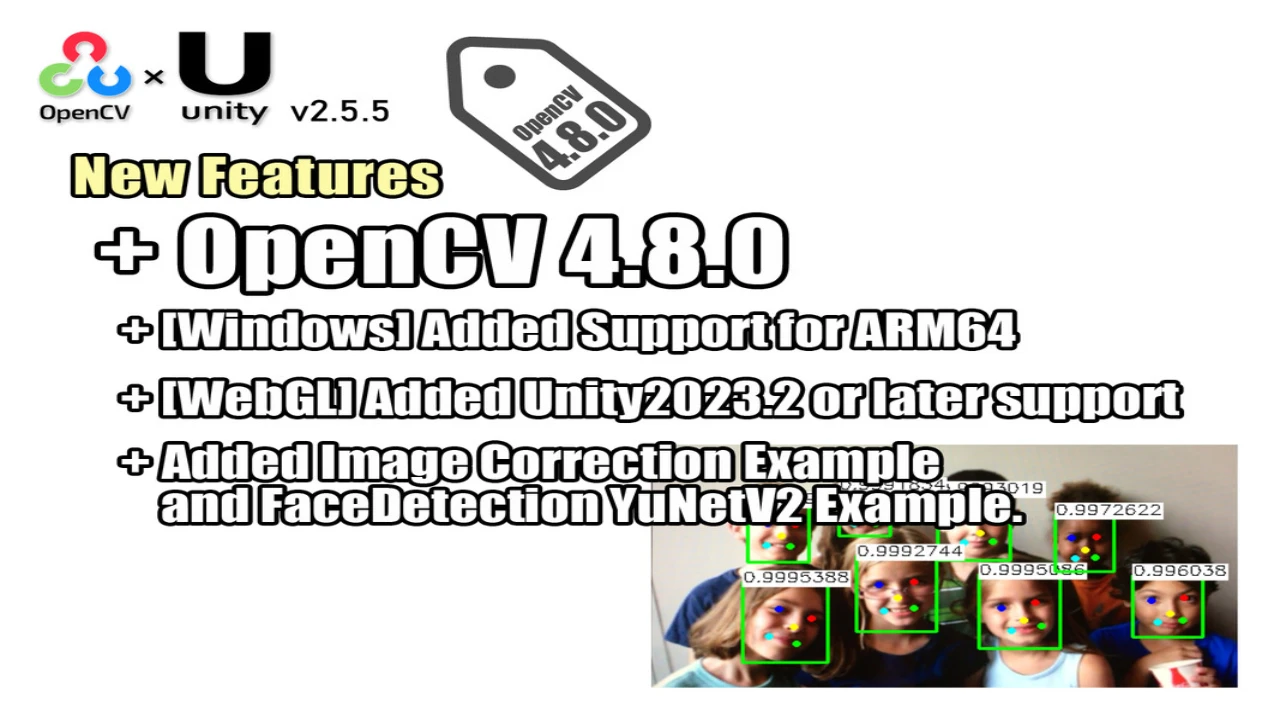
- Latest OpenCV Version: Utilizes OpenCV 4.12.0 for app development.
- OpenCV Java API: Mirrors the OpenCV Java API 4.12.0.
- Easy to Use: Provides helper functions for Texture2D and Mat interconversion, with IDisposable classes for resource management.
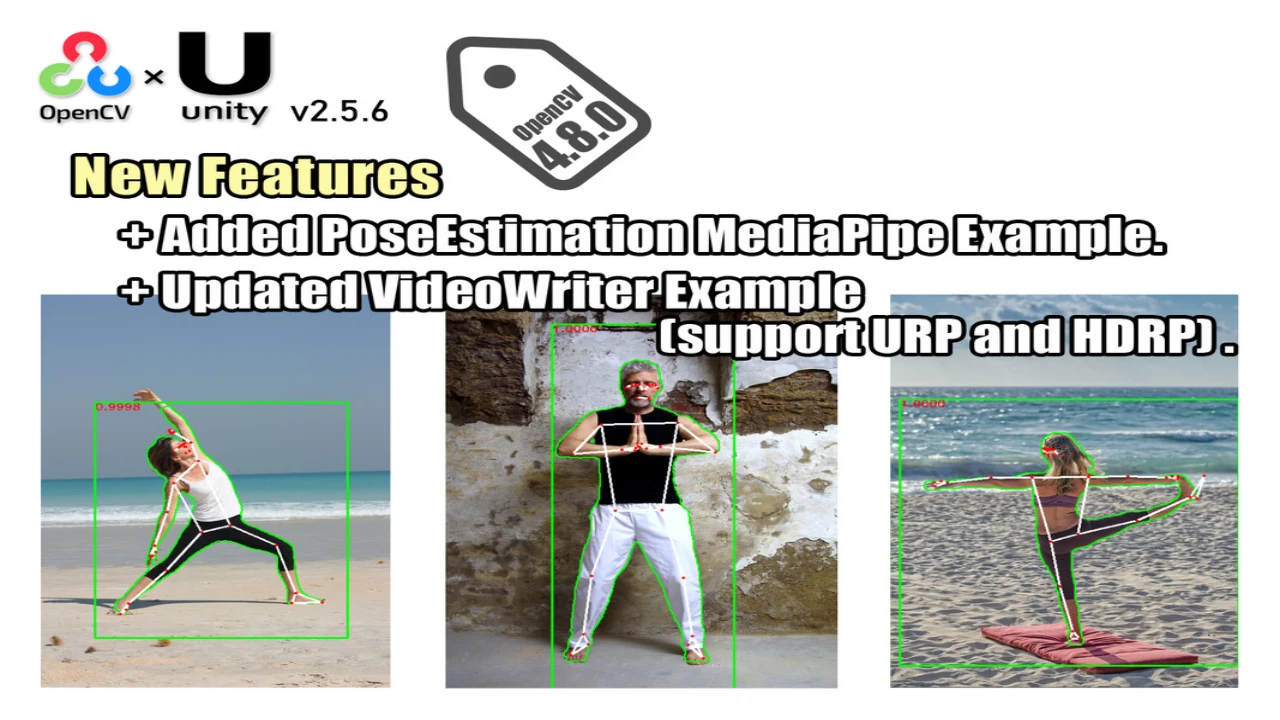
- Extensive Examples: Includes various example usage scenarios with scene files and script codes.
- AR/VR/MR: Supports Augmented Reality, Virtual Reality, and Mixed Reality application development.
- Deep Learning: Supports the dnn module with frameworks like ONNX, TensorFlow, Caffe, Torch, and Darknet. (Excluding UWP)
- WebCamTexture Support: Enables real-time image processing from Unity’s WebCamTexture.
- Hardware Compatibility: Works with various hardware gadgets such as HoloLens, Nreal Light, Oculus, Kinect, RealSense, ZED, and Raspberry Pi.
- Visual Scripting: Fully supports Visual Scripting for OpenCV for Unity features.
Examples and Demos
Explore example code and demos to get started:
- MarkerBased AR Example
- MarkerLess AR Example
- FaceMask Example
- RealTime FaceRecognition Example
- AVPro With OpenCV for Unity Example
- Kinect With OpenCV for Unity Example
- HoloLens With OpenCV for Unity Example
- VisualScripting With OpenCVForUnity Example
- ARFoundation With OpenCVForUnity Example
- NrealLight With OpenCVForUnity Example
- Ffmpeg With OpenCVForUnity Example
- VideoPlayer With OpenCVForUnity Example
- NativeGallery With OpenCVForUnity Example
- YOLOv5 With OpenCVForUnity Example
- YOLOv8 With OpenCVForUnity Example
- KlakNDI With OpenCVForUnity Example
- InferenceEngineWithOpenCVForUnityExample
Build Target Requirements
- Win Standalone & Preview Editor: Windows 8 or later
- Mac Standalone & Preview Editor: OSX 10.13 or later
- Linux Standalone & Preview Editor: Ubuntu 18.04 or later
- Android: API level 24 or later
- iOS: iOS Version 12.0 or later
- visionOS: visionOS 1 or later (beta)
Technical Details
- Supported OS: iOS, Android, ChromeOS, Windows10 UWP, WebGL, Windows, macOS, Linux, visionOS (beta)
Click the button below to download.
Download: