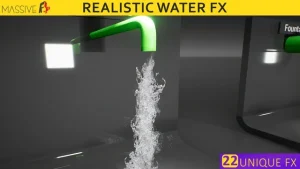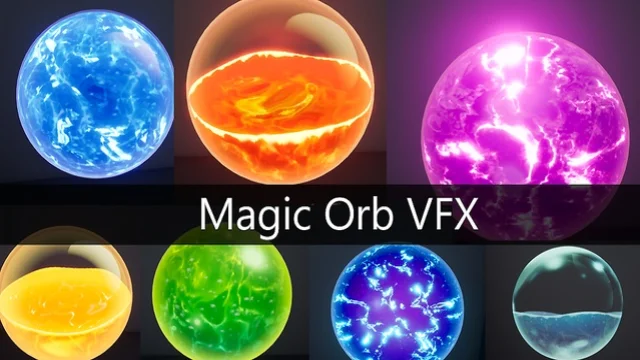
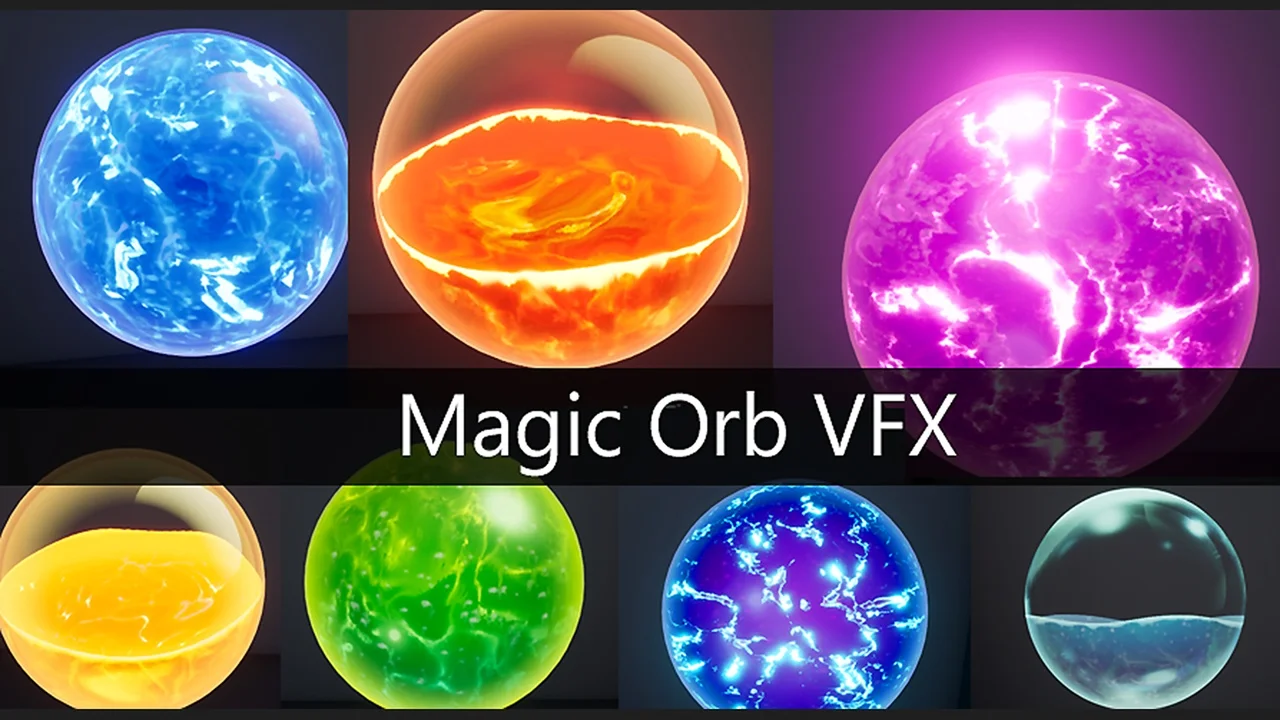
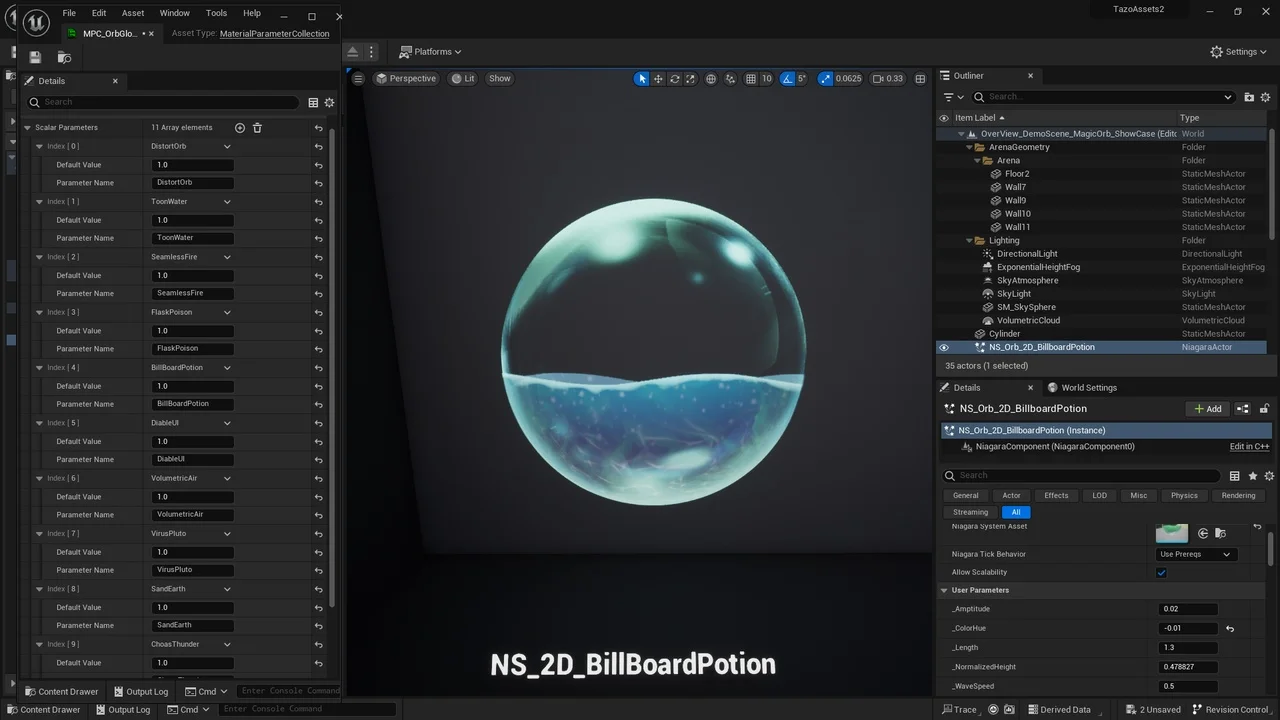
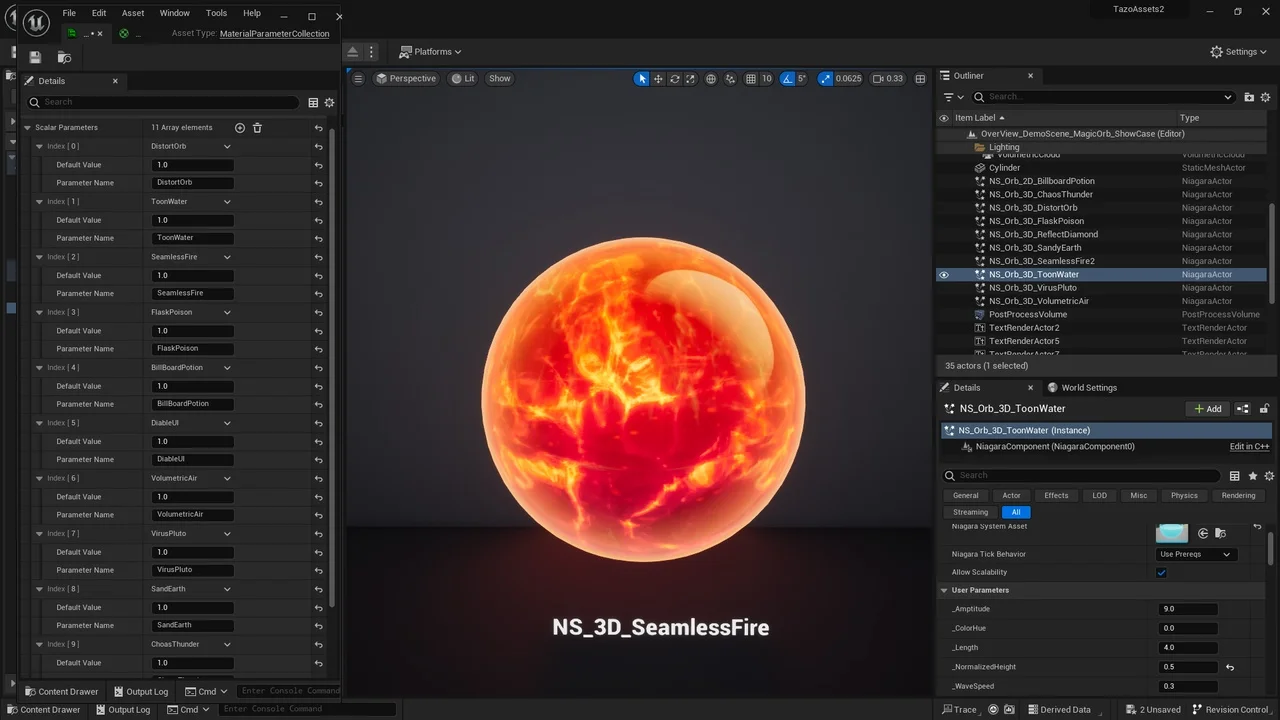
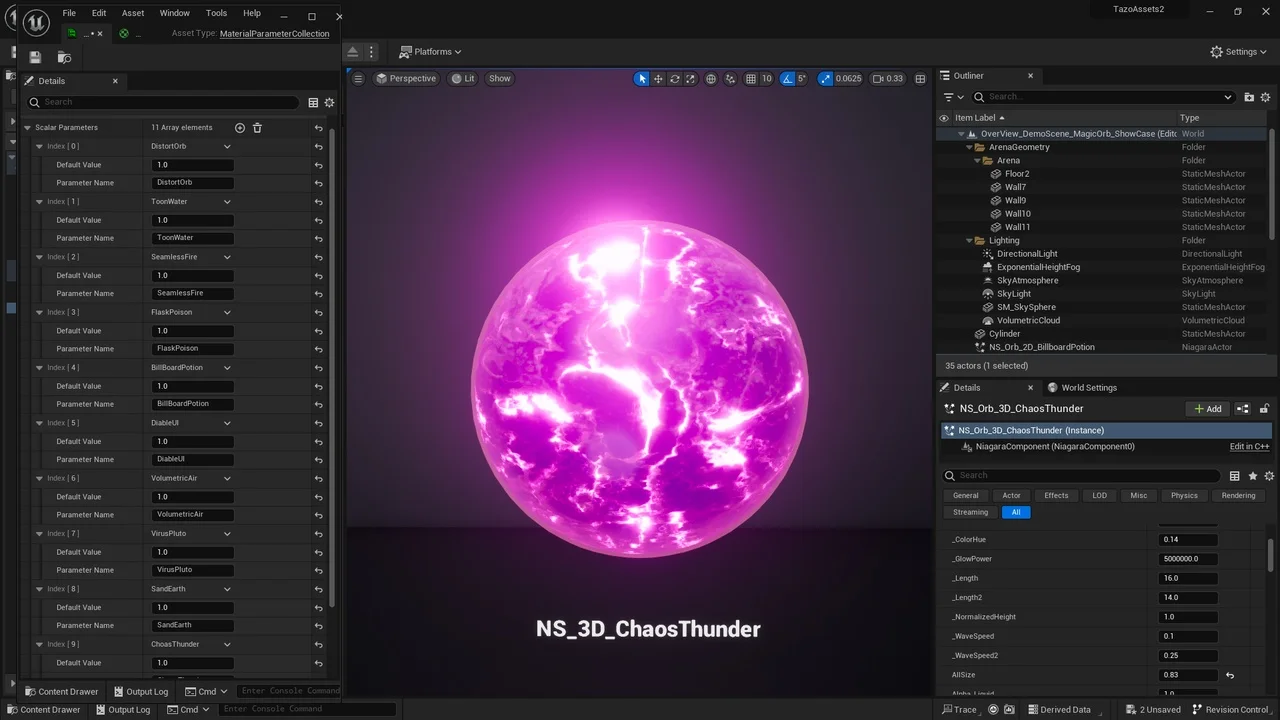
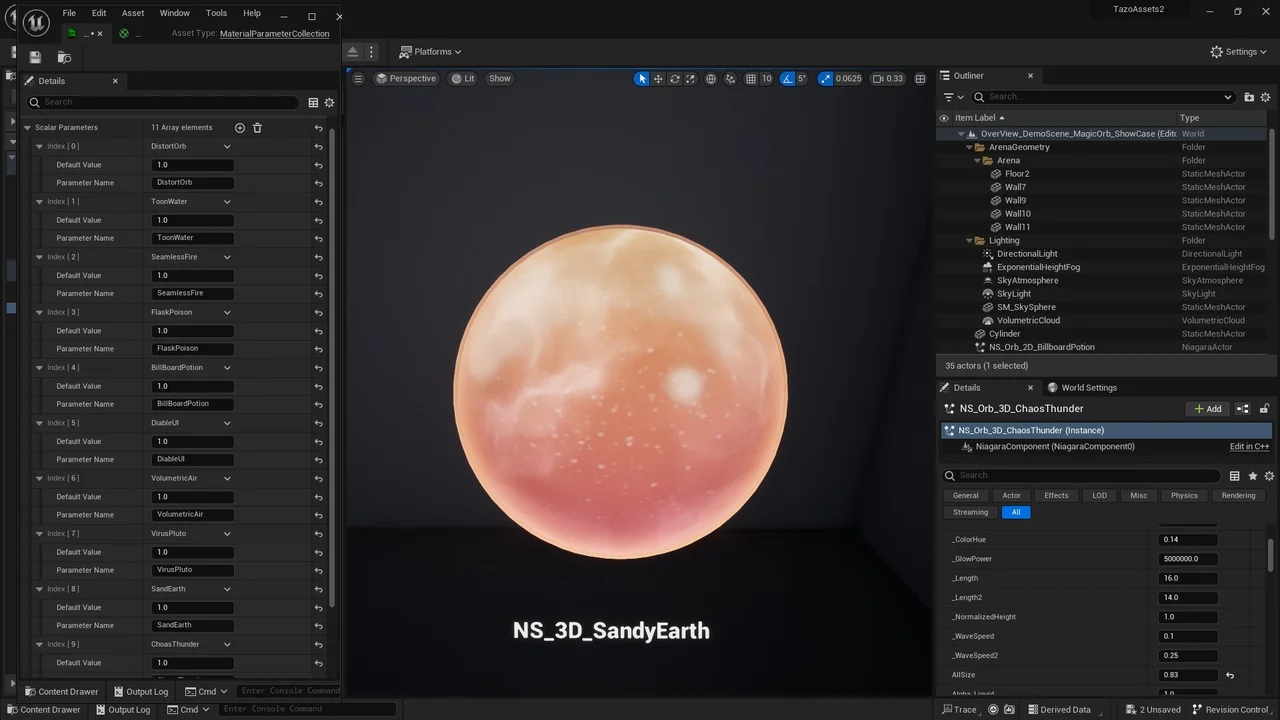
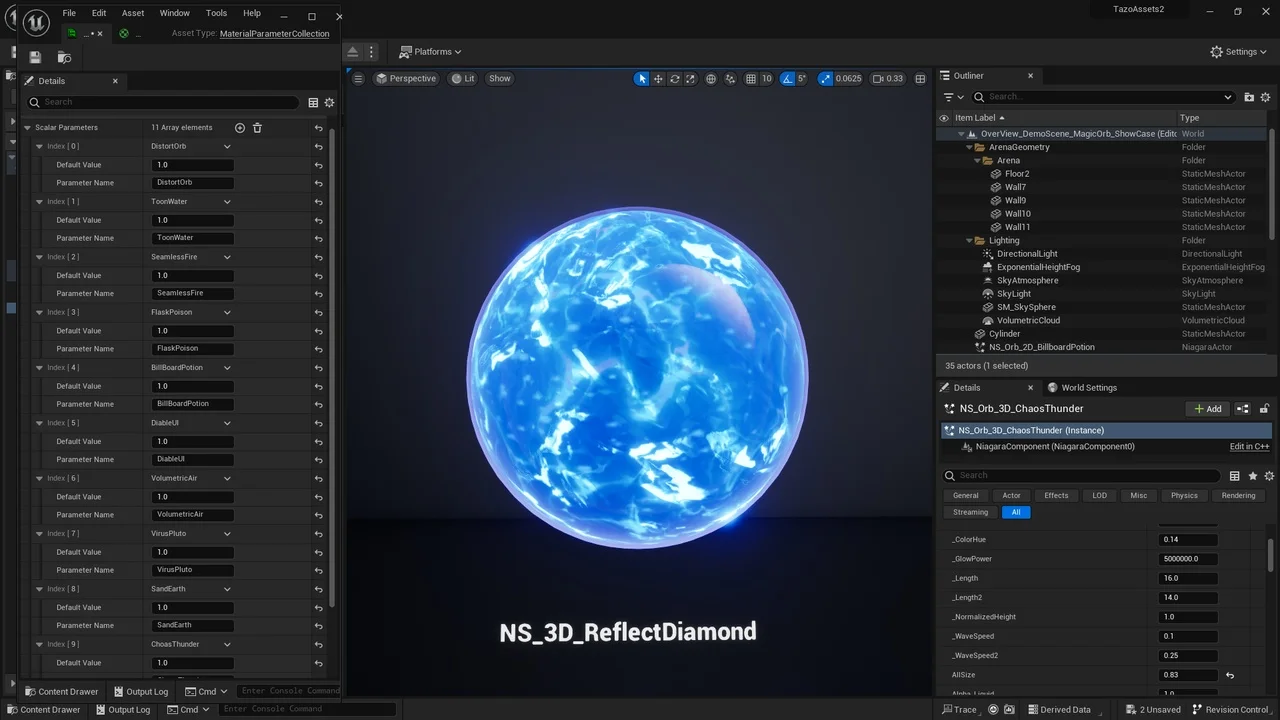
12 types of Unique VFX , 1 types BillBoard VFX , 9 types True 3D VFX , 2 types UI VFX
Well organized assets, high visual quality with efficiency and good optimization!!
Override parameters for Scalable Size, Custom Color(Hue), Height etc. Easy to use!! Don’t need to understand Niagara System!
See if you can find out some keywords from the name of VFX below .Maybe There are some suit Your Project. Name List :
BillBoardPotion/ToonWater/SeamlessFire/ChaosThunder/SandyEarth/VolumetricAir/DistortOrb/ReflectDiamond/FlaskPoison/VirusPluto
Enable ‘Extend Default Luminance range in auto exposure settings’ in the project settings if you are greeted to a white map on the level.
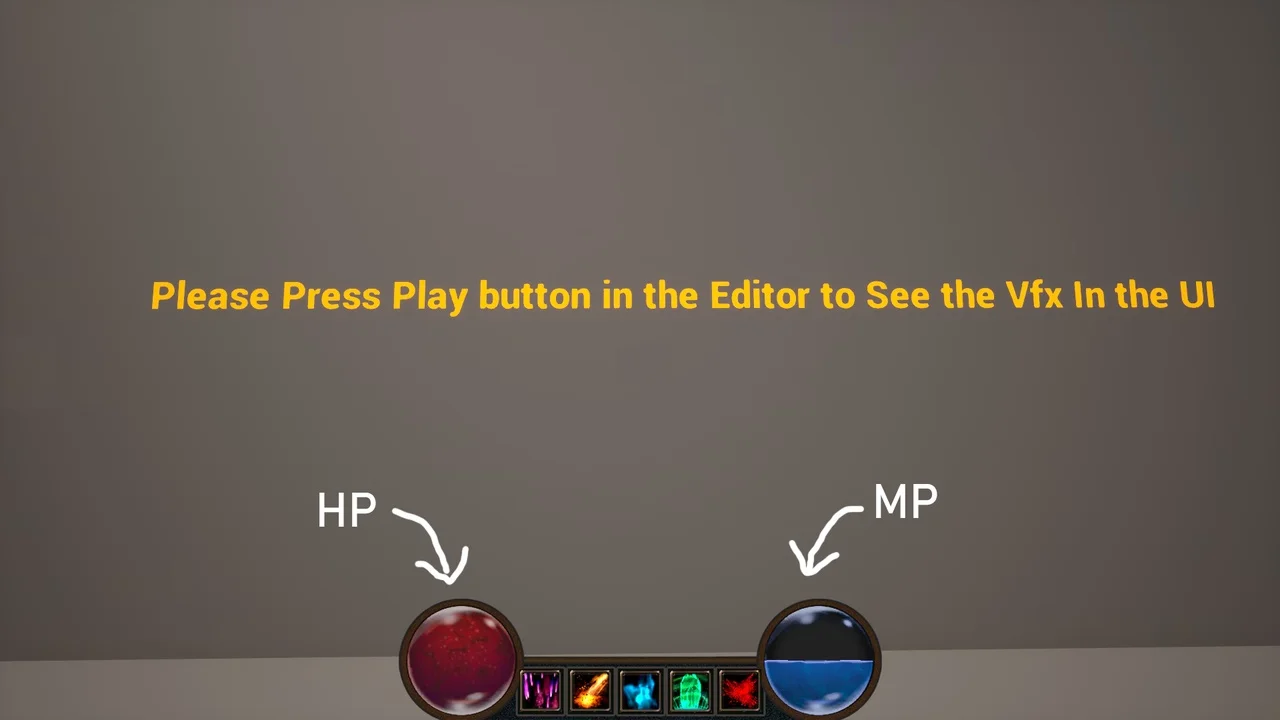
Its Worth to mention that its possible to use True 3D VFX in the UI.Pls Search “Niagara UI Renderer” in the Marketplace.Its free plugin.If U find Cap Material is Gone in UI.Pls Turn on the “CapUseOldMode” in the Cap Material .THX~If You are in 5.3 and find black pixel on th Edge .Please go to the project setting .Set Velocity pass to “Write After Base Pass “
Click here to view the full details of the resource.:URL
Click the button below to download.
Download: