Paint sprites in Unity, directly in the scene view, in the context of your scene. Rapidly design & prototype 2D worlds. Make art FAST.
Description
✨ Overview
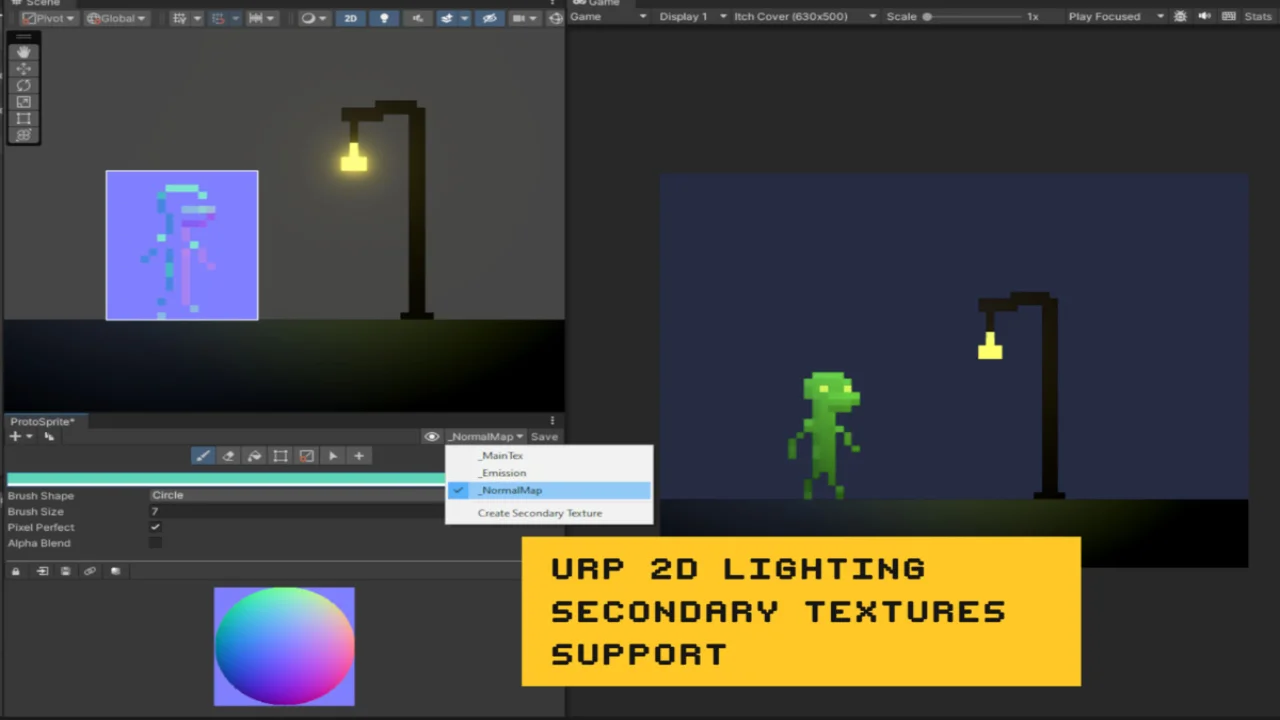
Rapidly create, draw and edit sprites directly in the scene view, in the context of your Scene. Quickly produce 2D art with minimal friction and tight Unity integration.
Editing PNG texture files directly, which are widely compatible with other software. There are no custom file formats or extra components to worry about. Integrates seamlessly into your project without creating unnecessary clutter.
Enhance your 2D art workflow. Even if you’re extremely comfortable with external art software you’ll find ProtoSprite helps speed up your workflow. Quickly adjust sprite pivots, resize sprite textures and make draft art for quick progress.
👾 Create & Duplicate
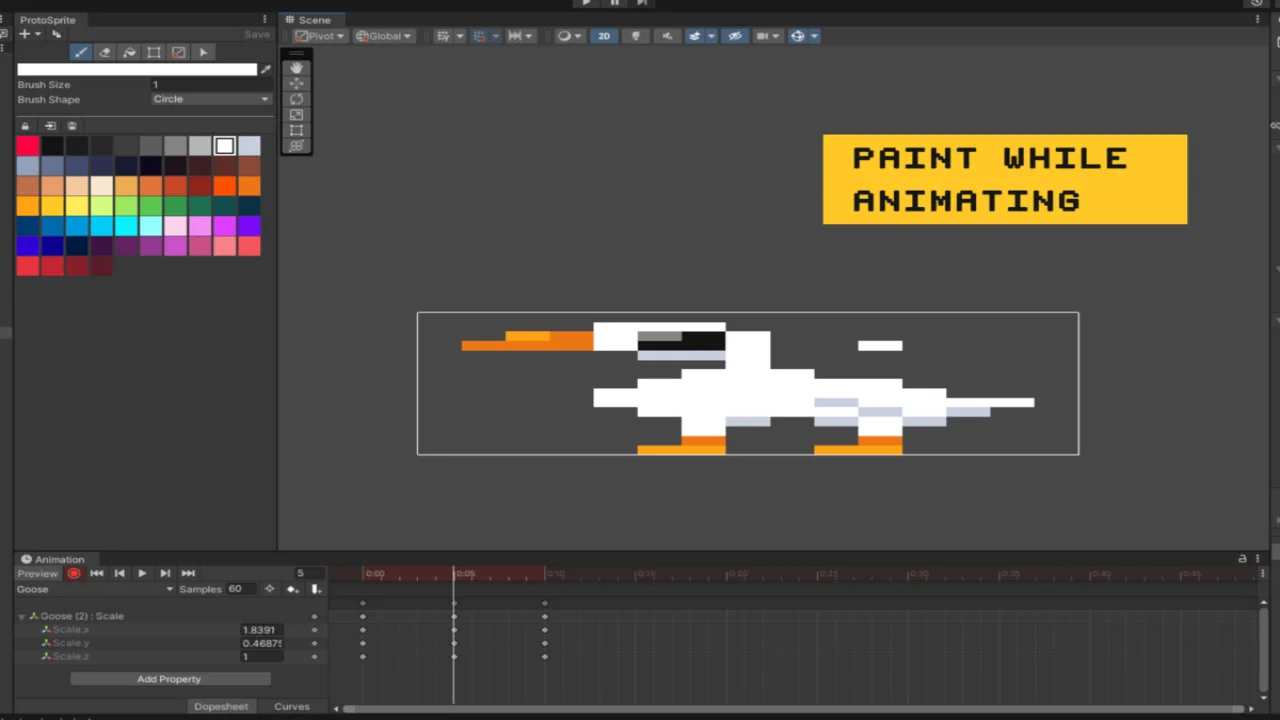
Quickly create a new GameObject with a SpriteRenderer and a linked texture (PNG) file. Use the duplicate button to duplicate the texture to create variants or frame based animation.
🖌 Paint, Erase & Fill
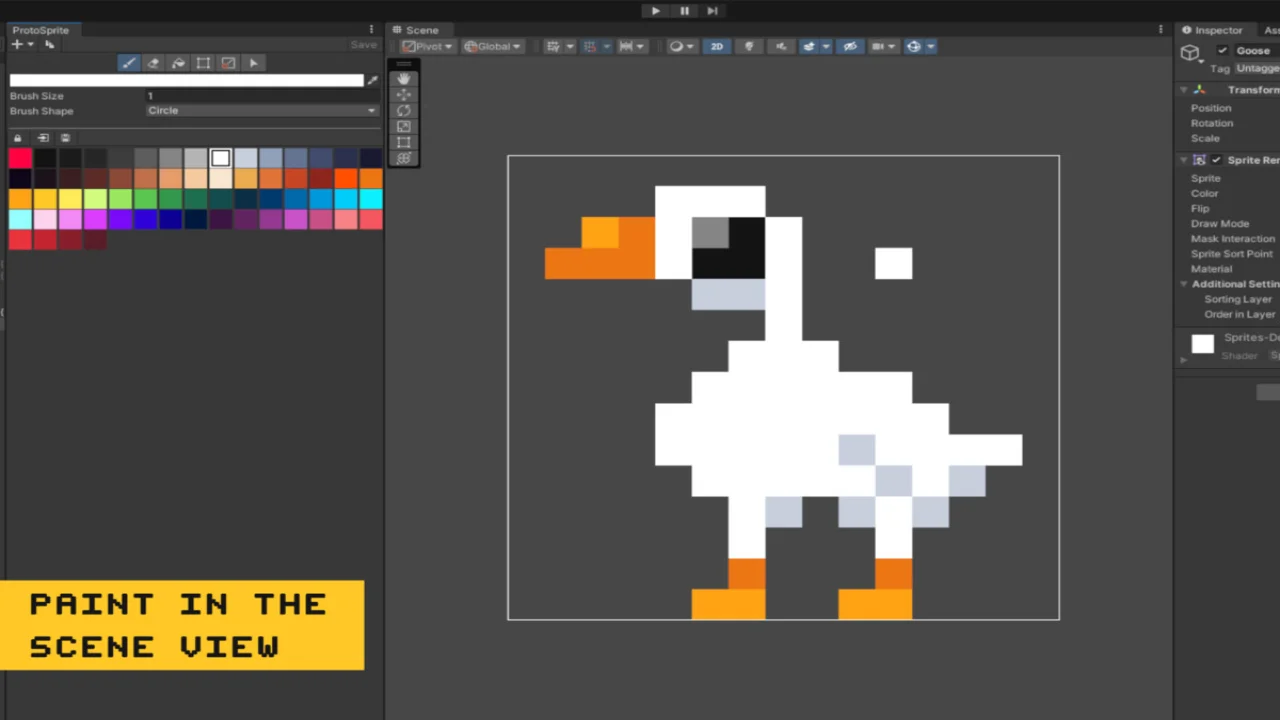
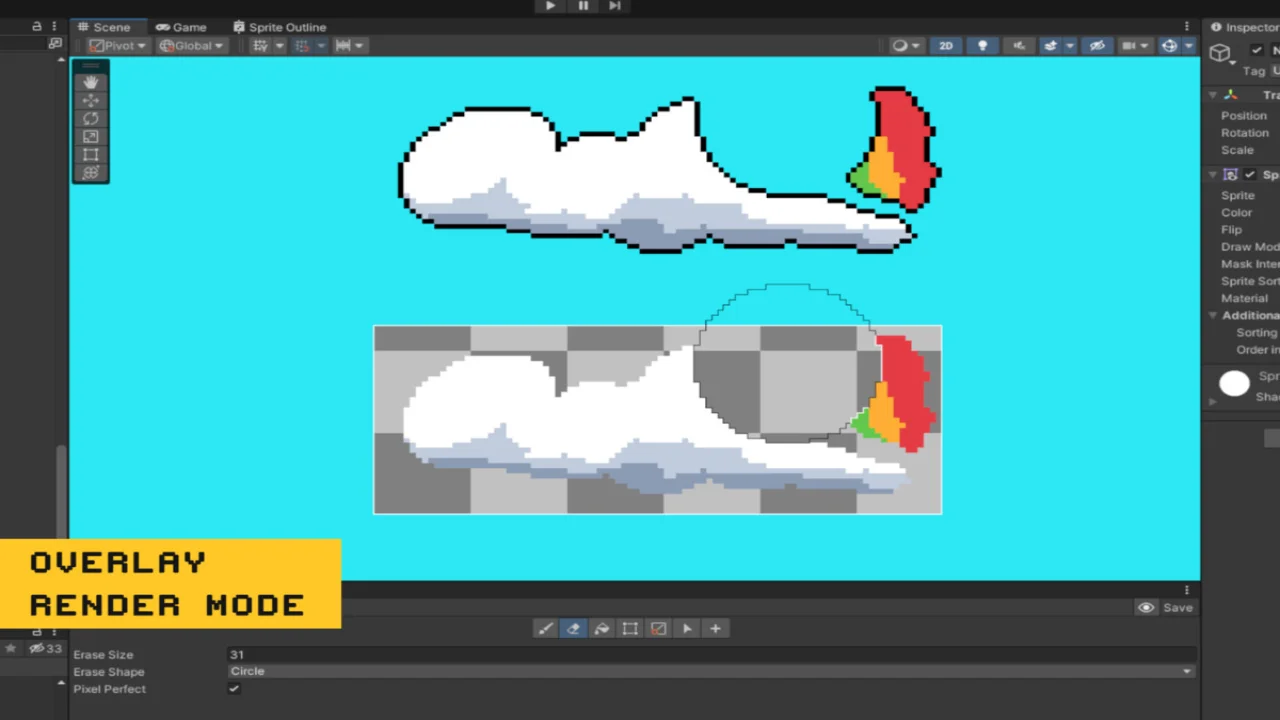
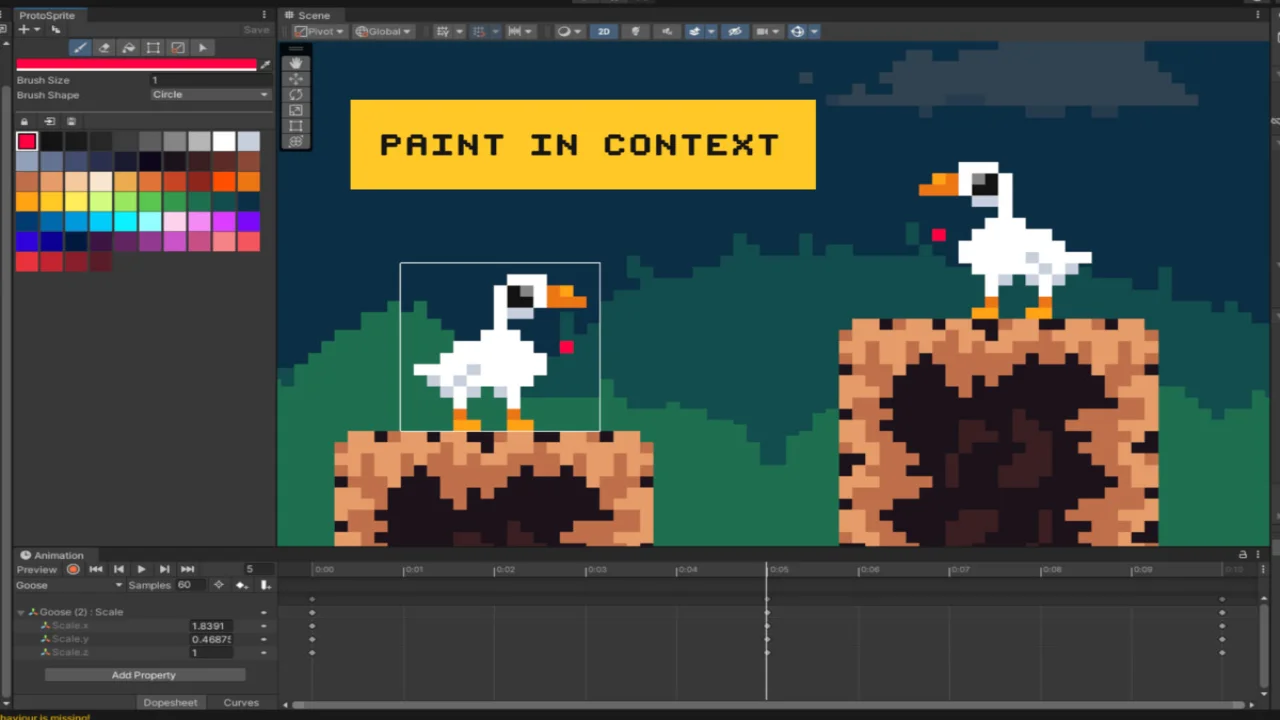
Draw on the Sprite’s texture directly in the Scene View. Allowing you to paint in the context of your Scene. Viewing changes immediately across all instances of the texture. You can see your changes update on all instances of that rock/tree/prop you’re drawing at the same time! Pixel perfect mode allows for quickly freehand drawing pixel perfect lines.
📐 Resize
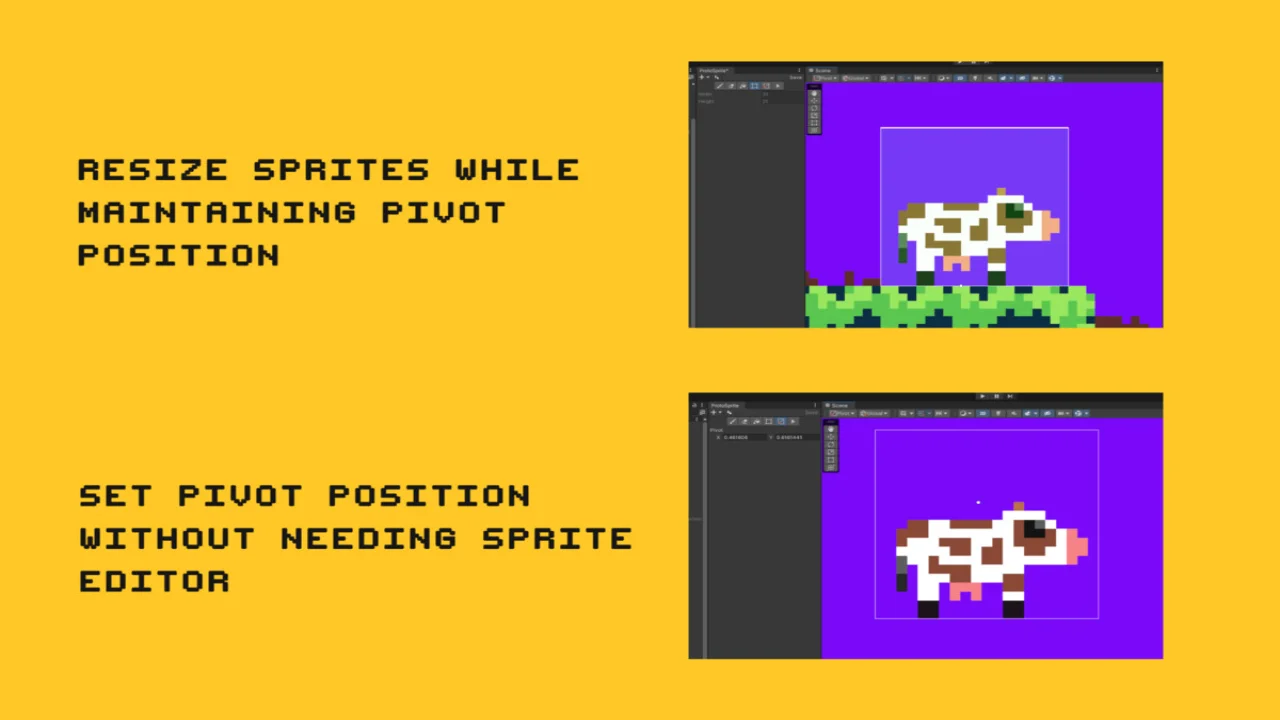
Allows you to move each edge of the SpriteRenderer to increase or decrease the associated texture’s size. Automatically updating the Sprite’s pivot point so that it stays in the same place relative to where it was before the resize.
🔗 Pivot
Swiftly adjust the Sprite’s pivot point, optionally allowing for snapping to pixel perfect intervals.
🔳 Select/Move
Select a rectangle area on the sprite, then you can move those selected pixels around the sprite. Rotate 90°, flip horizontally/vertically or copy/paste/cut using Ctrl/Cmd + C/V/X.
Click here to view the full details of the resource.:URL
Click the button below to download.
Download: