This tool allows you to save changes made in play mode.
Features
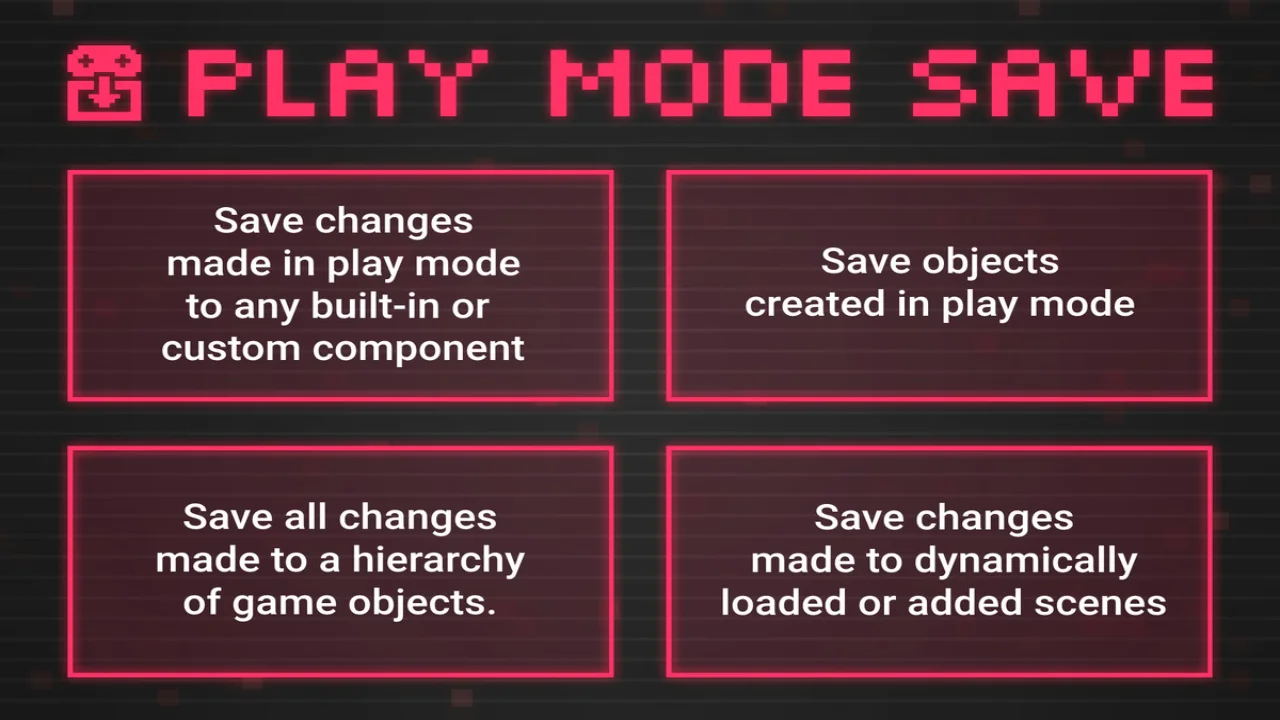
- Save changes made in play mode to any component, built-in or custom.
- Save a snapshot of the values of the component.
- Save the values of the component as they are when exiting play mode.
- Save the values of SriptableObjects immediately.
- Save all components in a gameobject and its children.
- Save objects and components created in play mode.
- Save changes made to dynamically loaded or added scenes.
- Save the entire hierarchy.
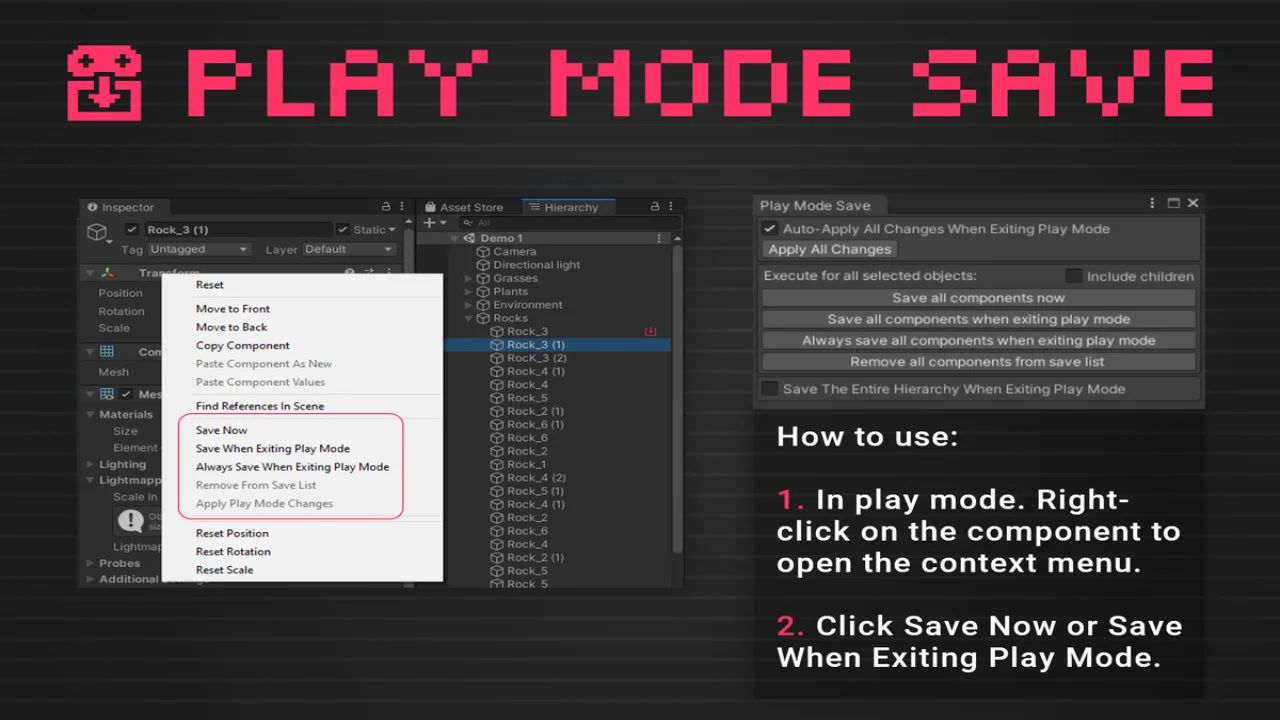
How to use:
- Click Save Now or Save When Exiting Play Mode.
- In play mode. Right-click on the component to open the context menu.
Click here to view the full details of the resource.:URL

Click the button below to download.
Download: