Master Cinematic Combat with Advanced Mesh Slicing
Creating high-impact combat in Unreal Engine requires more than just basic animations. It demands a system that feels responsive and visually striking. This advanced blueprint package provides everything you need to implement mesh slicing and cinematic slow-motion effects.
Whether you are building a fast-paced action game or a stylized sword-fighting simulator, these tools offer immense value. The system focuses on delivering a cinematic experience where timing and precision are key. Consequently, your players will feel every strike and dodge in your game world.
How the Mesh Slicing System Works
One of the most impressive features of this resource is its unique approach to mesh slicing. Many systems struggle with performance when cutting complex characters. However, this tool uses an efficient method to ensure smooth gameplay.
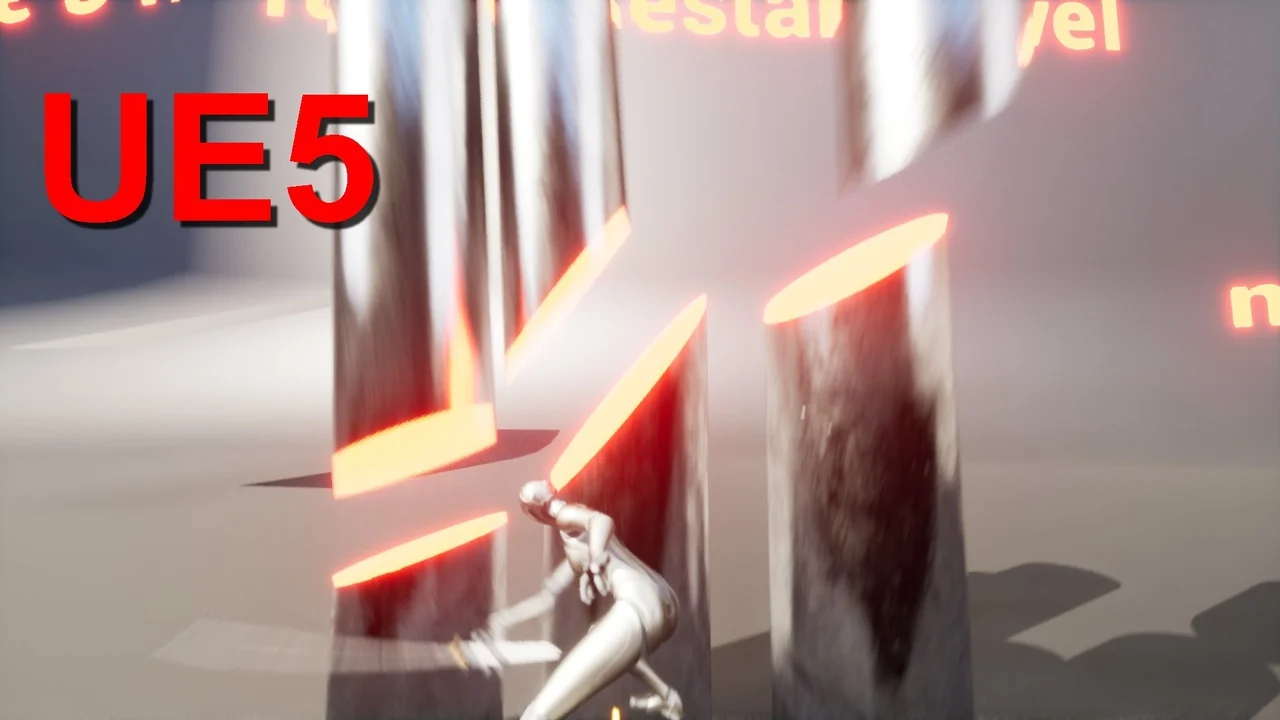
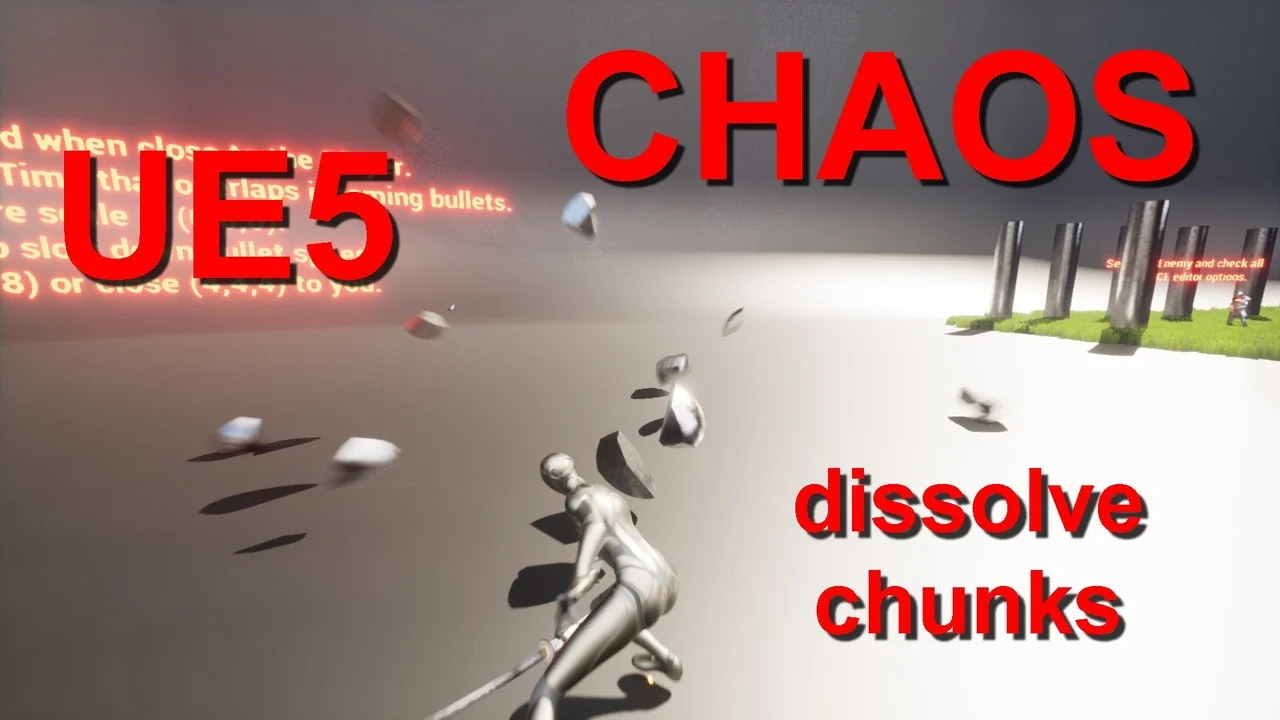
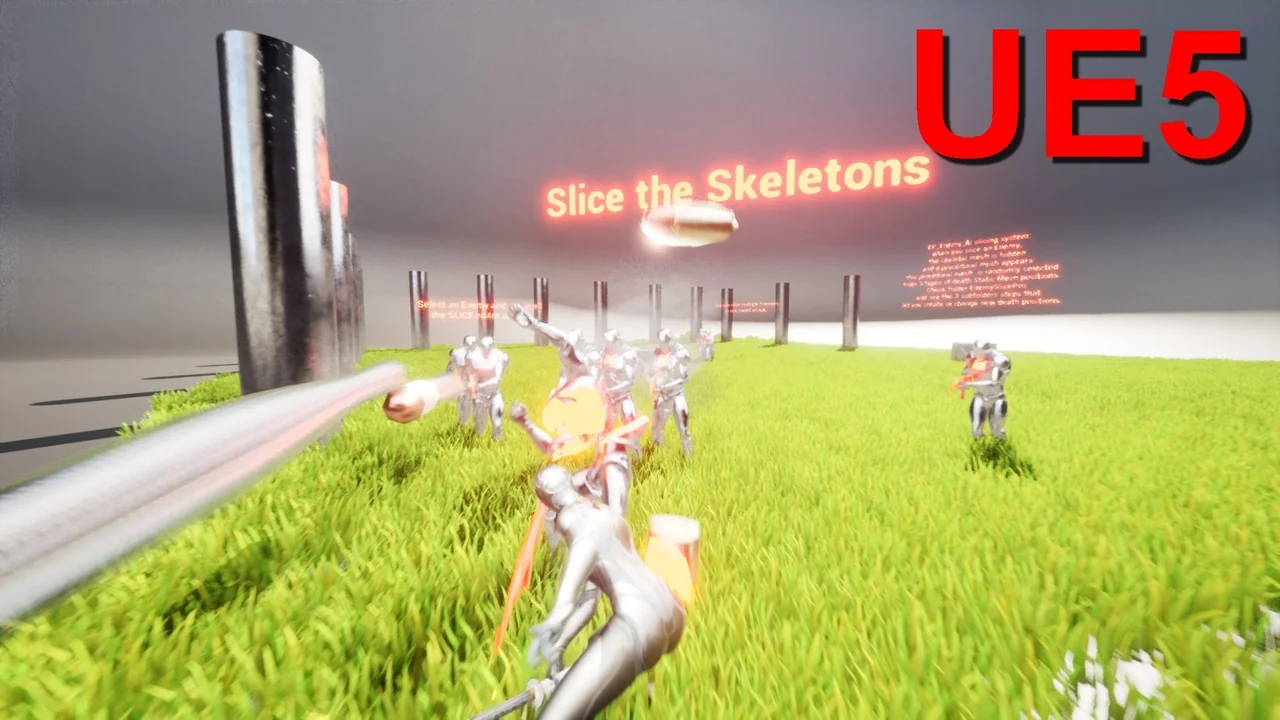
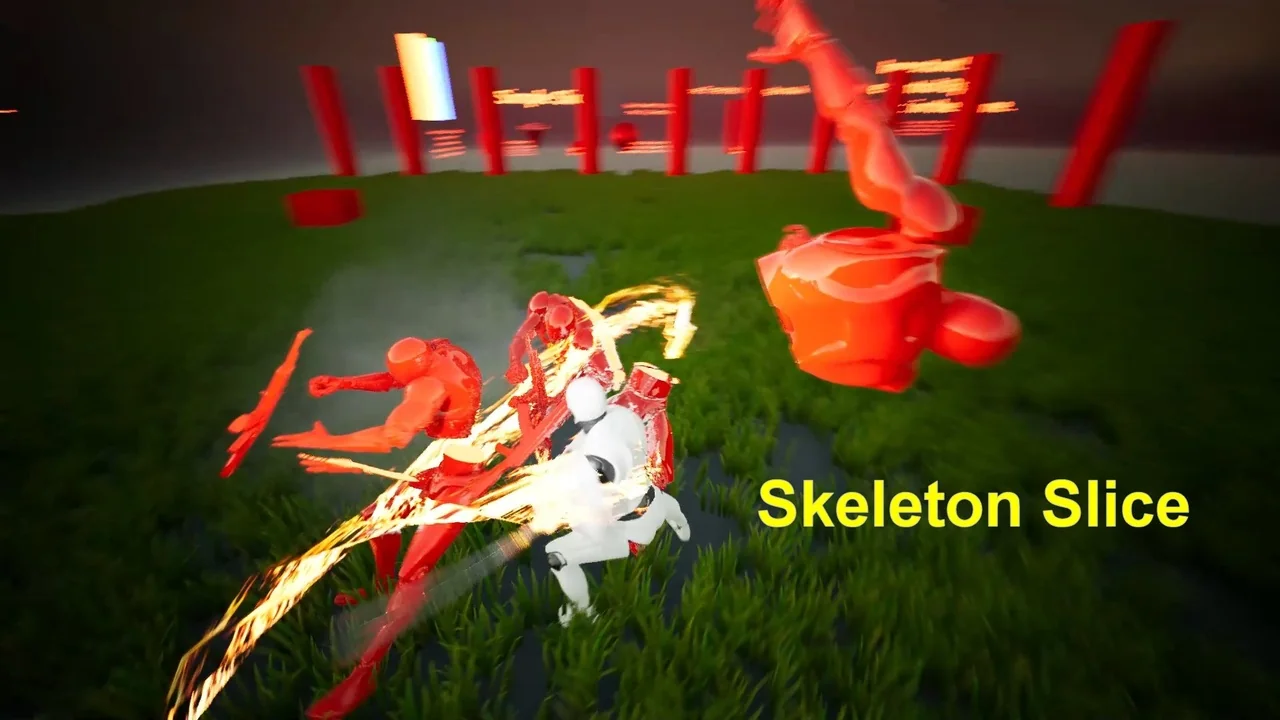
The instant a blade strikes a character, the system converts the skeletal mesh into a static mesh. This transition happens at the exact hit position you choose. Subsequently, the mesh is sliced into two distinct parts. This method provides a clean and satisfying visual result without the need for complex ragdoll physics during the slice.
Key Features of the Slicing Mechanic:
- Instant conversion from skeleton to static mesh for optimized performance.
- Customizable hit positions for precise cutting control.
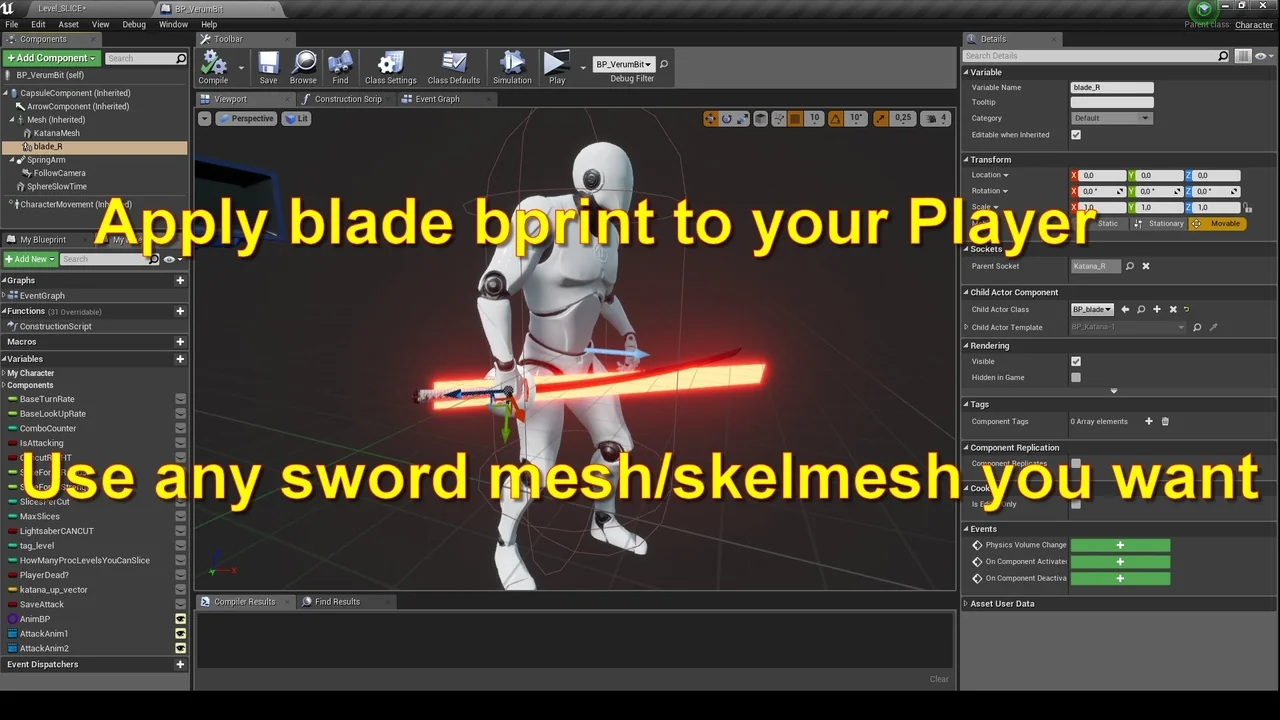
- Support for various weapon types, including katanas and twinblades.
- Seamless integration with existing character blueprints.
Experience the Matrix Slow-Motion Effect
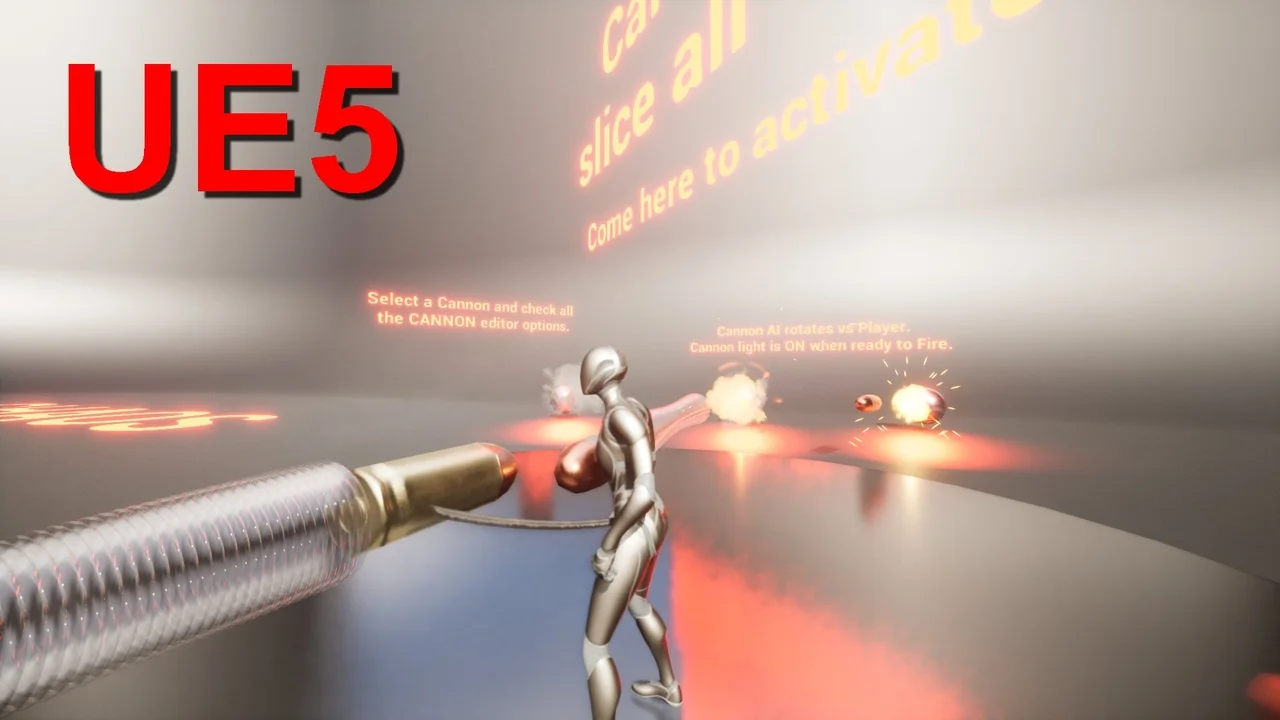
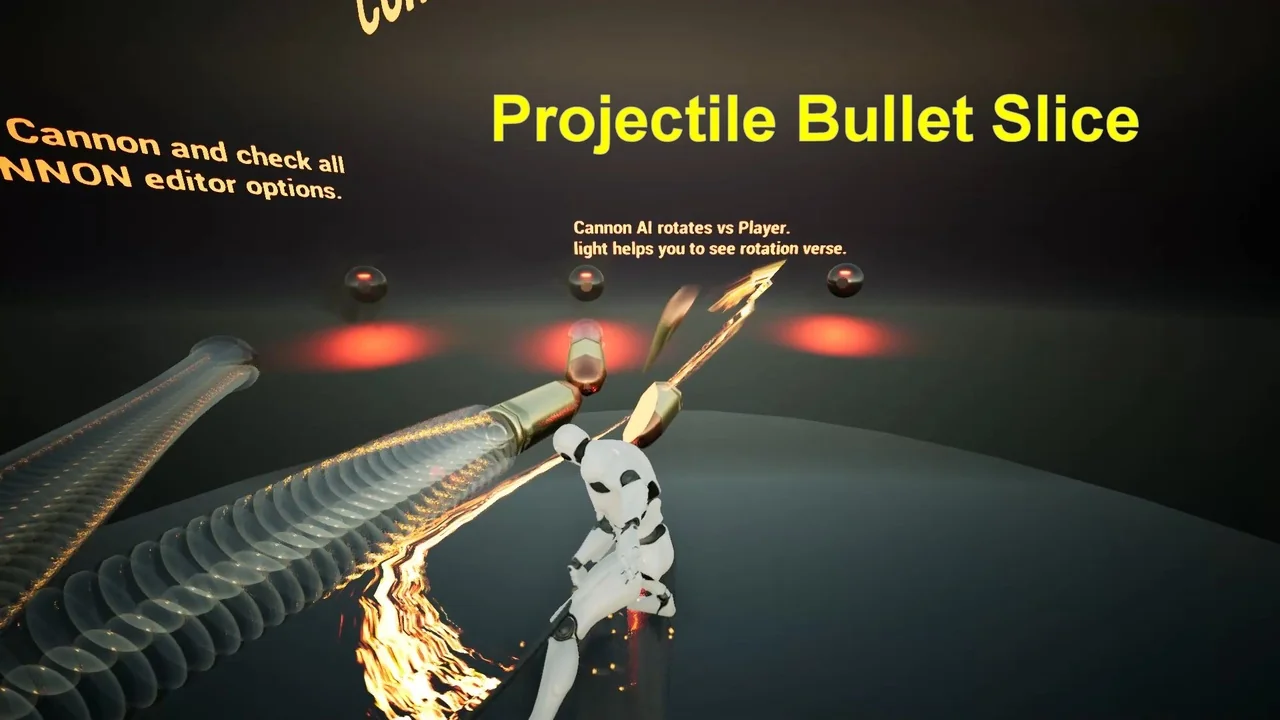
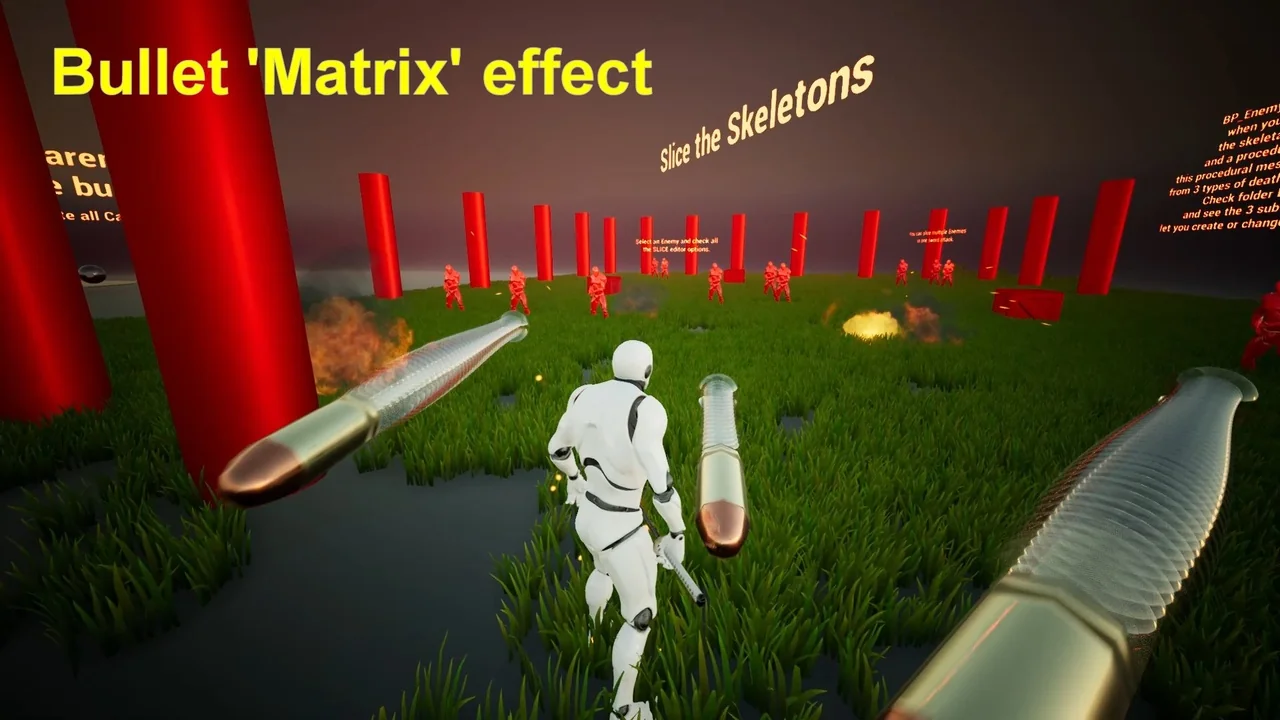
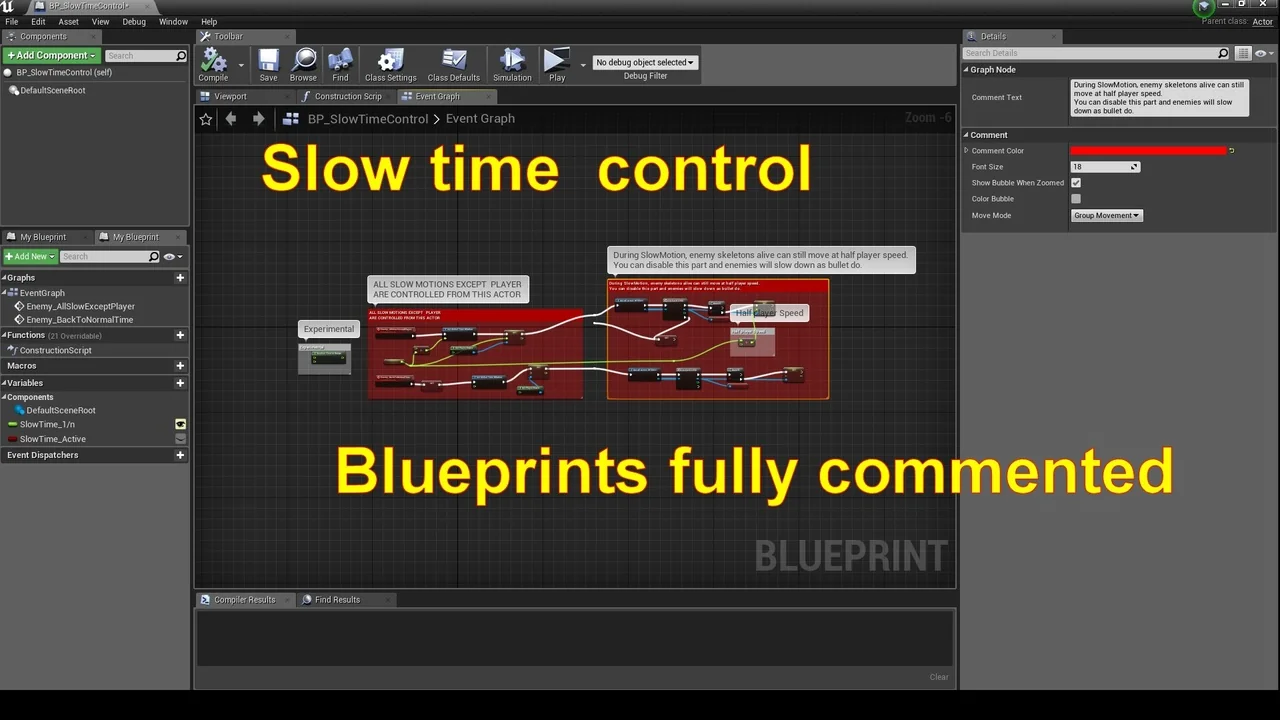
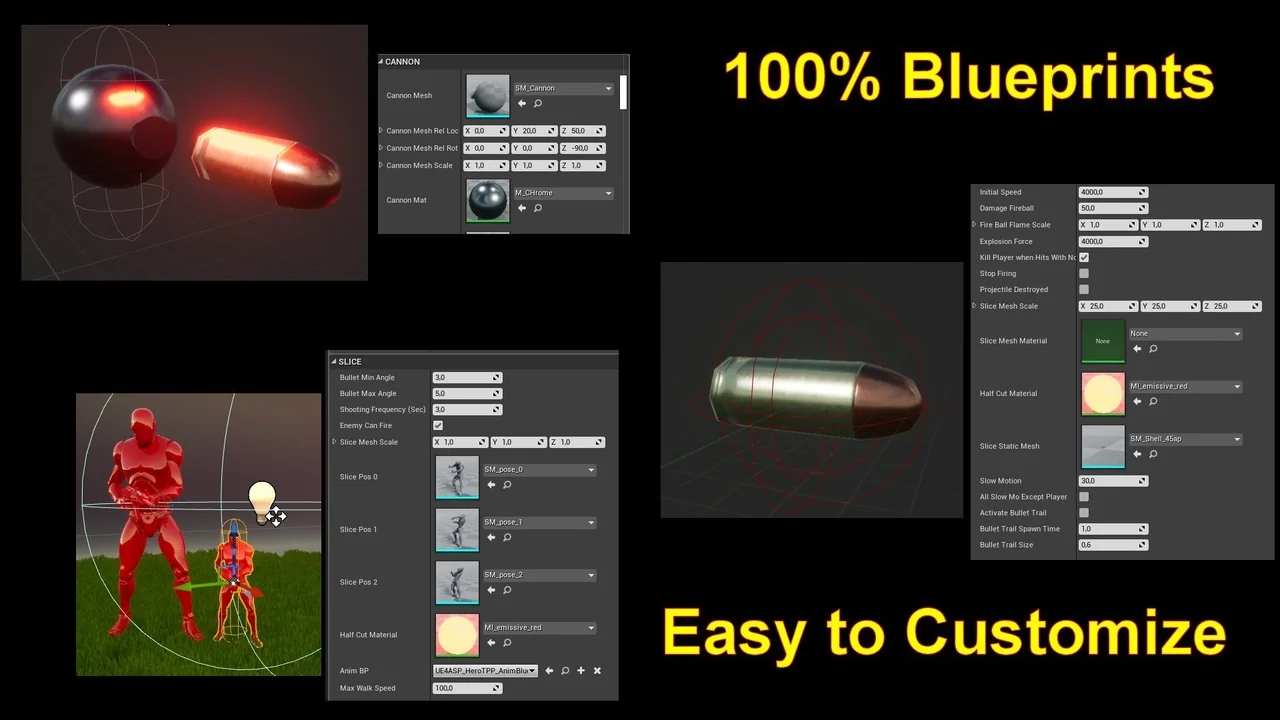
Slow-motion mechanics, often called bullet time, can significantly enhance the player’s sense of power. This package includes a robust system for slowing down time during intense moments. Furthermore, it specifically handles slow bullet interactions to create iconic cinematic sequences.
Players can dodge projectiles or time their sword swings with extreme precision. Therefore, the gameplay becomes more strategic and visually rewarding. Meanwhile, the system maintains high performance even when multiple effects are active on screen.
Technical Requirements and Compatibility
The developer has ensured that this system works across multiple versions of Unreal Engine. It is fully compatible with Unreal Engine 4.24 and the latest Unreal Engine 5 releases. In addition, it integrates smoothly with the Advanced Locomotion System (ALS) v4.
To get the most out of the destruction features, certain plugins must be active. For instance, Unreal Engine 5 users need to enable the Chaos plugin. Conversely, Unreal Engine 4 users should ensure the Apex Destruction plugin is enabled. These tools allow for the destruction of environmental objects like cannons using your blade.
Integration Highlights:
- Works out of the box with ALS v4 on UE4.24.
- Full support for UE5 modern rendering and physics pipelines.
- Clean blueprint logic that is easy to customize and expand.
- Comprehensive documentation and video guides for quick setup.
Final Thoughts for Developers
Adding a mesh slicing system can elevate your project’s combat to a professional level. This resource simplifies the complex math and logic required for such features. Finally, it provides a reliable foundation for any developer looking to create a visceral action experience.
By using this system, you can focus on game design rather than technical hurdles. The combination of slow-motion bullets and dynamic slicing makes for a compelling gameplay loop. Start building your next masterpiece with these powerful Unreal Engine tools today.
Related Resources
- Custom Status Effect System
- Sci-fi Survey Drones
- Sci-Fi Character 01 (Shadow)
- Samurai Girl
- Parasite Zombie 04 – Game Assets + Extra
Screenshots & Gallery