A semantic color management system for Unity: organize your colors in meaningful palettes and assign them to all kind of “colorable” components. No more updating color values in multiple places!
How does this system work in practice?
There are three core elements that work together to achieve its design goals:
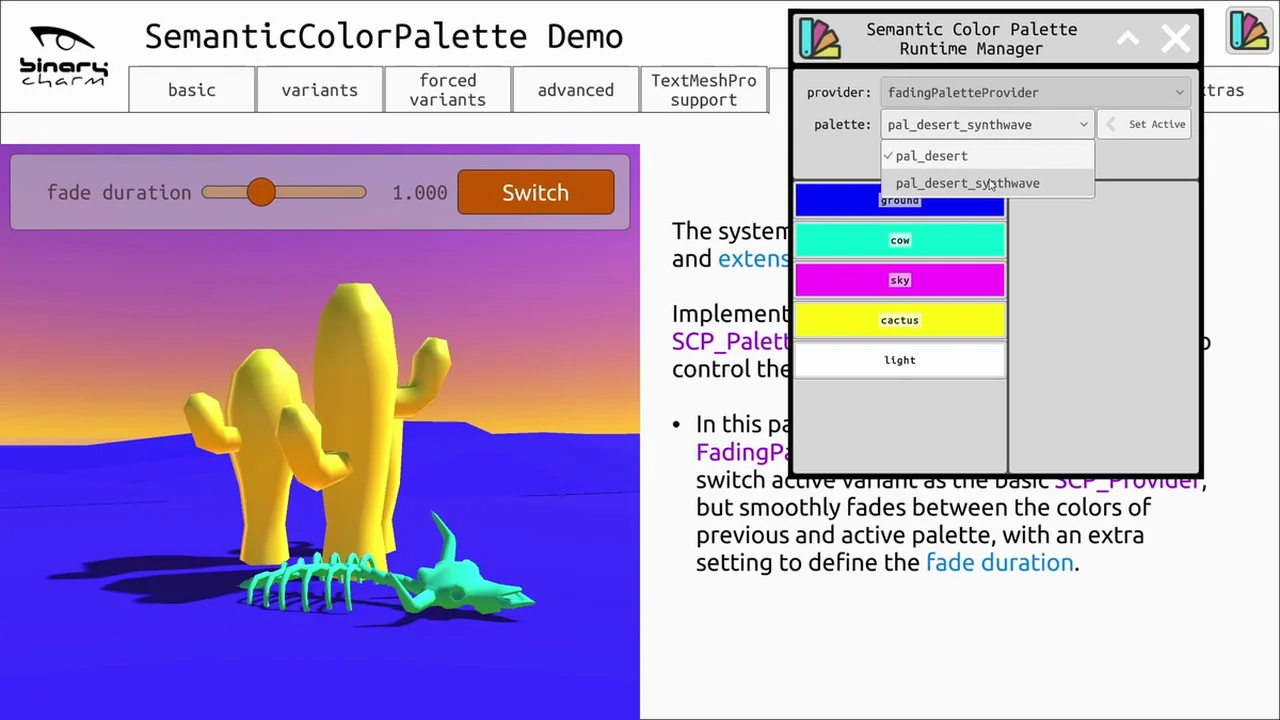
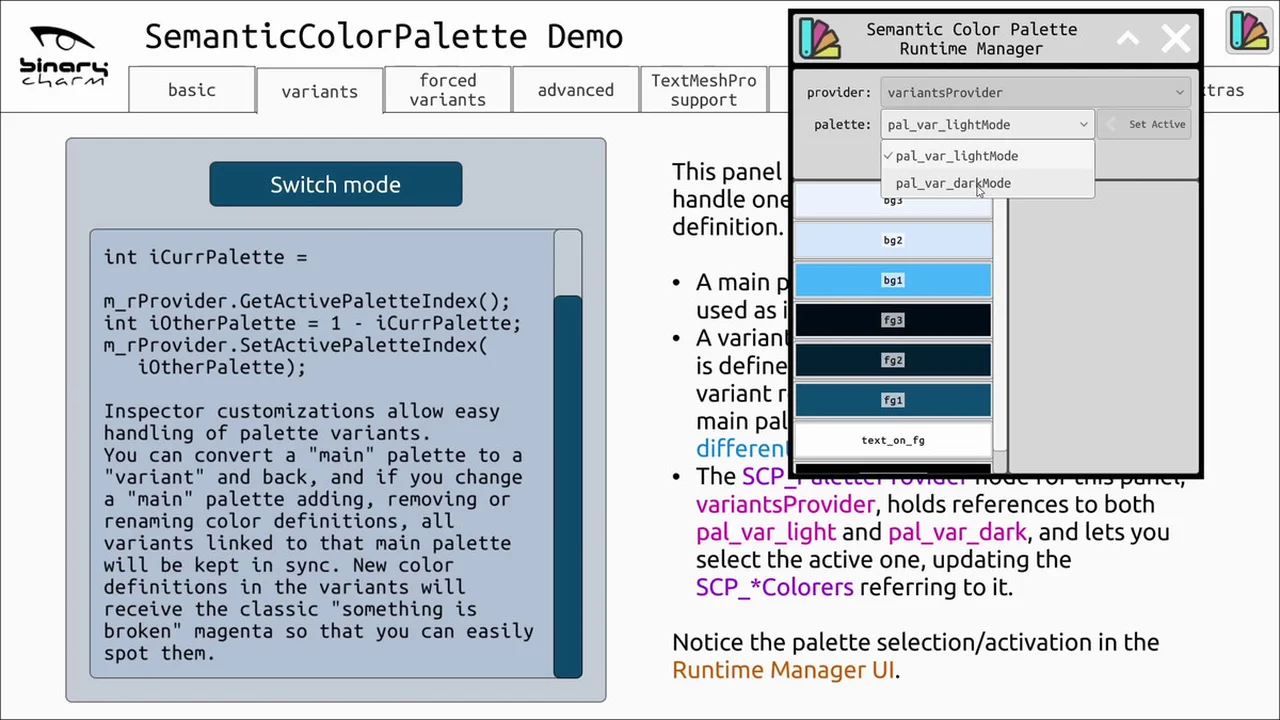
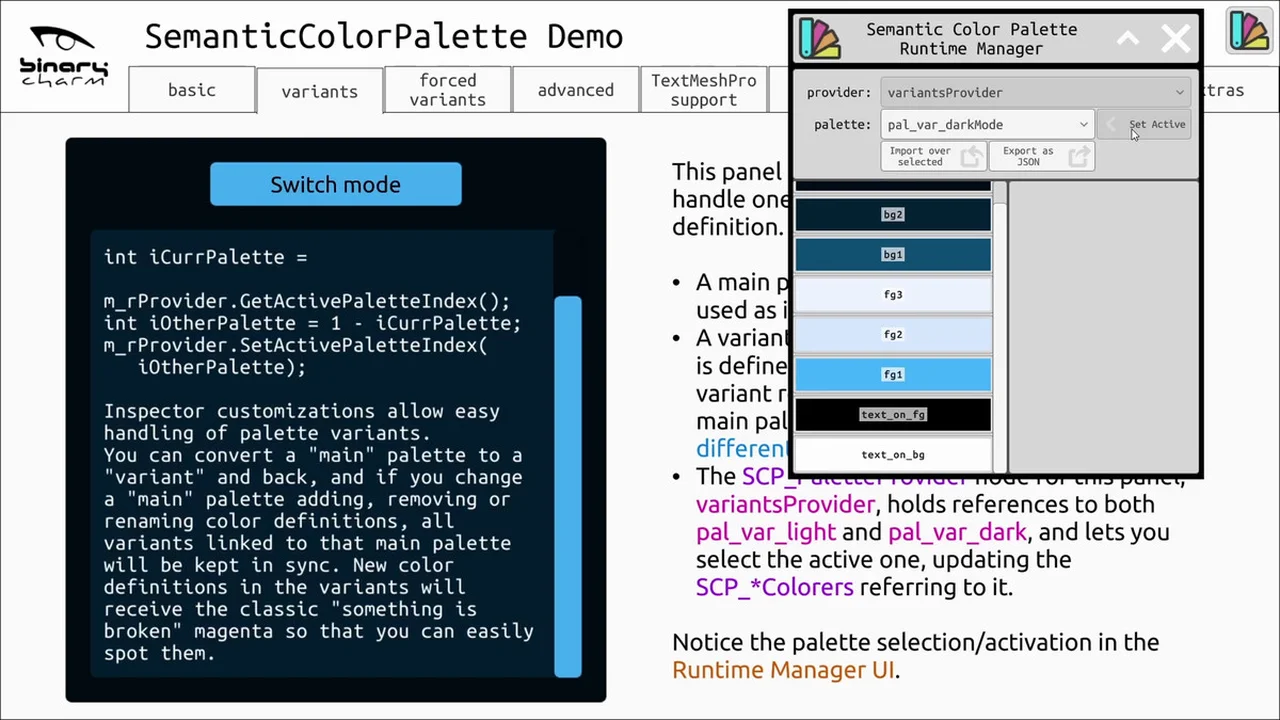
- Palette: a named set of id -> color mappings. It is a “data” element, usually persistent.
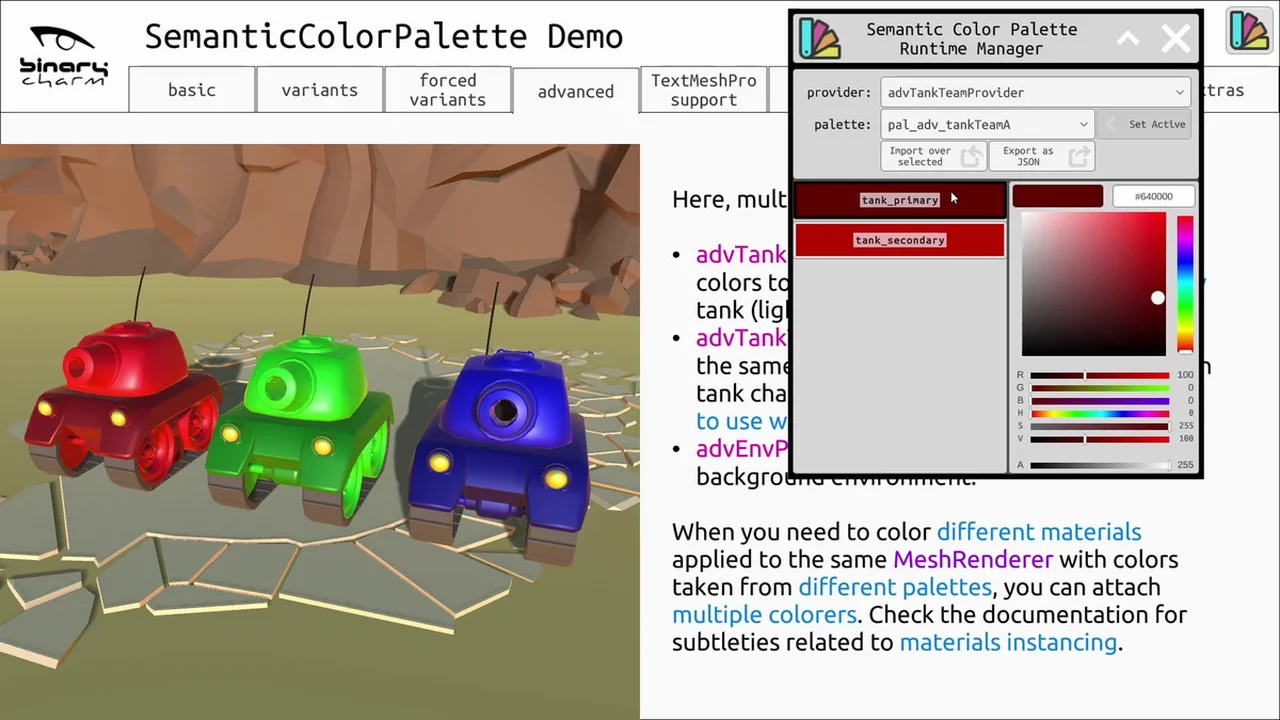
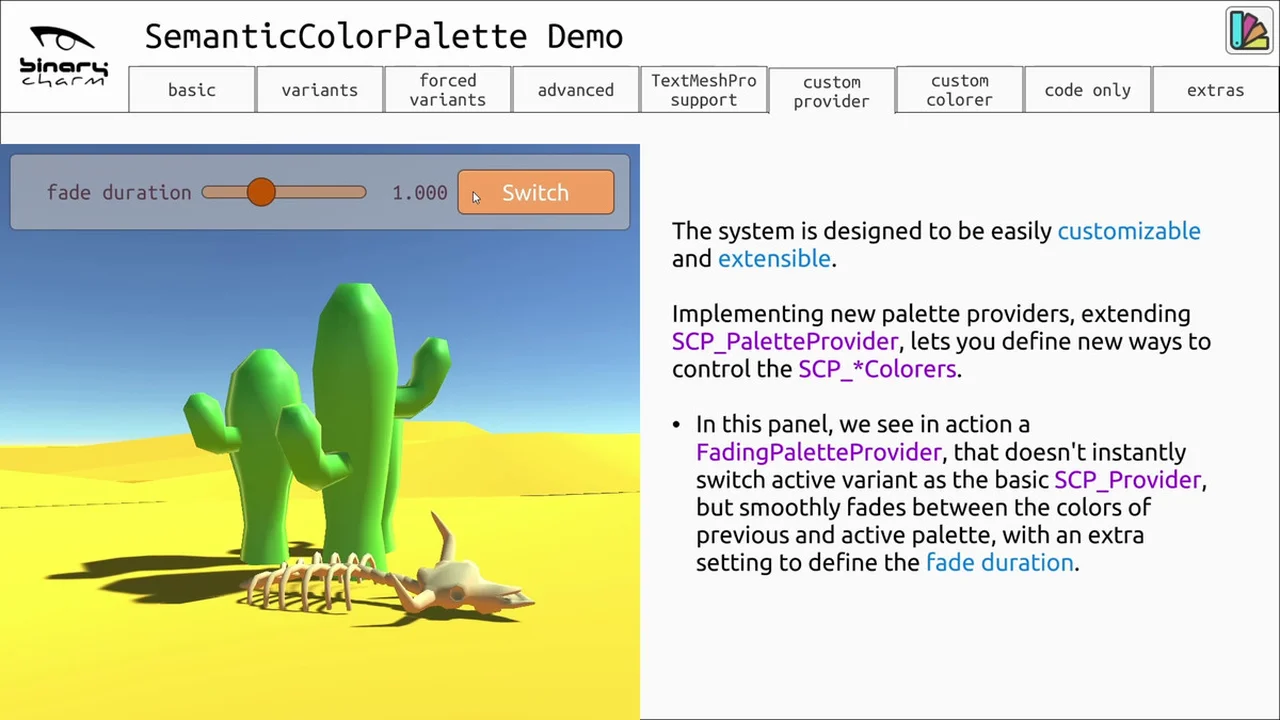
- Palette provider: an active element, living in a Unity scene, that acts as a broker between palettes and colorers, pushing color updates to any relevant colorers.
- Colorer: an active element that contains the logic to apply one or more colors to a scene component (UI elements, 3D models materials and more). A colorer must be connected to a palette provider, from which it retrieves colors for the color identifiers specified in its configuration.
Ready to use Colorers for Unity components using color properties (UI elements, Materials etc) are included. That said, programmers can easily extend the system with additional custom colorers (and providers).
You can improve your workflow with a new, more reasonable way to setup colors in Unity, with low friction and no compromises on your project organization.
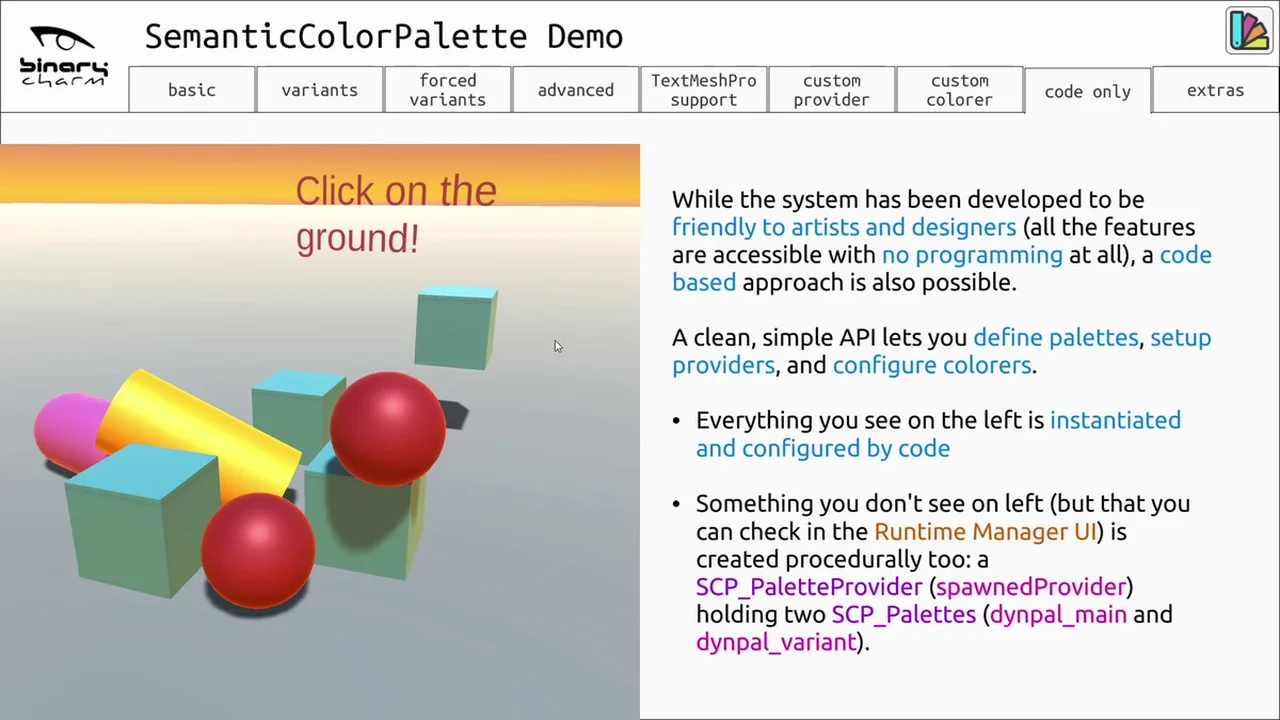
Anything can be done through the inspector if you want, but it’s also easy to use the system through code only if you prefer.
Palettes can be imported from commonly used third party formats and edited in the inspector, and in more advanced scenarios can be loaded at runtime from external files.
The asset contents are laid out to be easily packaged for use in the Package Manager, if you want to easily import it (maybe including your own customizations) from multiple projects.
Click here to view the full details of the resource.:URL
Click the button below to download.
Download: