Portals that players can actually cross
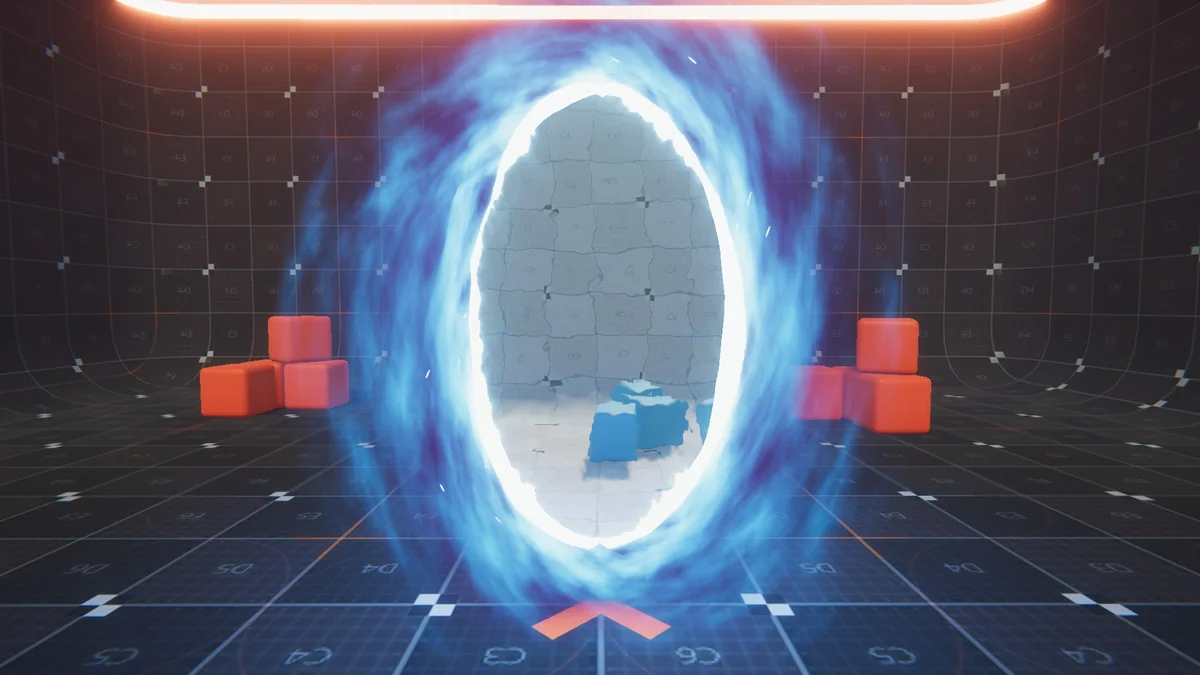
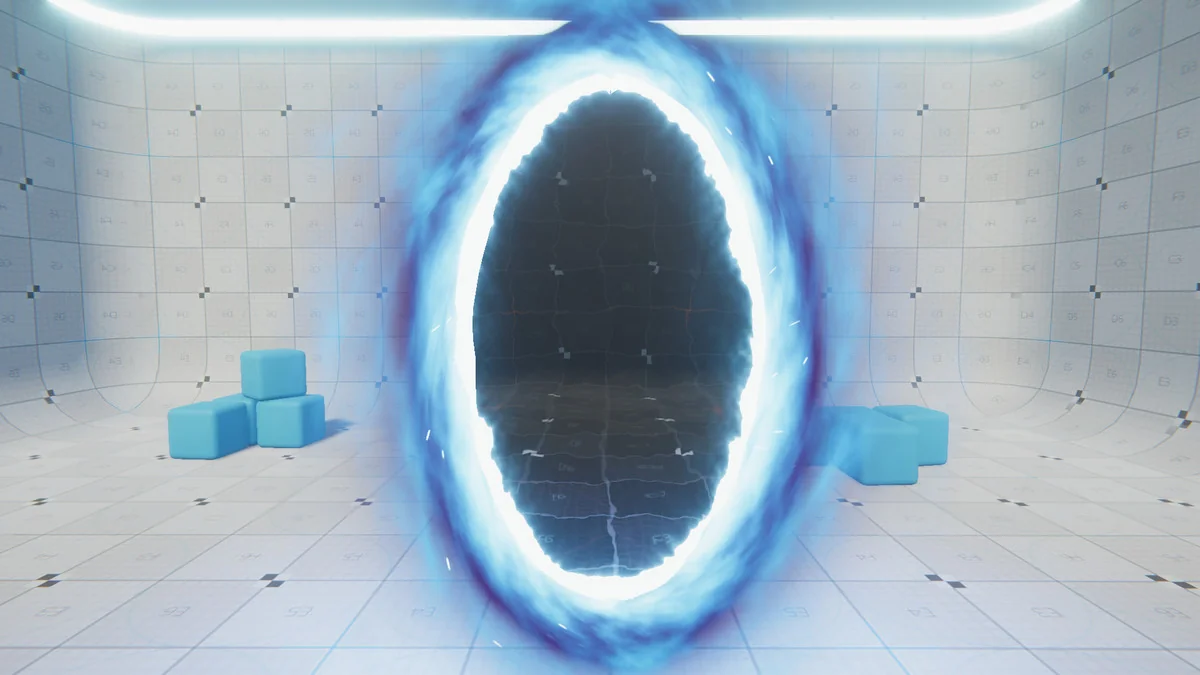
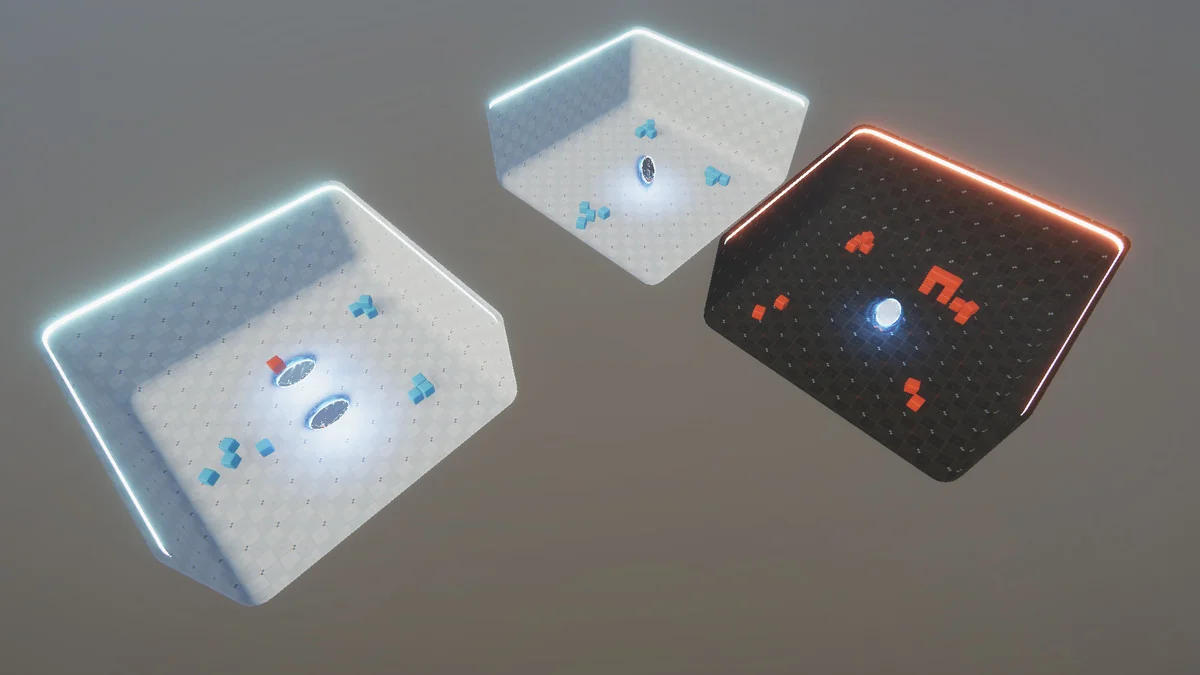
Portal Effect: HDRP is aimed at scenes where a portal has to do more than sit in the background. It lets players see through a portal and step across it as if space has been warped, so the effect is tied directly to movement and visibility rather than only serving as a visual accent. That makes it relevant for game spaces where a doorway, opening, or spatial transition needs to feel continuous instead of cut off.
The effect is HDRP only, so it belongs in projects working inside that render pipeline. It was tested with Unity 2019.3.6f1 and HDRP 7.1.8, which gives a clear starting point for how the effect was handled in practice. The supported Unity versions also include 2019.3.6 and 2021.1.12, and the release notes record fixes for Unity 2021.1.12f1 and HDRP 11.0.0.
What the effect handles inside a scene
The core value of this asset is the way it combines visual states with movement behavior. The portal is not limited to a single static look. It includes game-ready VFX in open, idle, and close states, which gives it a defined life cycle instead of a single frame of animation. That matters when a portal needs to read clearly at a glance, especially if it opens for use, remains active for a period, and then closes afterward.
Several pieces work together to keep the transition feeling coherent:
- Game-ready VFX with open, idle, and close states
- Seamless camera transition
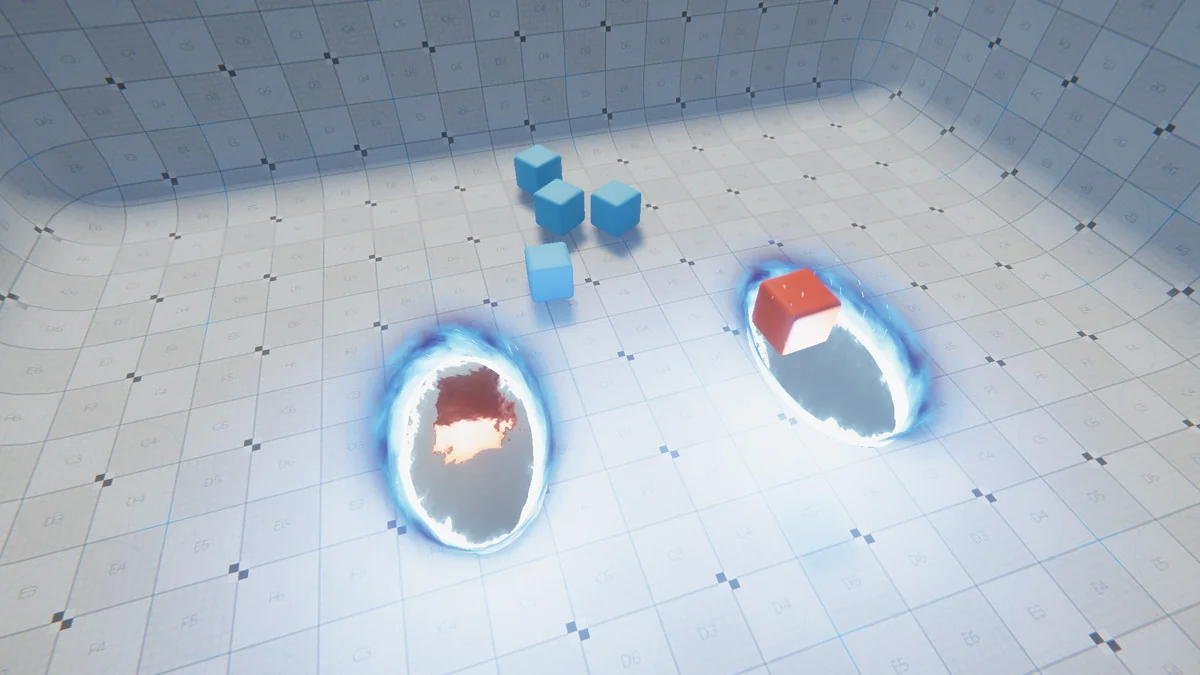
- Rigidbodies that save their velocities
- Optimization through frustum culling
- Shaders created with Amplify Shader Editor and HDRP Templates
The seamless camera transition is especially important for a portal effect because the player has to keep reading the space on the far side without an obvious break. The velocity behavior adds another practical layer: rigidbodies save their velocities, so movement does not have to feel like it is being reset the moment something crosses through. Those two details point to a portal that is meant to function during play, not just as scenery.
Frustum culling is the other concrete performance note here. In a scene with a visible portal, the effect may need to stay active without forcing the project to process what the camera cannot see. That makes the portal easier to place in larger scenes where visual complexity can build quickly.
Shader work and how the effect is assembled
The shader setup is not treated as a black box. The shaders are created with Amplify Shader Editor and HDRP Templates, which tells you the effect is built with HDRP-specific shader tools rather than a general-purpose pipeline. For a project already using HDRP, that keeps the material side aligned with the render pipeline instead of adding another unrelated workflow.
The technical details stay compact: the asset comes as a unitypackage, with 58 assets included and a file size of 3.3 MB. The latest version is 1.1, released on Jul 26, 2021, while the first publication date is Jun 16, 2020. The original Unity version is 2019.3.6, and the license entitlement is listed as SEAT. The category is Particles & Effects, with a tools/particles-effects category path.
Those details are useful because they frame the asset as a focused portal effect rather than a large general-purpose environment pack. The package count and file size keep the scope readable. The version history also shows that it has been updated, with specific fixes applied for later Unity and HDRP combinations.
Where it fits best in a project
This effect makes the most sense in projects that need a portal to behave as a visible passage between spaces. Because players can see through it and walk through it seamlessly, it naturally fits gameplay moments where one area has to blend into another without a hard transition. The velocity-saving rigidbody behavior supports that same goal when moving objects need to pass through as part of normal play.
It also suits scenes that call for a clear portal state change. The open, idle, and close VFX states give the effect a readable rhythm, which can help in gameplay sequences where a portal appears, stays available, and then shuts down. Since the package is HDRP only, it is most relevant to projects already committed to that pipeline and looking for a portal effect that matches it closely.
Anyone working in Unity HDRP who needs a portal that is both visually controlled and technically aware of player movement will find the most direct use for it. The package is focused enough to slot into a specific scene need, yet detailed enough to handle camera transition, rigidbody motion, and performance considerations in the same effect.
Practical fit for HDRP teams
Portal Effect: HDRP is strongest when the scene depends on a portal doing real work in gameplay. It gives a portal a visible state cycle, keeps the camera transition smooth, preserves rigidbody velocity, and includes frustum culling for optimization. For HDRP projects that need a compact portal solution with clear technical behavior, that combination is the main reason to look at it closely.
Project Screenshots
Protected download
Access this resource
All resources are 100% manually reviewed to eliminate all risks.