Streamlining Mobile Quiz Development
The Picture Quiz Plus template provides a structured environment for building mobile trivia applications for Android and iOS platforms. Designed to function without the need for manual programming, the framework allows for the creation of game levels and the modification of graphical interfaces through a centralized settings menu. This workflow is intended to facilitate the transition from a template project to a published mobile game by simplifying the way developers interact with the underlying logic systems.
The asset count within the package totals 405 individual items, providing a broad range of resources for UI and gameplay setup. For those looking to implement custom branding or unique visual styles, the developer has enabled interface changes that can be executed in a few clicks within the internal settings, rather than requiring deep changes to the source code.
Core Mechanics and Answer Processing
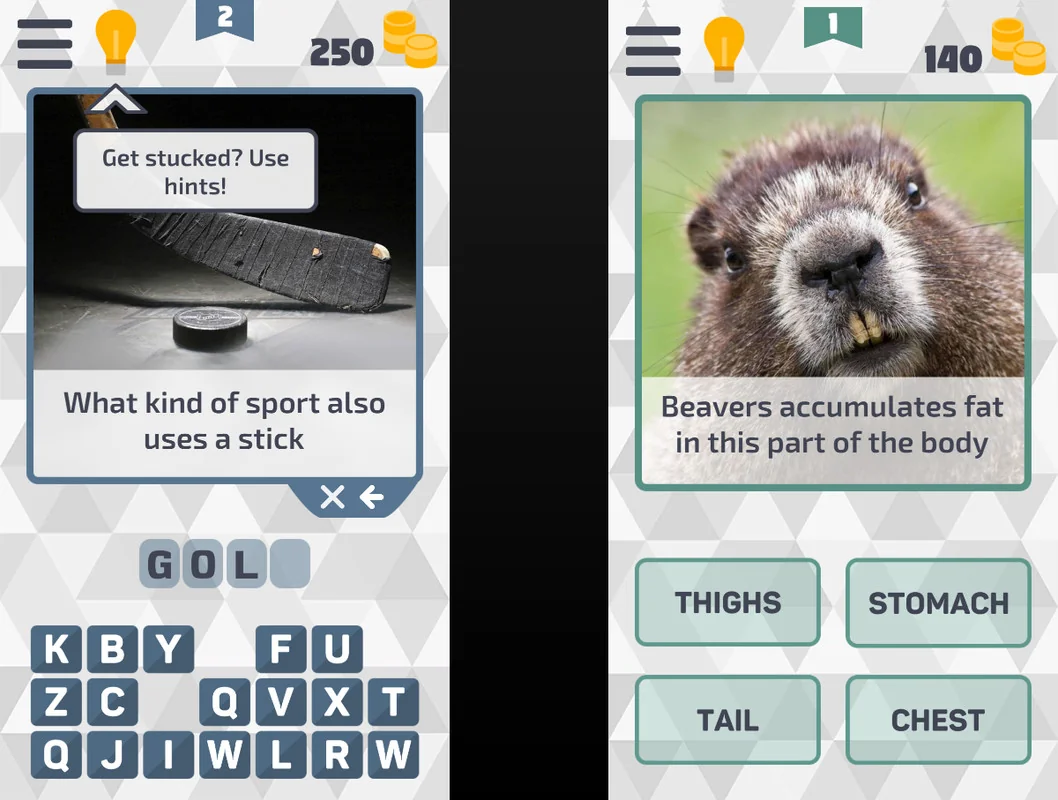
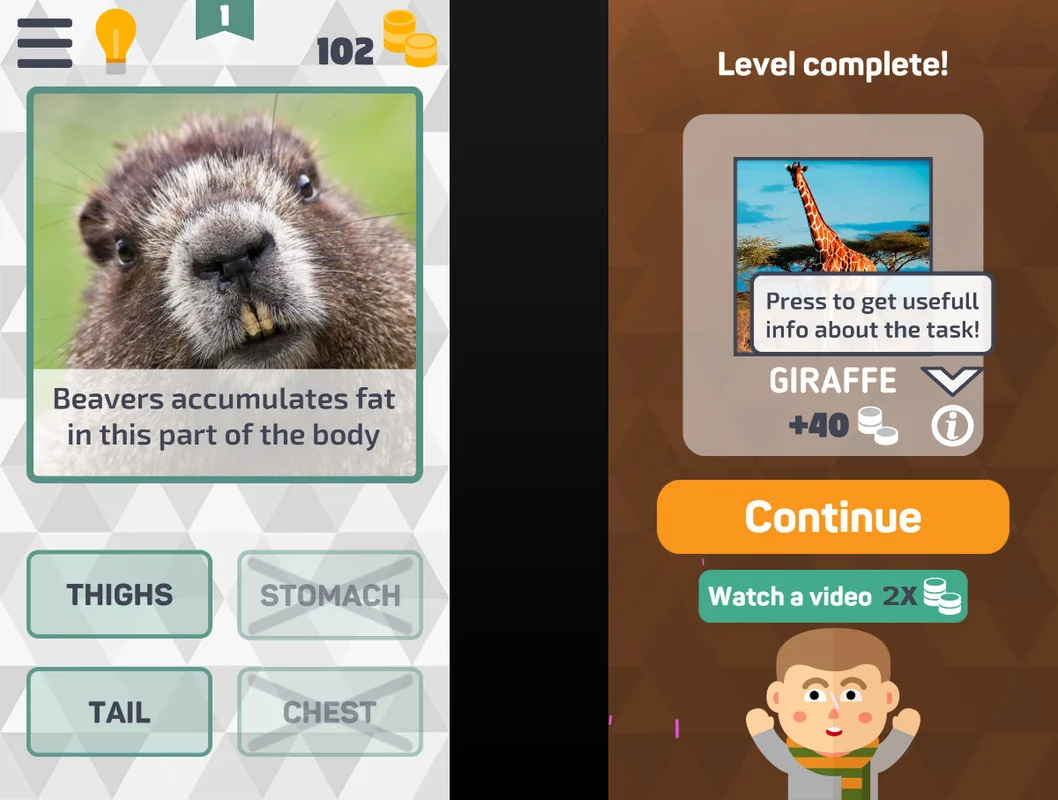
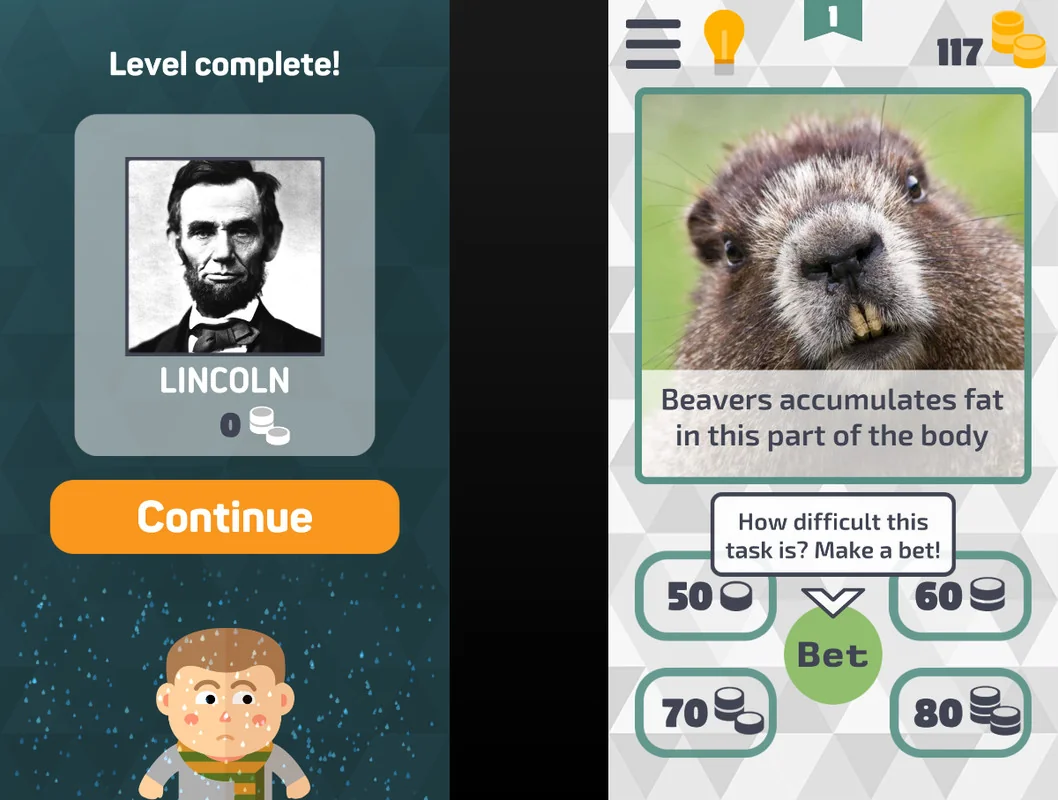
Input systems are central to the quiz experience, and this template provides two primary answer modes to accommodate different difficulty levels and gameplay styles. The first mode requires players to input the correct answer by clicking on individual letters, a mechanic common in word-based puzzles that challenges the user’s spelling and recall. The second mode offers a more streamlined experience by allowing players to choose from four predefined options, suitable for fast-paced trivia games.
These input methods are paired with an in-game education tips system. This feature acts as a guided layer for players, ensuring they understand the mechanics of the game as they progress through different levels. By having these systems pre-configured, developers can focus on content creation rather than logic debugging.
Diversifying Gameplay through Visual Logic
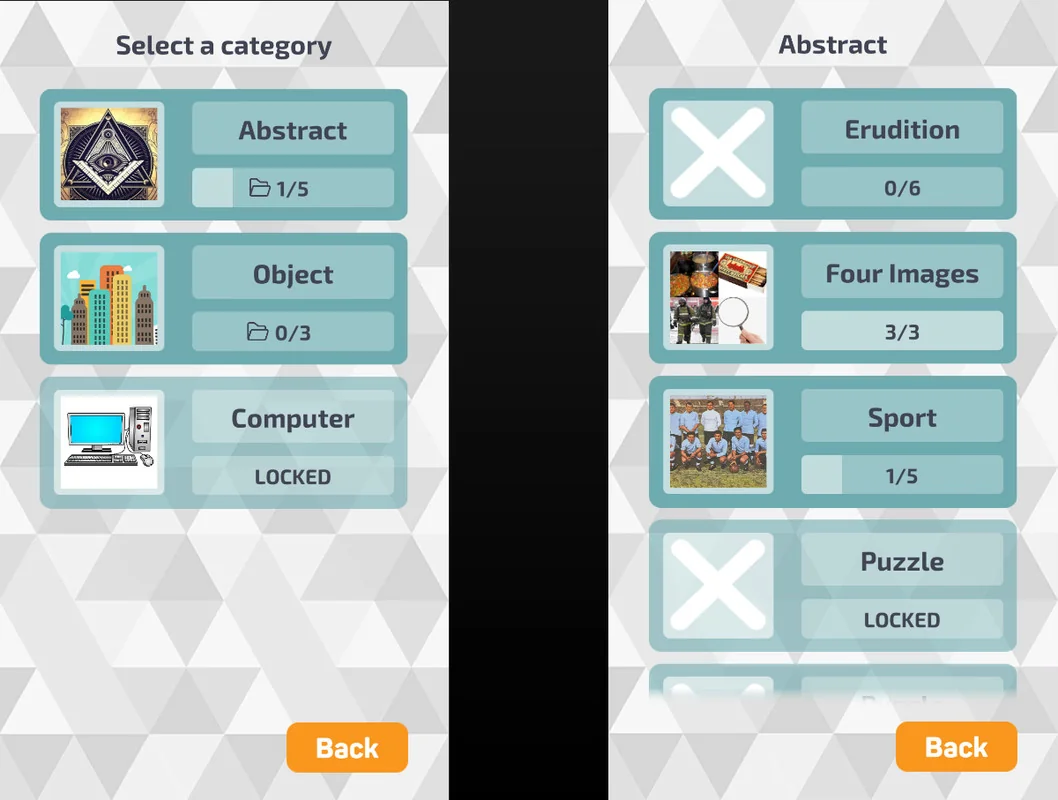
To prevent repetitive gameplay, Picture Quiz Plus includes seven distinct game modes that vary how information is presented to the player. These modes allow for a wide range of puzzle types within a single application:
- Picture and Text: Standard modes where players identify subjects based on visual cues, textual descriptions, or a combination of both.
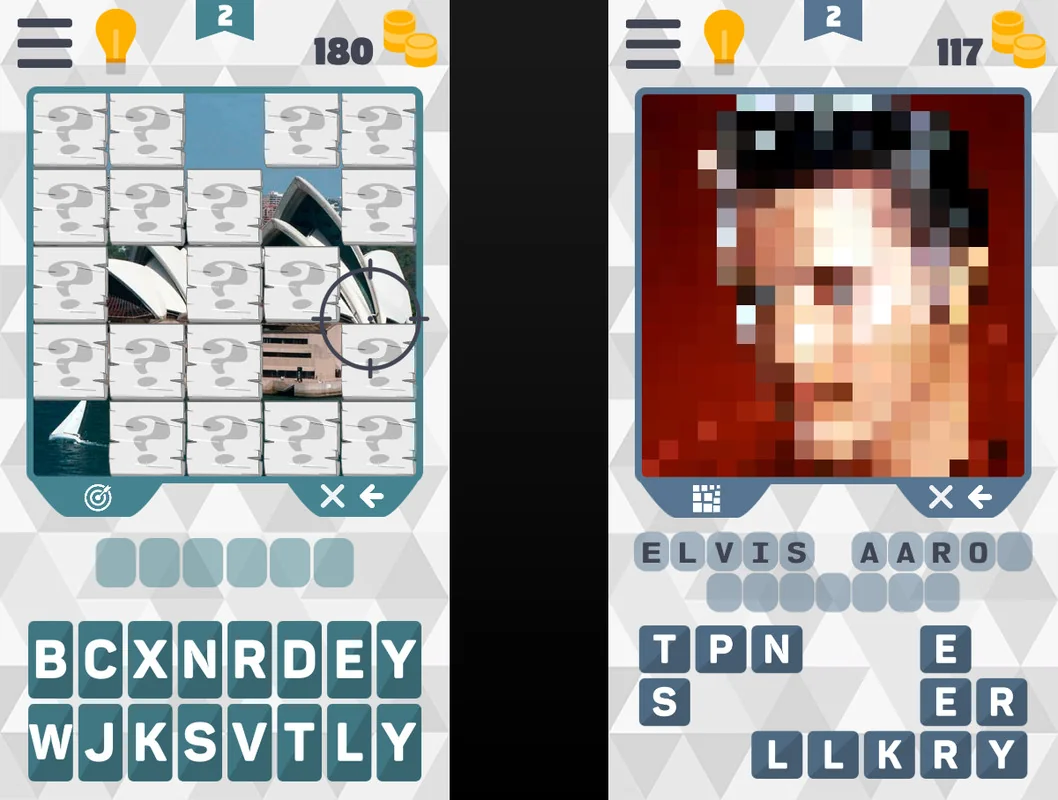
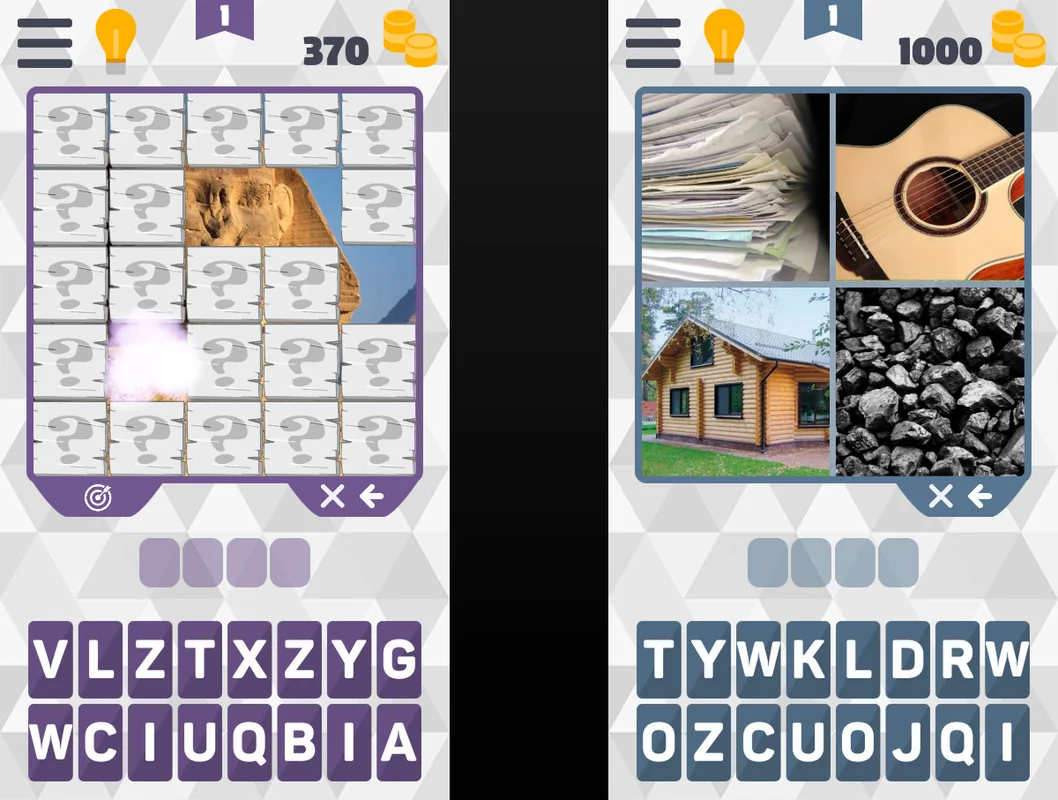
- Removal of Protective Planks: A logic-based mode where the image is partially obscured by planks that must be removed.
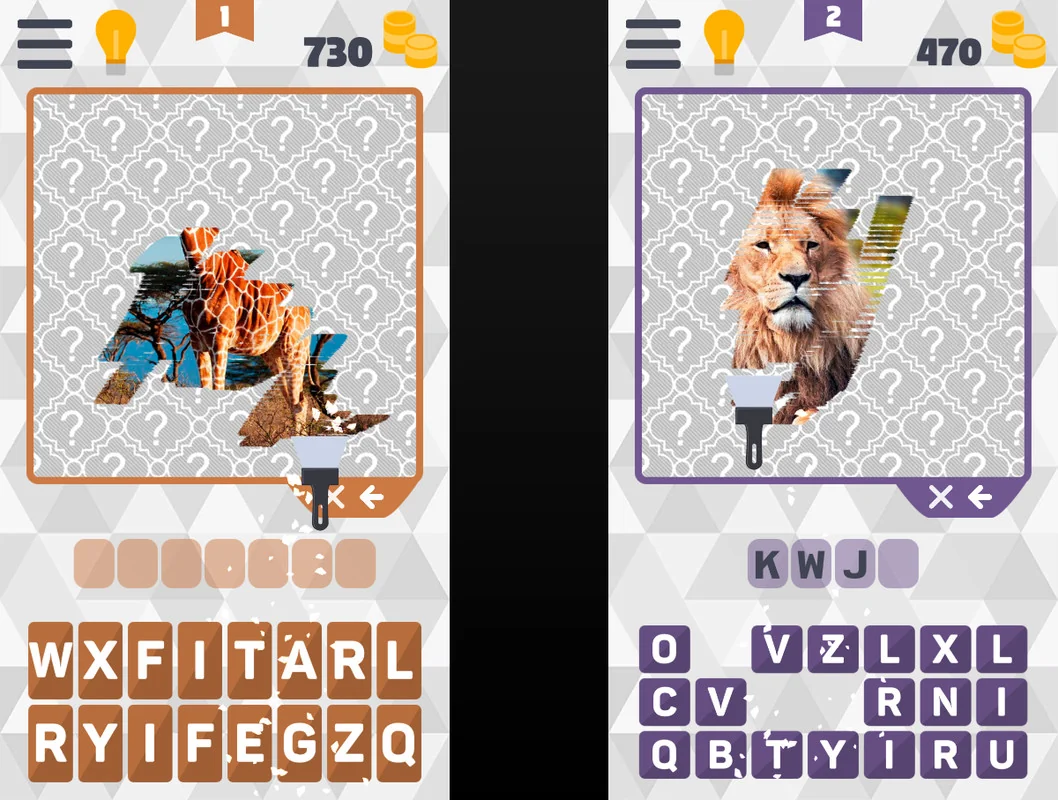
- Scrape Protective Film: A tactile mechanic where the player reveals the hidden image by ‘scraping’ away a covering layer.
- Pixelated Picture: A difficulty-scaling mode where images are presented at low resolutions, requiring the player to recognize shapes and colors.
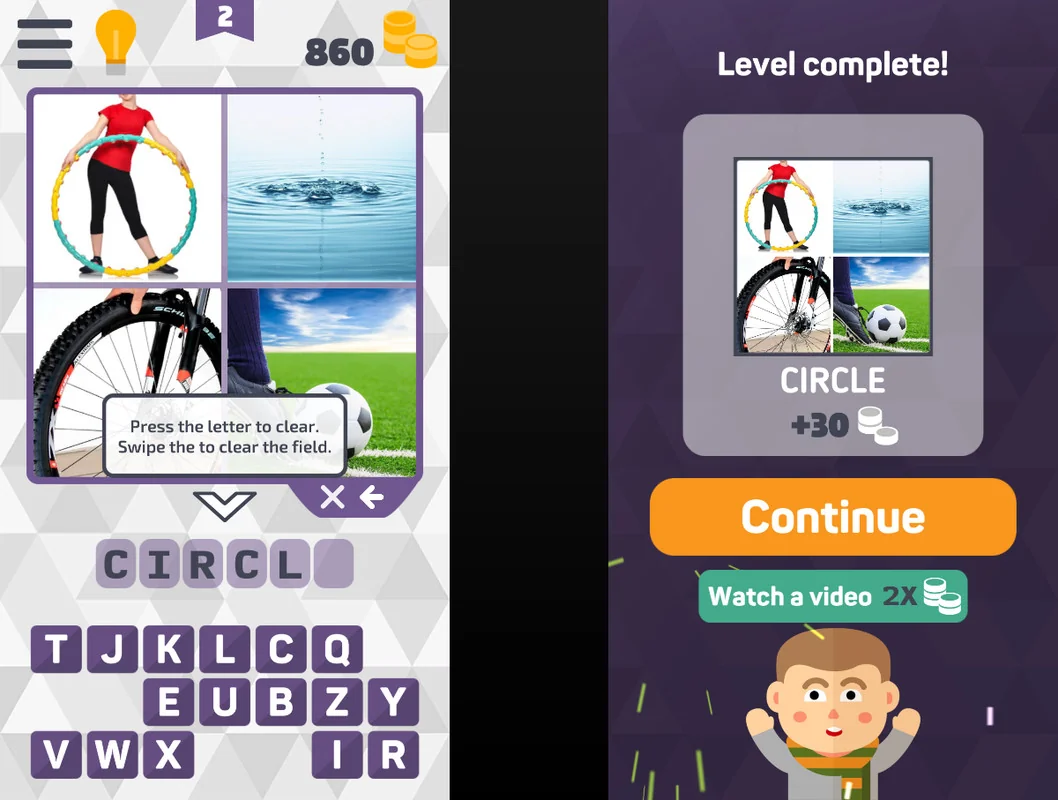
- Four Images in One: An associative mode where the player must find the common link between four different visual prompts.
The developer has also indicated that sound and video tasks are planned for future updates, which will expand the sensory variety of the tasks available to users.
Data Architecture and Localization
Managing level data and user progress is handled through a flexible storage system. Developers can choose between local storage or web-hosted data storage. The use of web-hosted storage is particularly relevant for those who wish to update or add new levels without requiring the user to download a full application update from the app stores. Furthermore, task save and load functionality has been implemented using JSON, providing a standardized and human-readable format for managing large sets of quiz data.
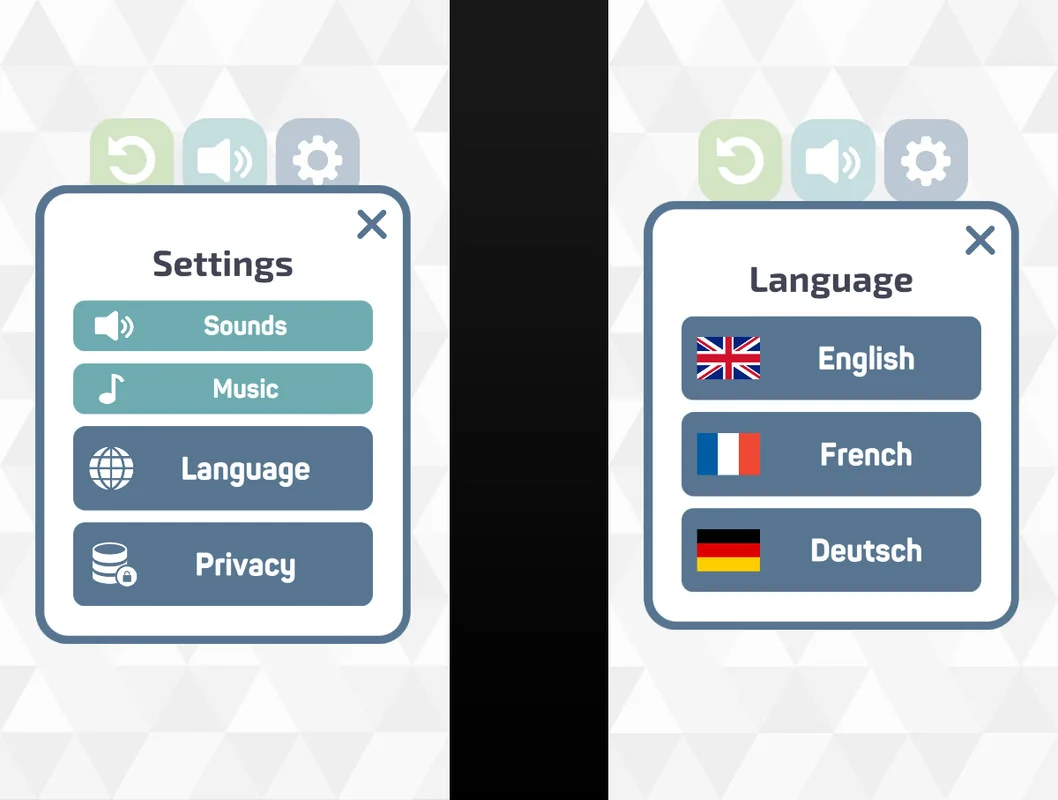
For games intended for a global audience, the template includes multi-language support. This allows for the localization of questions, answers, and interface elements, making the game accessible across different regions. This is supported by the inclusion of GDPR consent tools via AdMob UMP, ensuring that the application remains compliant with privacy regulations when deployed in international markets.
Platform Integration and Technical Standards
The framework is built on a foundation that supports modern mobile features and SDKs. For Android users, it includes support for Google Play Saves, which allows progress to be synchronized across devices via the cloud. It also features social sharing capabilities, enabling players to share their progress or specific challenges with their networks.
From a technical standpoint, the project was originally developed in Unity version 2022.3.62 but has been updated to support Unity v6. Recent maintenance has seen the removal of deprecated APIs to ensure long-term stability and the resolution of shader errors that previously occurred on Mac hardware. The template also integrates common mobile services such as Unity Ads, AdMob, and In-App Purchases, alongside fixes for banner layout shifts to maintain UI consistency across various mobile screen aspect ratios.
The 55.6 MB package is designed to be a complete project, offering a ready-to-use foundation for developers aiming to build a 2D mobile puzzle game with a focus on visual and textual trivia.
Preview Images