Streamline Your Workflow with Industrial Decal
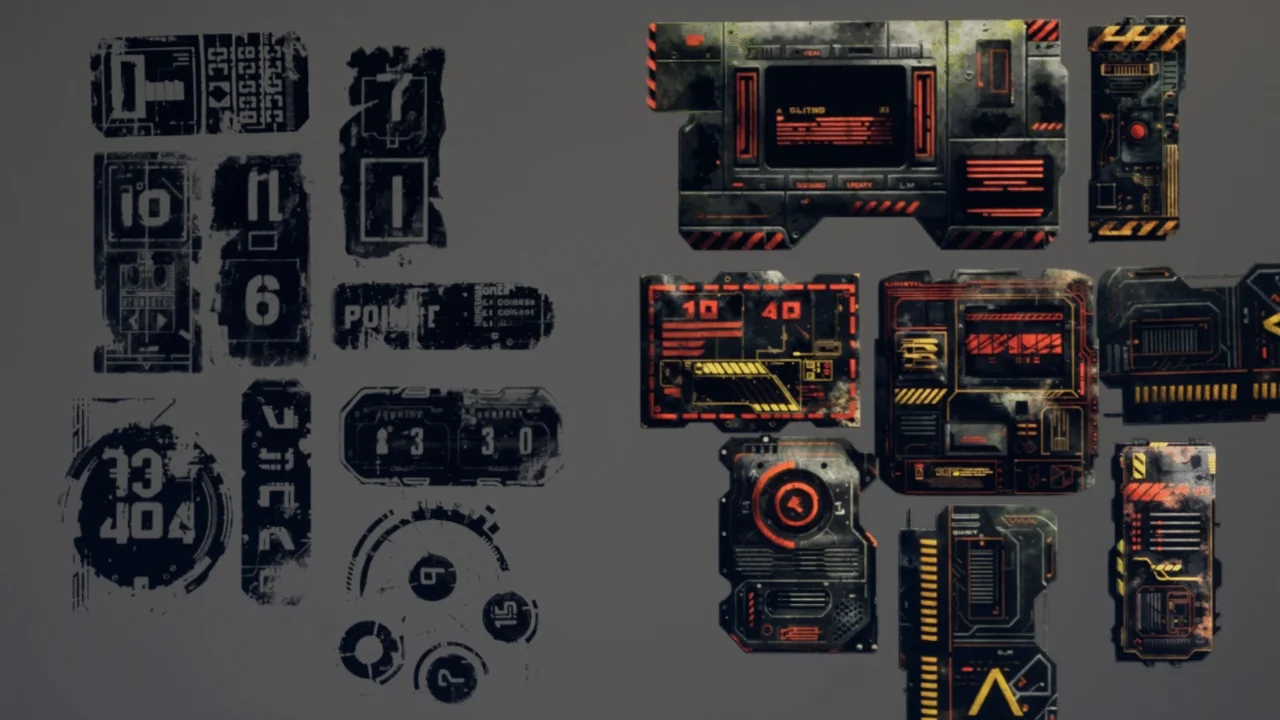
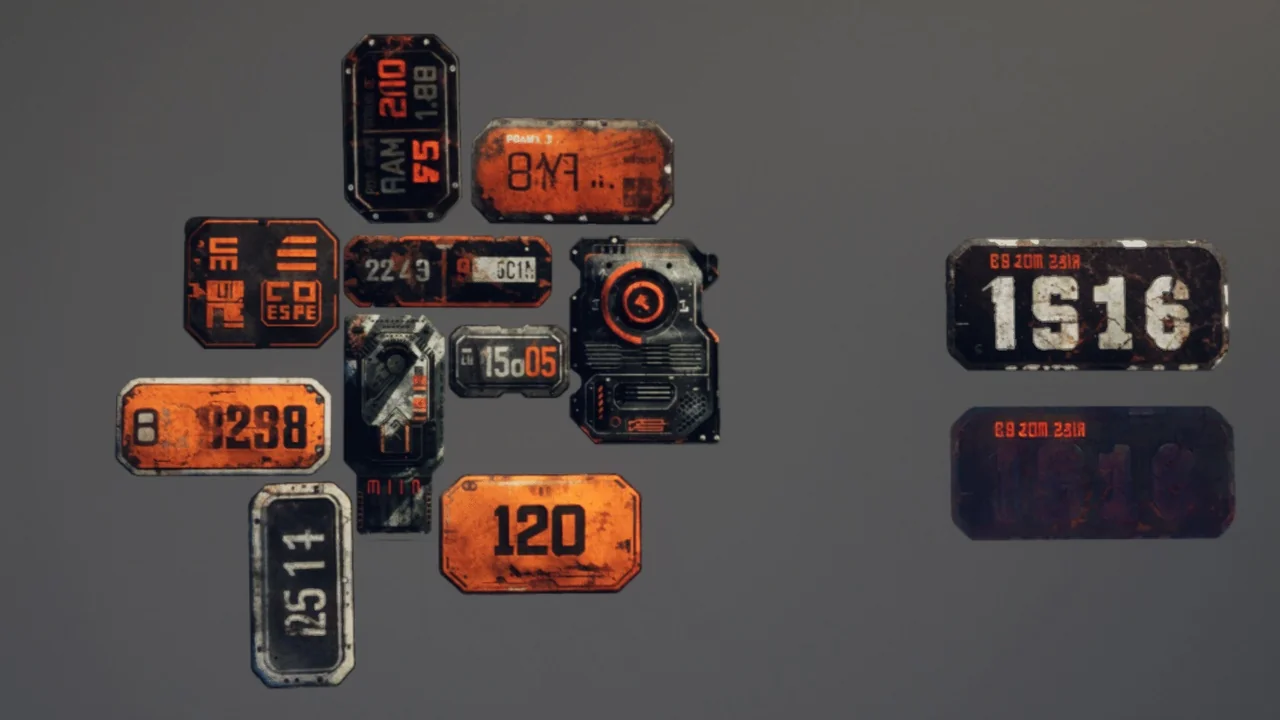
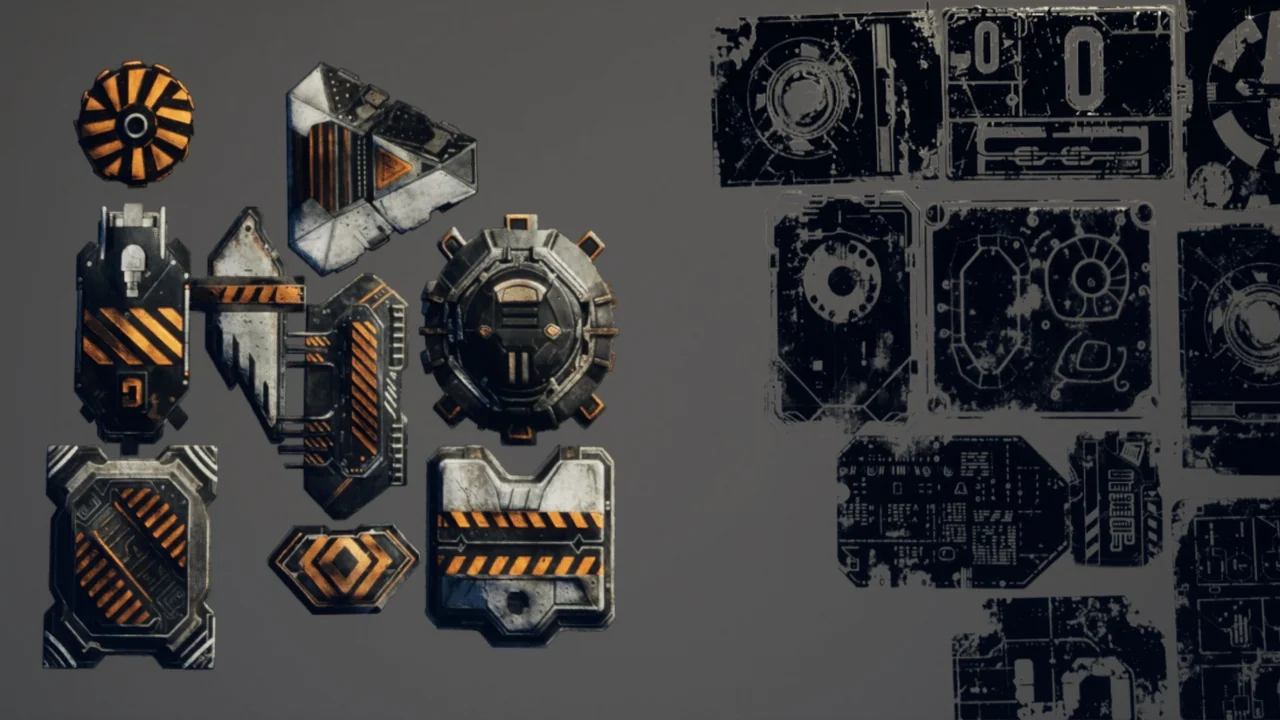
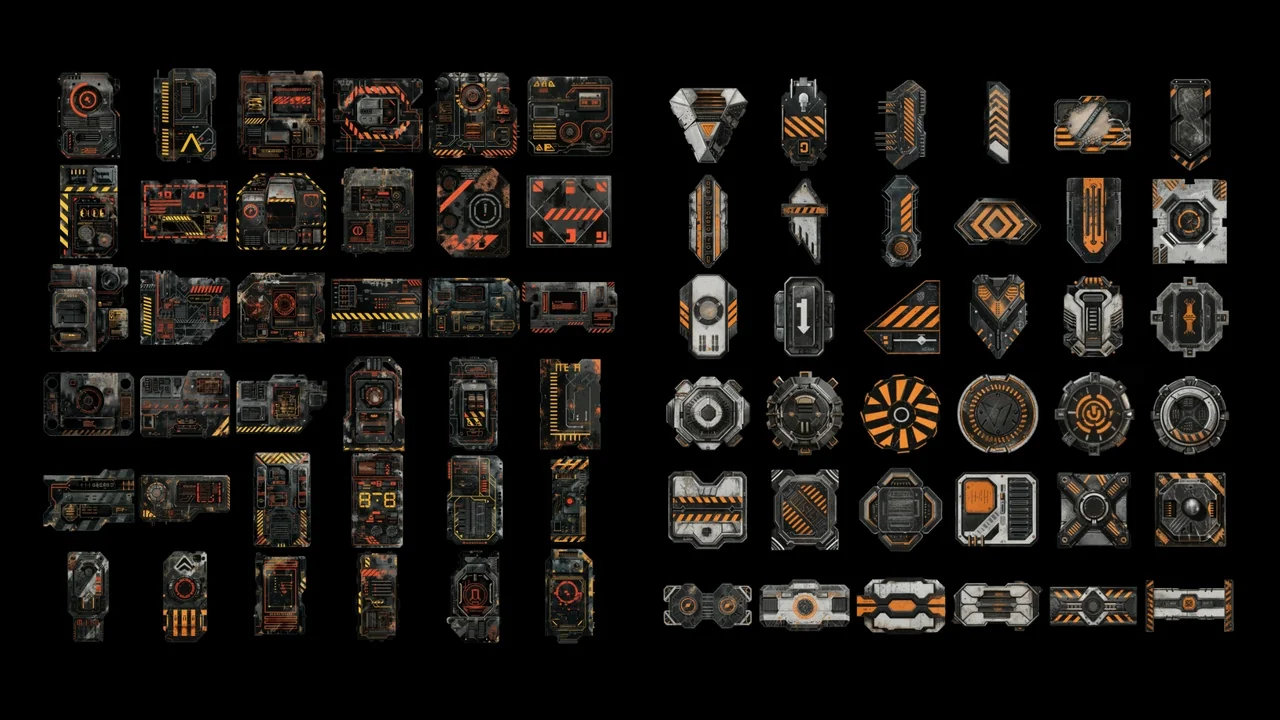
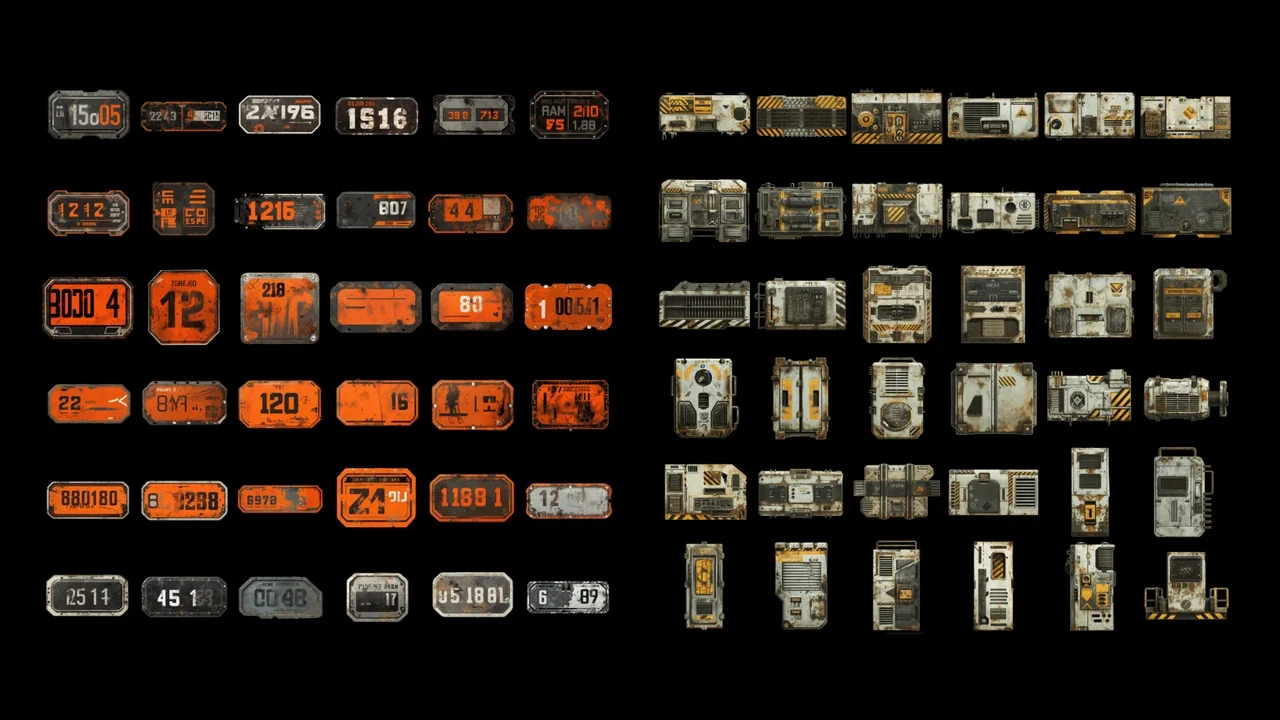
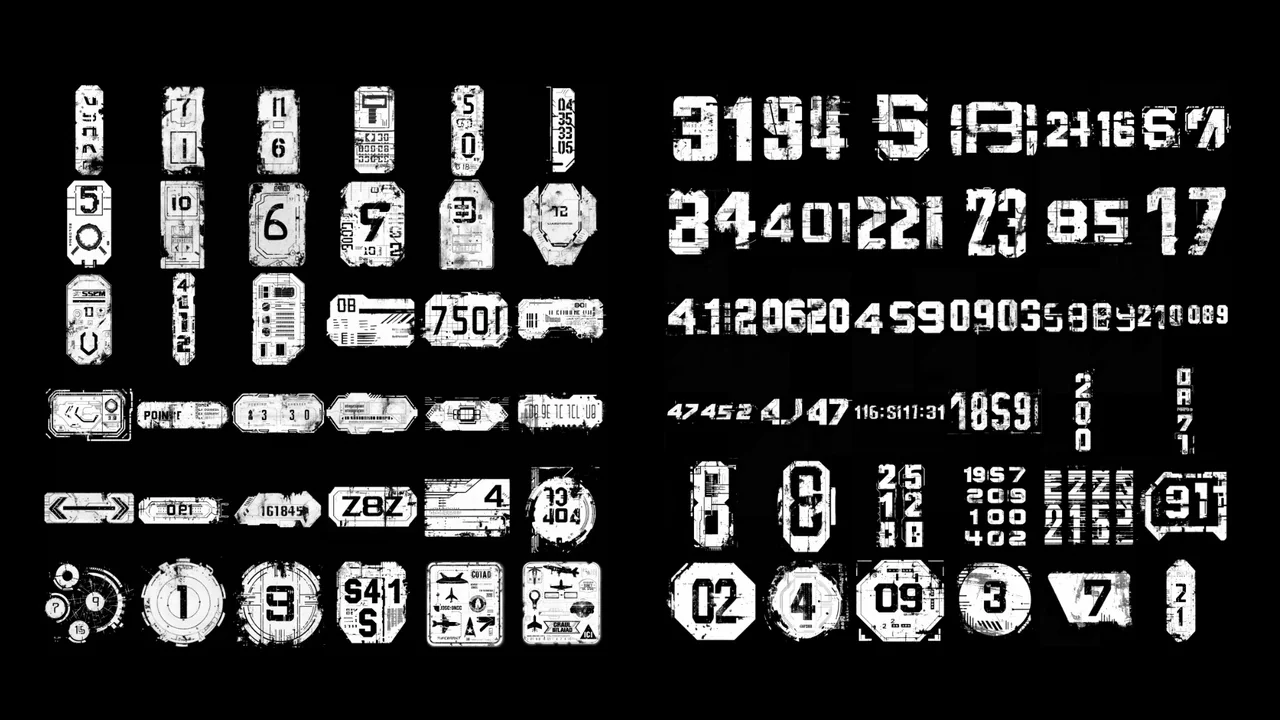
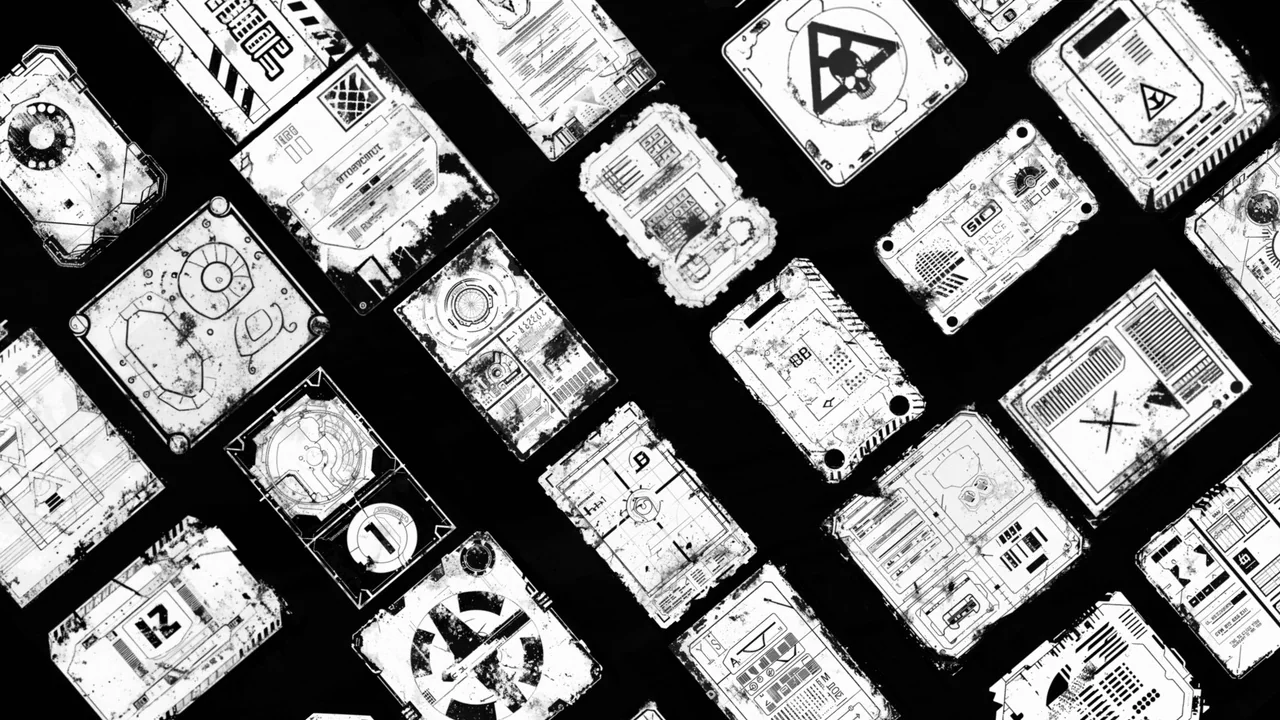
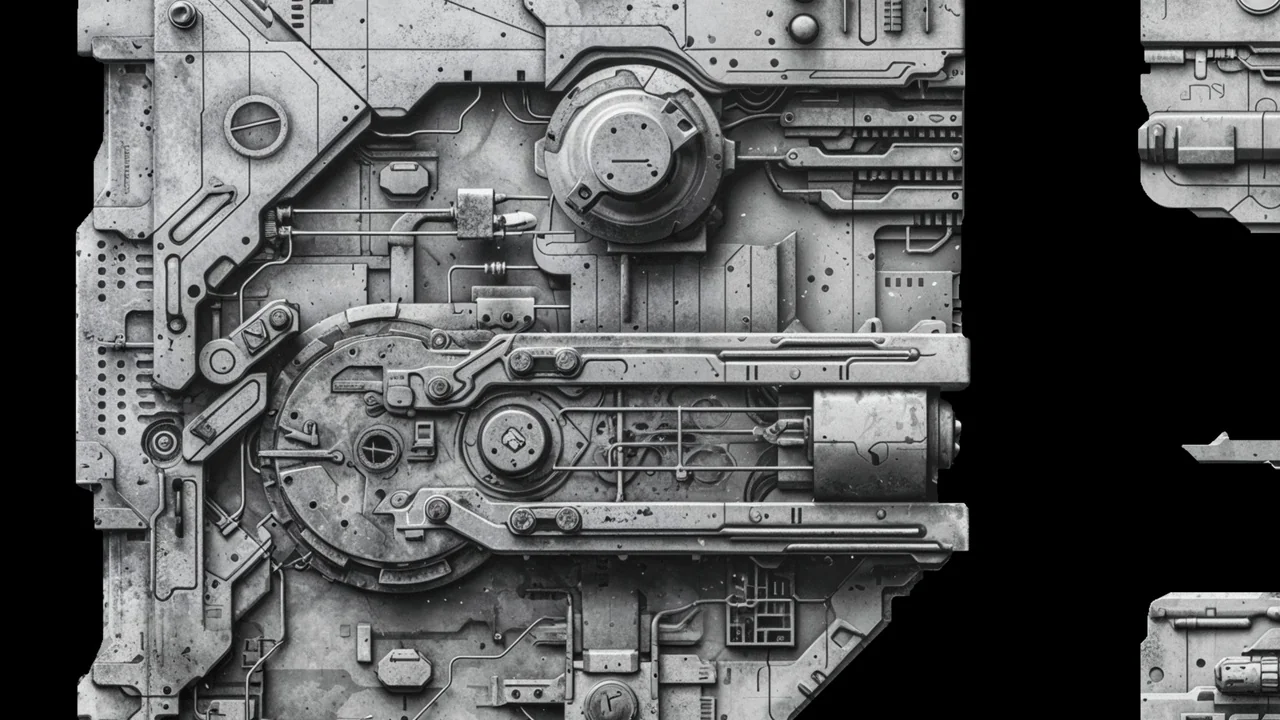
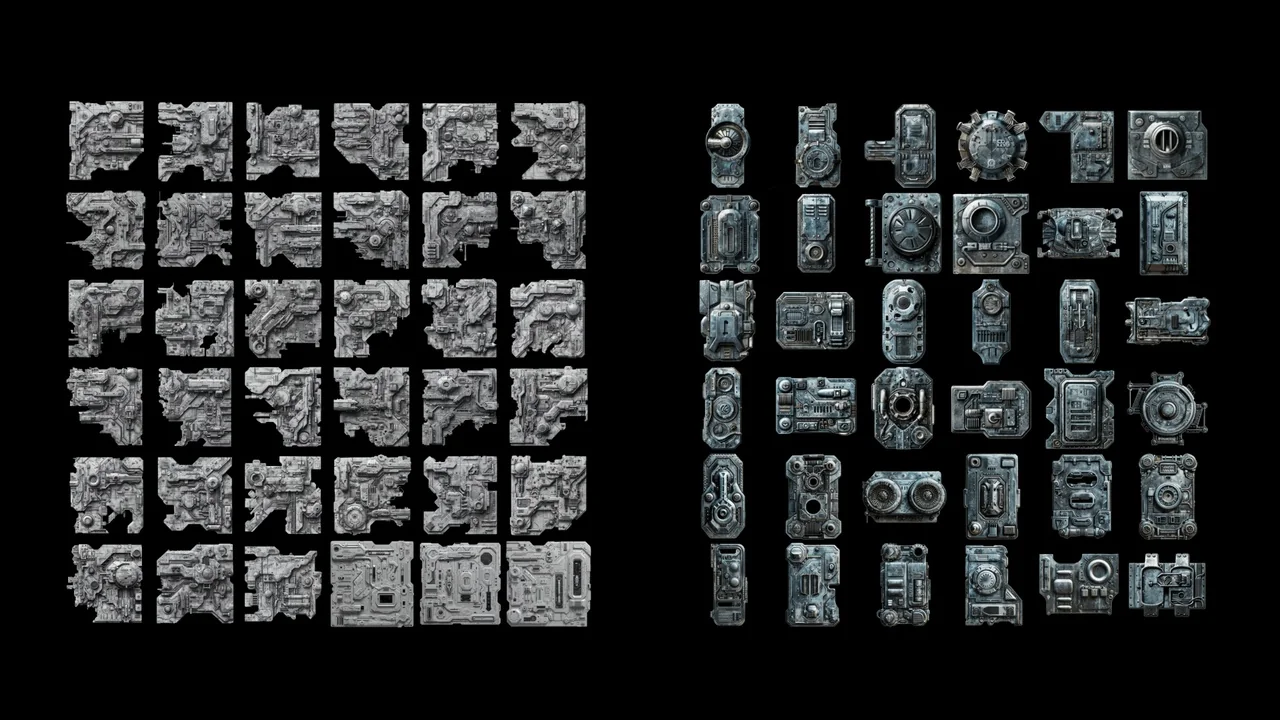
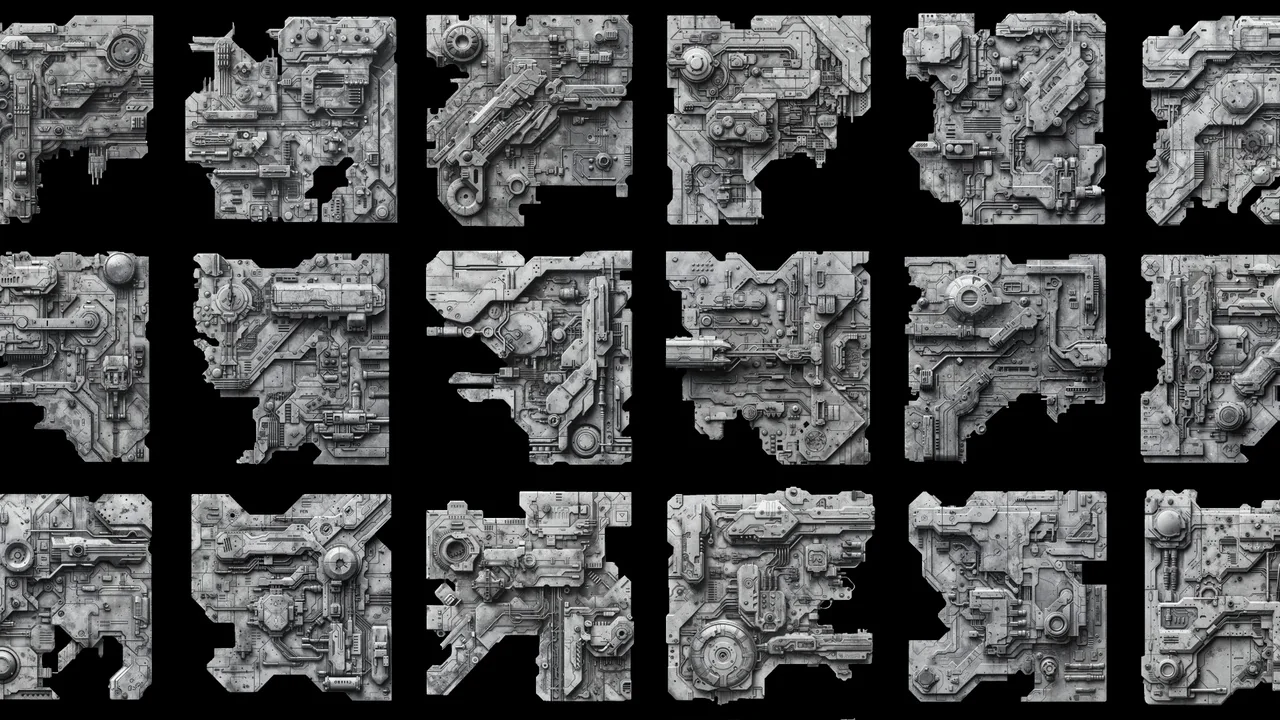
Industrial Decal is a powerful tool designed for environment artists who need to add realistic details to their scenes efficiently. This asset pack provides a massive collection of 324 different high-resolution decals and flipbooks. Furthermore, all of these assets are accessible through a single blueprint. This centralized system ensures that your project remains organized and easy to manage.
The developer prioritized ease of use during the creation of this tool. Consequently, implementing these decals into your scene is a simple drag-and-drop process. Once the blueprint is placed, you do not need to navigate complex menus. Instead, you can simply enter a number or use a slider to cycle through the various decal options. This intuitive interface allows for rapid iteration during the level design process.
Extensive Library of High-Resolution Assets
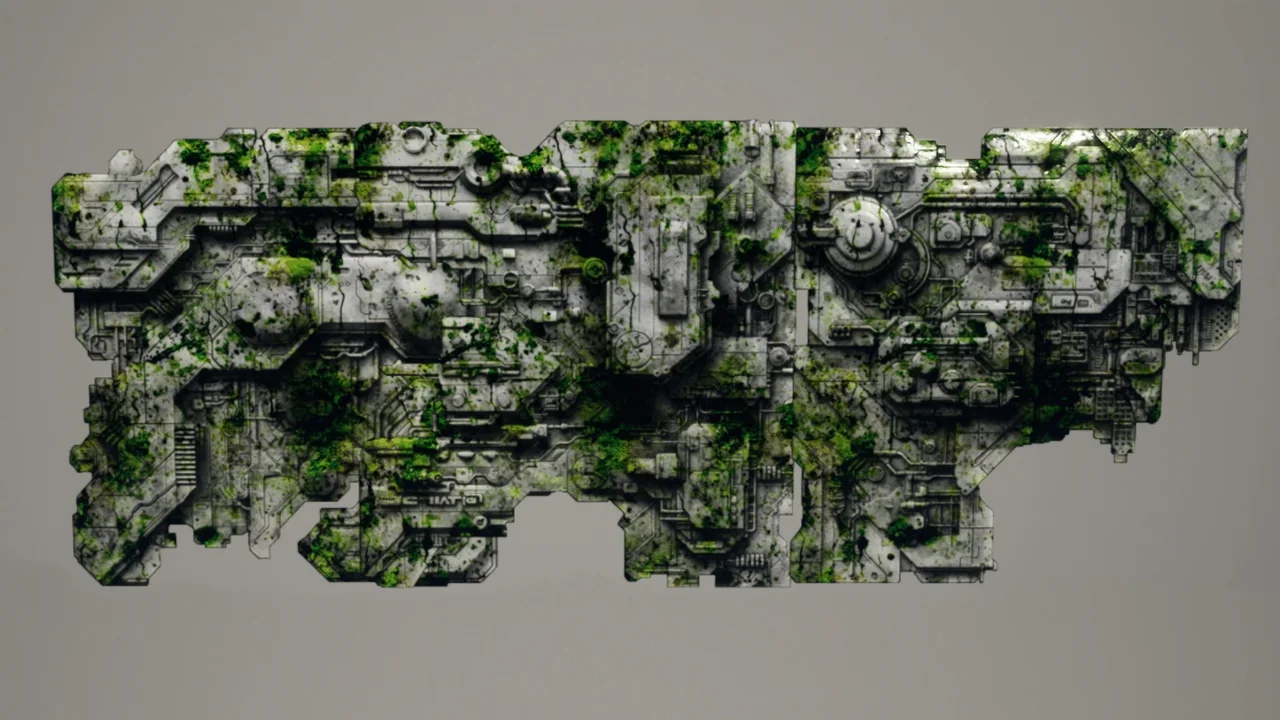
The package is built around a versatile industrial and sci-fi theme. It includes a wide variety of typography and industrial markings that help ground a scene in reality. Because the textures are high-resolution, they maintain their clarity even when viewed from close distances. Moreover, the inclusion of flipbooks adds a layer of dynamic movement to otherwise static environments.
These assets are perfect for creators working on realistic projects. Whether you are detailing a futuristic laboratory or a gritty factory, the variety of the library provides ample choice. Therefore, you can achieve a unique look for every surface without needing multiple separate asset packs.
Comprehensive Visual Customization
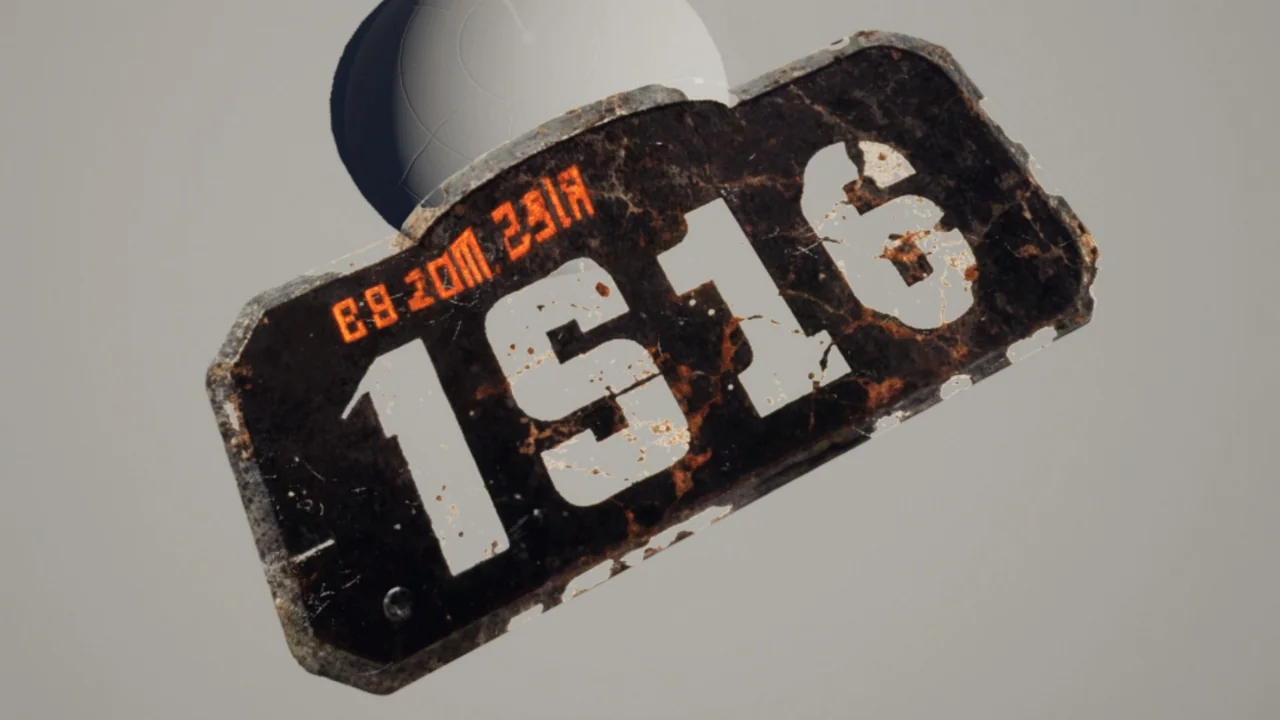
Visual flexibility is a core feature of the Industrial Decal system. Users have the ability to modify several key parameters to match their specific artistic vision. For example, you can easily change the color of the decal to fit your scene’s palette. Additionally, the emissive power can be adjusted to create glowing effects, which is ideal for sci-fi control panels or warning signs.
- Normal Maps: Adjust the surface depth and lighting response.
- Grunge Textures: Add wear, tear, and weathering to any decal.
- Masking: Fine-tune the visibility and blending of the asset.
- Emissive Control: Manage the brightness and glow of industrial elements.
By utilizing these features, you can make a single decal look brand new or heavily aged. This level of control is essential for maintaining consistency across a realistic environment. Furthermore, the ability to tweak the normal and grunge settings ensures that the decals blend seamlessly with the underlying materials.
Advanced Animation with Sequencer Support
One of the standout features of this pack is its integration with animation tools. All of the customization features can be integrated into the sequencer. Consequently, you can animate any property of the decal as desired. This allows for dynamic environmental storytelling, such as flickering lights or changing warning symbols.
Similarly, the flipbooks included in the package can be animated to create moving industrial displays. Because these features are built into the blueprint, they are easy to synchronize with other scene events. This makes Industrial Decal a valuable resource for both game developers and cinematic artists.
Conclusion
Industrial Decal offers a robust and flexible solution for adding high-quality details to digital environments. With 324 high-resolution options and a user-friendly blueprint system, it simplifies the detailing process significantly. The combination of deep customization and sequencer integration makes it a versatile choice for any realistic or sci-fi project. By utilizing this tool, creators can achieve professional results with minimal effort.
Screenshots & Gallery