Broad Asset and Framework Compatibility
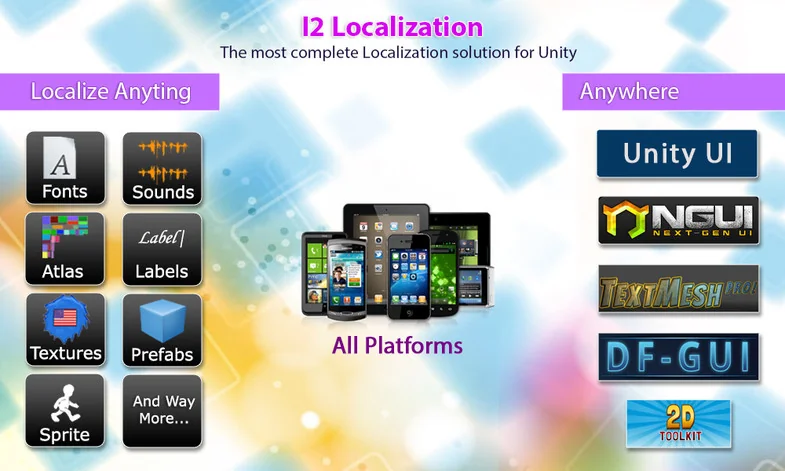
I2 Localization is designed as a comprehensive system for Unity that extends beyond simple text replacement. It integrates with a wide variety of standard and third-party tools, including Unity UI, Unity 2D, TextMesh Pro, NGUI, 2D ToolKit, and SVG Importer. This broad compatibility allows developers to localize a diverse range of assets, including images, sounds, fonts, sprites, atlases, and even entire prefabs. By supporting these varied components, the system ensures that the visual and auditory identity of a project can be fully adapted to different cultural contexts without breaking established workflows.
Live Data Synchronization and External Sources
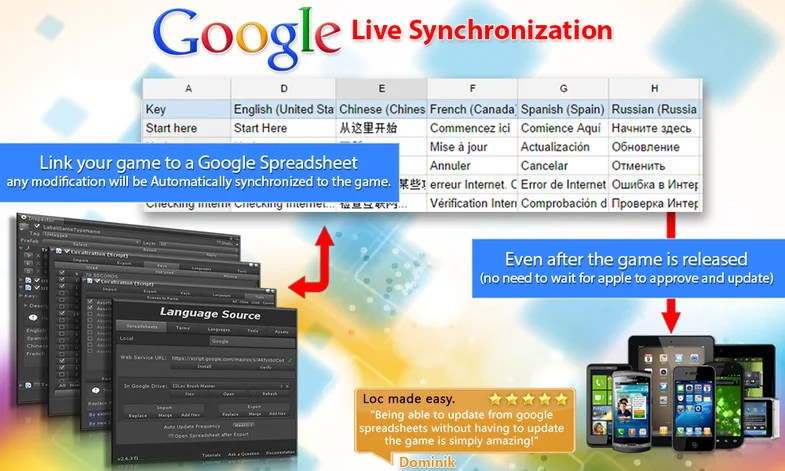
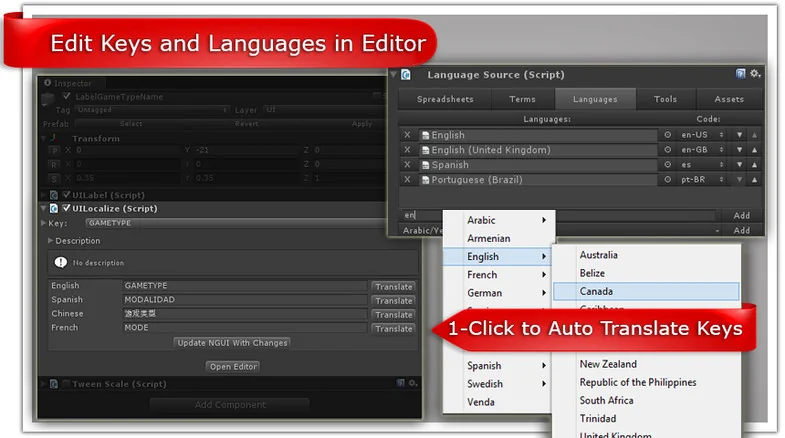
A central feature of the system is its ability to link with external data sources. Developers can connect their projects to Google Spreadsheets or CSV files. When changes are made to these external documents, the system can automatically download the updates. This synchronization capability remains functional even after a game has been released, allowing for post-launch translation fixes or additions without requiring a new build of the software. For projects that require rapid iteration, the built-in support for Google Translator allows for the automatic localization of labels into any supported language, providing a baseline for further refinement.
Handling Complex Linguistic Requirements
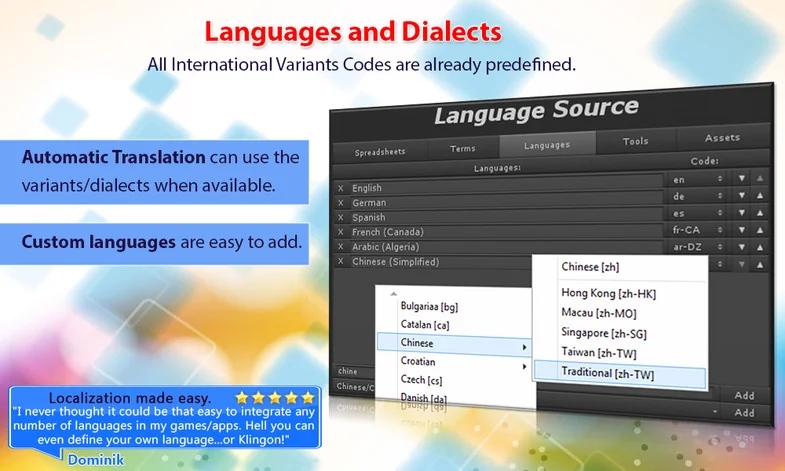
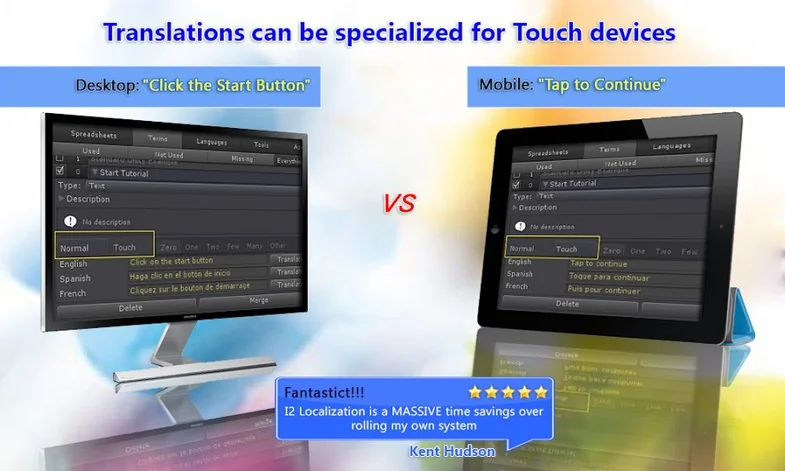
Localization often involves more than direct word-for-word translation. This system addresses specific grammatical challenges, such as pluralization. It includes built-in rules for various languages, ranging from those that use simple singular and plural forms to those requiring up to six different variants. Furthermore, the system provides specialized support for Right-to-Left (RTL) languages. This includes not only correct character rendering but also the management of line wrapping and text alignment, ensuring that scripts such as Arabic or Hebrew are displayed correctly within the interface.
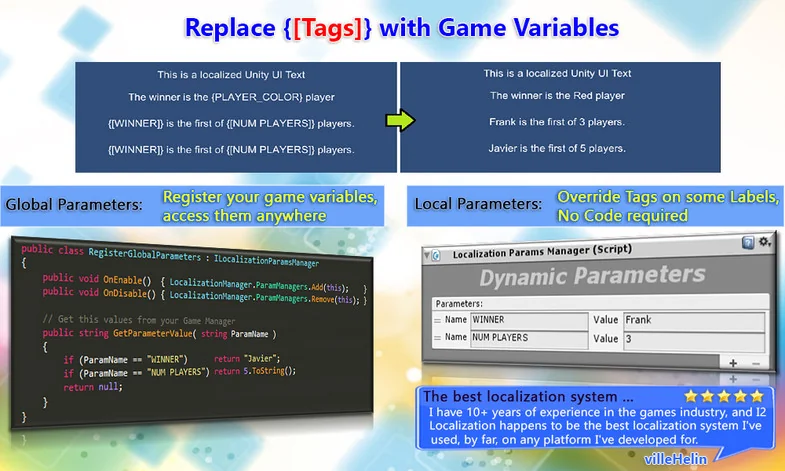
To further refine the presentation, developers can utilize sub-object translations. This allows for the assignment of secondary terms to change elements like fonts and atlases depending on the active language. This is particularly useful when certain fonts do not support specific character sets or when visual symbols need to be swapped for different regions. Additionally, translations can be modified using callbacks and parameters to insert dynamic data such as scores, names, or game variables while adhering to the specific grammar of the target language.
Optimization and Performance Management
Efficiency is a priority within the system’s architecture. At runtime, only the data for the currently selected language is loaded into memory, utilizing fast lookups to maintain performance. To further reduce the memory footprint, the creator has included tools to generate fonts containing only the specific characters used in the project. For larger titles, the system can link with AssetBundles to manage and load localized content dynamically. This ensures that the inclusion of multiple languages does not unnecessarily bloat the application’s resource usage.
Developer Workflow and Error Detection
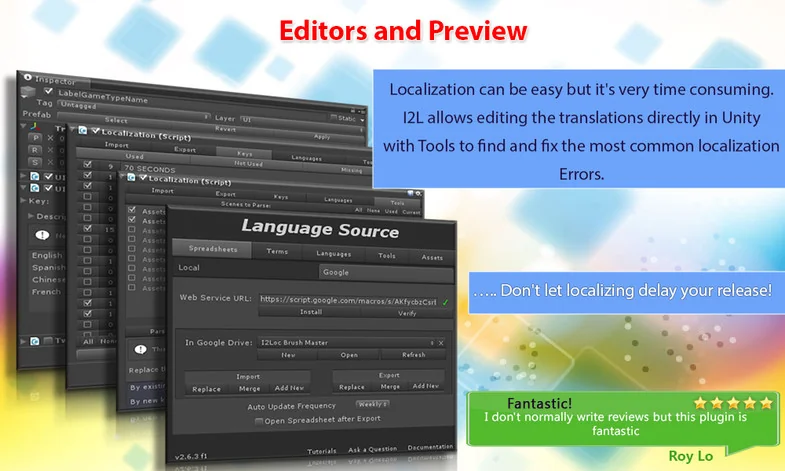
The system includes several tools to streamline the localization process within the Unity Editor. Intuitive inspectors allow developers to preview, edit, categorize, and filter translations, even when dealing with large datasets. To maintain project health, the system can parse scenes to identify missing or unused translations, as well as detect duplicated or similar terms. This helps prevent errors before they reach the final user.
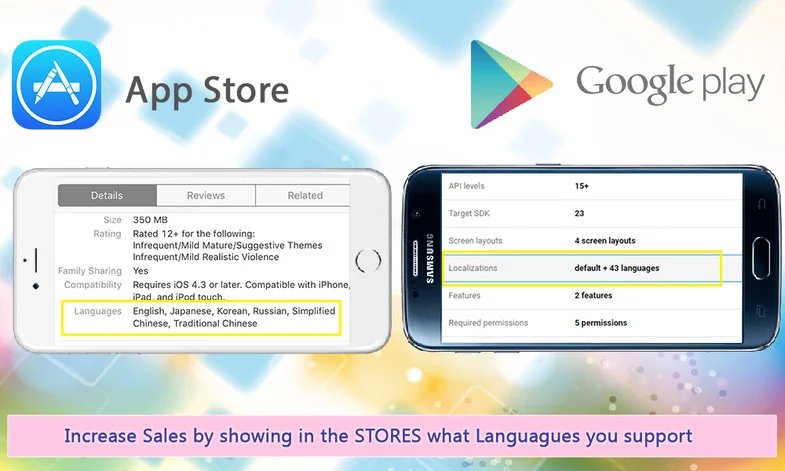
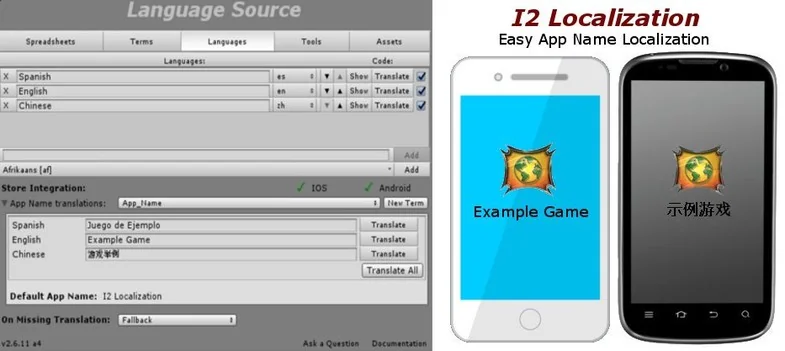
For those focused on code stability, the system supports compile-time checking. By baking translations into script constants, developers can avoid typos when accessing terms through code. Additionally, the system provides several Playmaker actions, allowing those who use visual scripting to interact with localized elements and switch languages without writing custom scripts. The system also extends to the platform level, allowing the localization of the application name and store descriptions for Android and iOS, ensuring the game is presented correctly in digital storefronts.
Dynamic and Runtime Flexibility
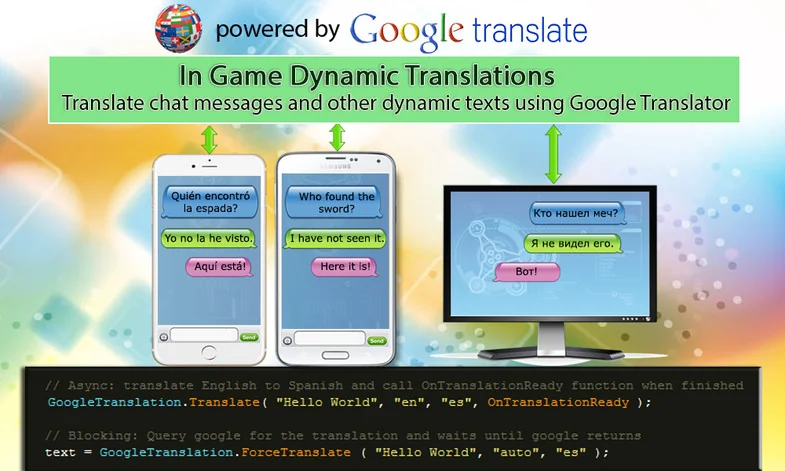
Beyond static UI elements, the system offers an API for dynamic translations. This allows for the translation of real-time content, such as chat messages or other text generated during gameplay. Developers can also reuse translations by applying automatic casing rules, such as converting text to upper case, lower case, or title case, which reduces the need for redundant entries in the translation database. This flexibility makes it possible to handle both pre-authored content and unpredictable user-generated text within the same framework.
Asset Gallery
Protected download
Access this resource
All resources are 100% manually reviewed to eliminate all risks.

