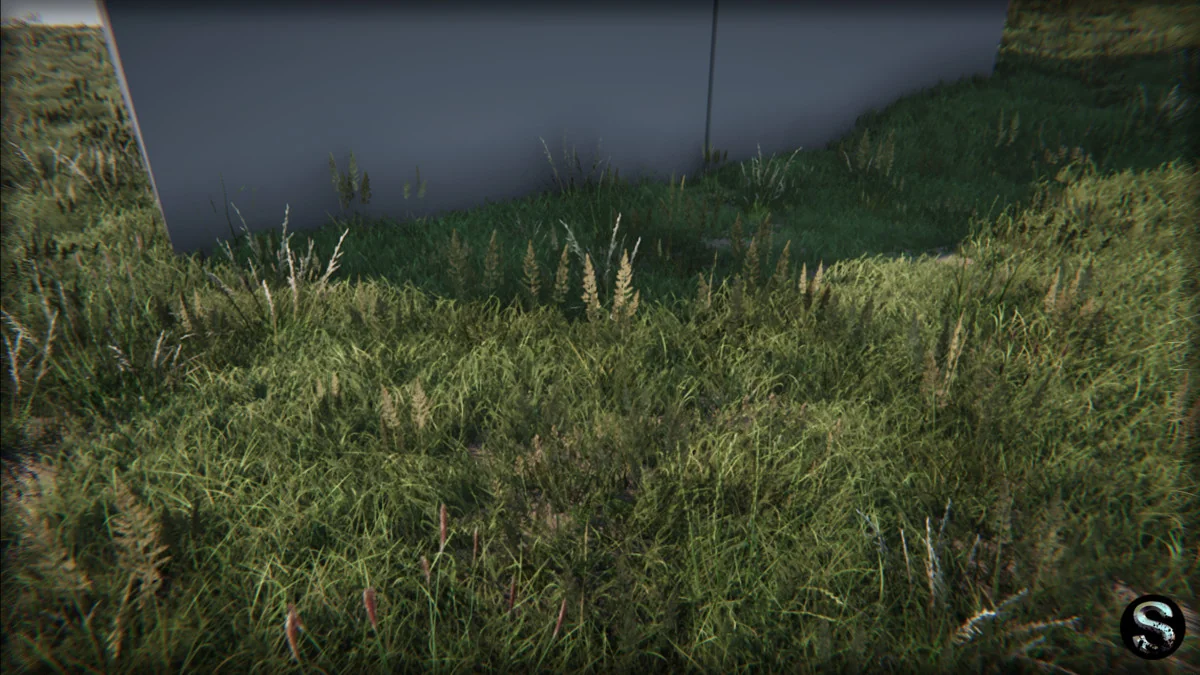
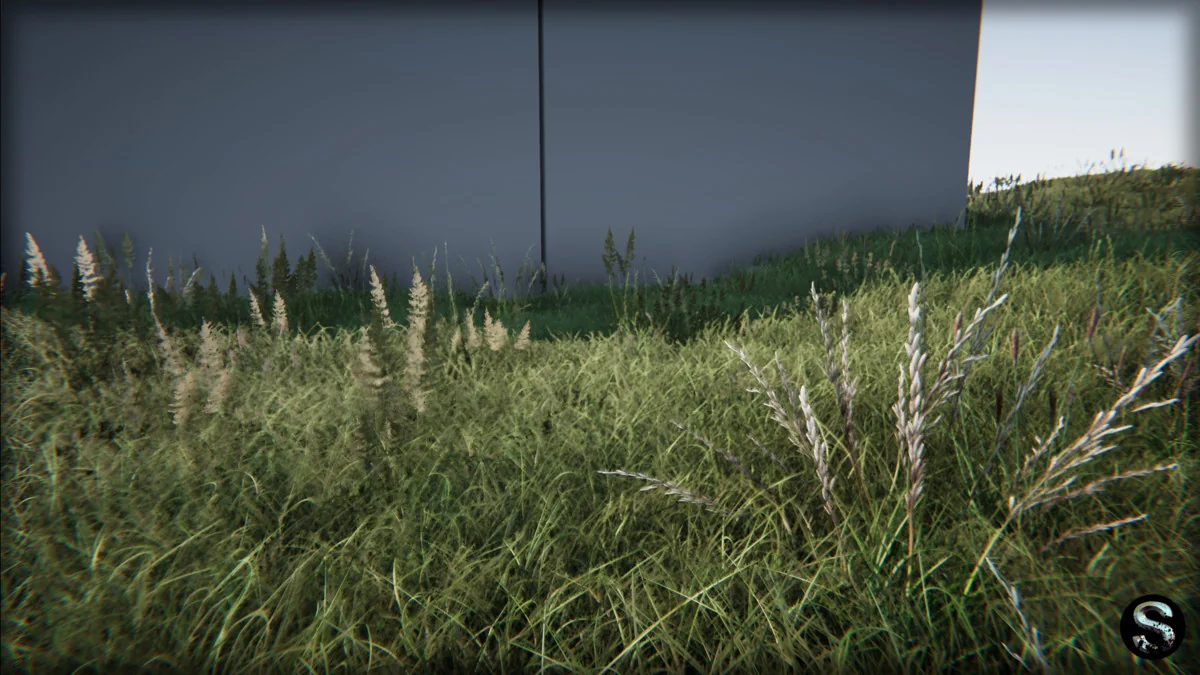
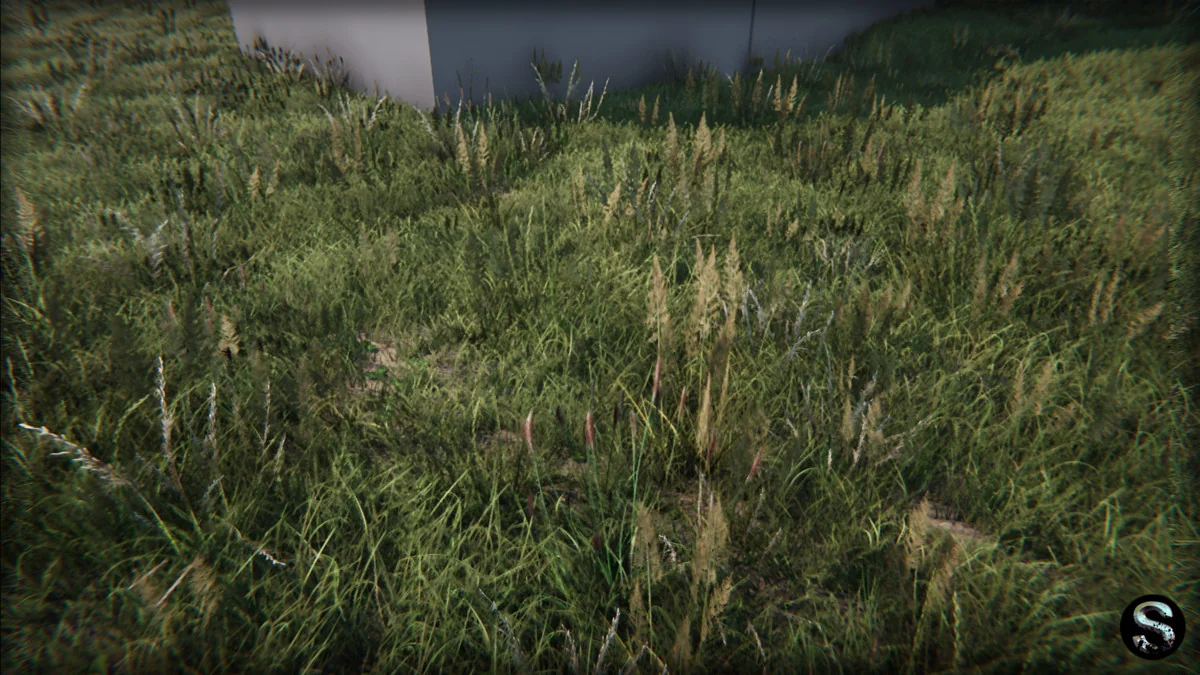
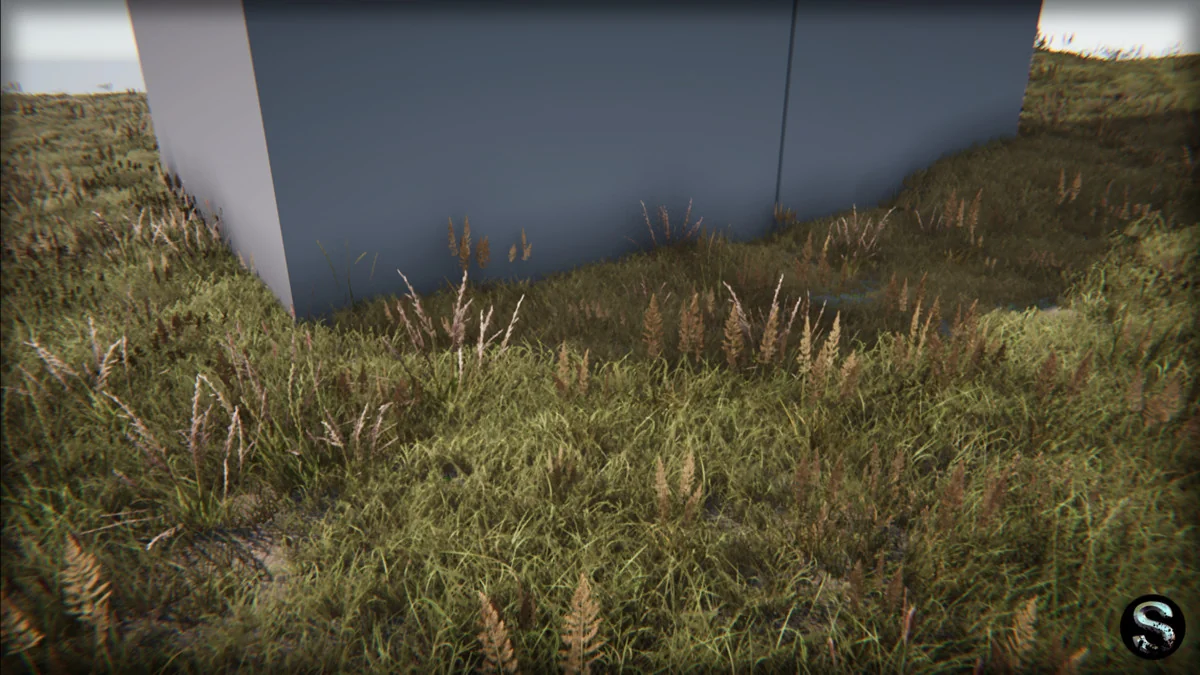
High-Fidelity Vegetation for HDRP Environments
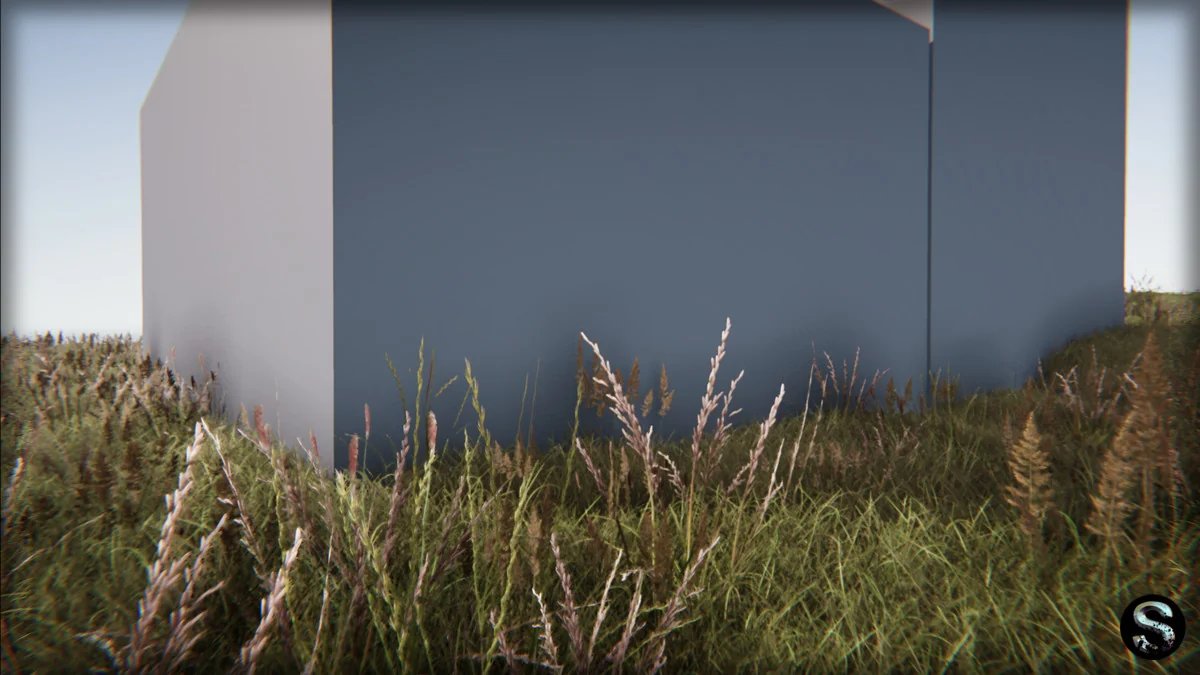
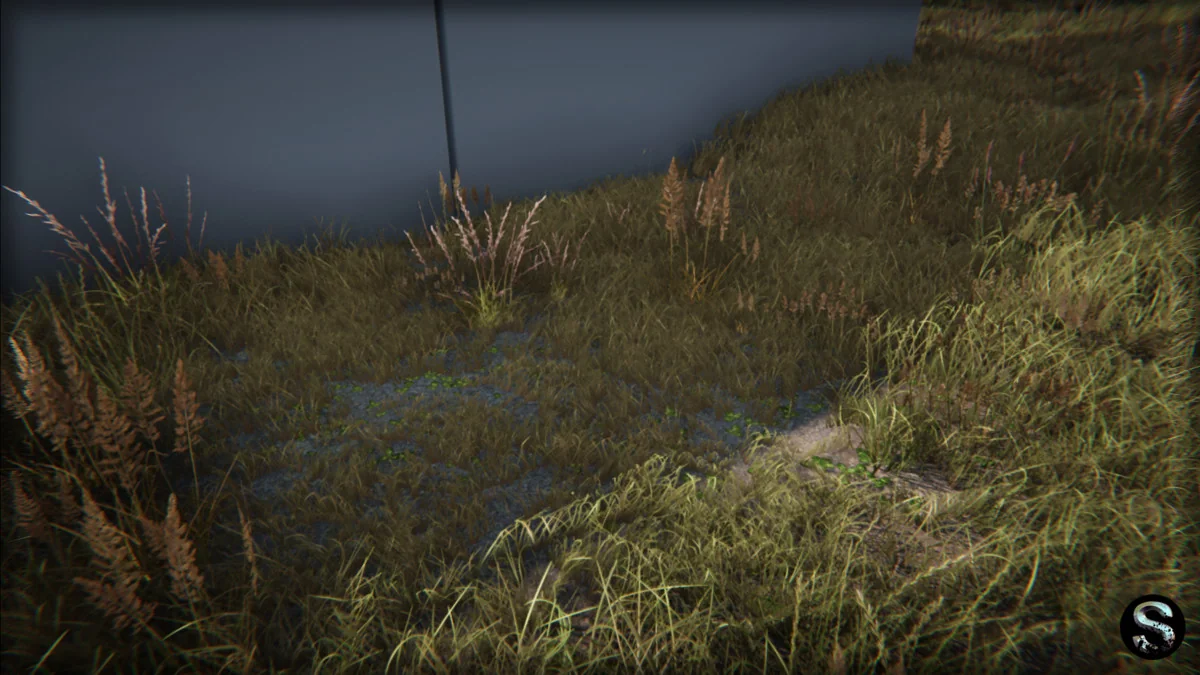
The Grass Pack is a specialized collection of photorealistic vegetation assets designed primarily for use within the High Definition Render Pipeline (HDRP) in Unity. This resource is tailored for developers focused on creating expansive natural scenes, including large fields, manicured lawns, and forest glades. The package includes a total of 52 assets, structured to provide a realistic visual foundation for environment design while maintaining technical performance.
The visual fidelity of the pack is driven by high-resolution texture maps. It includes 18 textures in total, with the primary vegetation textures provided at a 4096x4096p resolution. This high resolution allows for close-up camera work and detailed surface quality, which is essential for the photorealistic aesthetic the pack aims to achieve. To ground the vegetation, the pack also includes ground textures at a 2048x2048p resolution, ensuring that the transition between the grass meshes and the underlying terrain remains visually consistent.
Manual Pipeline Configuration and Diffusion Profiles
While the pack is built for modern rendering standards, it requires specific manual configuration within the Unity Editor to function correctly. The assets are explicitly designed for HDRP version 10.3.1 and higher, utilizing Unity 2020.2.6f1 as the base version. A critical step in the setup process involves the Diffusion Profile, which is necessary for the correct display of natural subsurface scattering effects on the vegetation.
Unlike some automated packages, the Diffusion Profile in this pack does not compile automatically upon import. To ensure the assets display as intended, the developer must manually select a nature material from the pack and utilize the “fix” option. This step is mandatory to initialize the rendering properties for the foliage. For projects operating outside of the High Definition Render Pipeline, such as those using the Universal Render Pipeline (URP) or the standard Built-in renderer, the pack requires significant manual reconfiguration. This includes the adjustment of materials and post-processing settings to match the specific requirements of those alternative rendering paths.
Mesh Specifications and Geometric Efficiency
The package contains 8 distinct meshes that provide variety for environment scattering. This selection includes 6 grass meshes and 2 specific clover field meshes, allowing for visual diversity when painting or placing vegetation across a terrain. The geometric complexity is kept low to facilitate the creation of the aforementioned “large fields,” with a triangle count range of 2 to 448 tris per mesh. This low polycount is a key factor in maintaining frame rates when rendering thousands of instances of foliage.
To further support performance in complex scenes, every mesh in the pack is equipped with Level of Detail (LOD) settings. These LODs allow the engine to swap out the geometry for simpler versions as the camera moves away from the assets, which is a standard requirement for open-world or large-scale environment production. The total file size of the package is 77.3 MB, making it a relatively lightweight addition to a project’s repository despite the high-resolution texture maps.
Implementation in Production Workflows
Integrating these assets into a production workflow is aided by the inclusion of demo scenes. These scenes serve as a reference for how the materials, meshes, and textures interact under the intended HDRP lighting and post-processing conditions. Because the pack focuses on photorealism, it is most effectively used in projects where the visual target demands high-resolution textures and accurate light interaction on foliage.
Developers working on large-scale landscapes can utilize the low triangle counts and LODs to populate wide areas without immediate technical bottlenecks. However, the requirement for manual material fixing and the specific HDRP versioning means that the pack is best suited for projects already established within the Unity 2020.2.6 ecosystem or newer. The inclusion of clover meshes alongside standard grass allows for a more organic, less repetitive look when creating forest glades or wilder, unmanicured fields.
Technical Setup Takeaway
The primary consideration for users is the manual initialization of the Diffusion Profile. By selecting a vegetation material and clicking the fix button, the shaders will correctly interpret the natural lighting properties required for the photorealistic look. For those not using HDRP, be prepared to manually rebuild the material shaders and post-processing stacks to achieve a comparable visual result.
Preview Images