Login / Register
Current Article:

Cyberpunk City (Cyberpunk, Cyberpunk City, Sci-Fi City)

Categories Cyberpunk

Cyberpunk City (Cyberpunk, Cyberpunk City, Sci-Fi City)

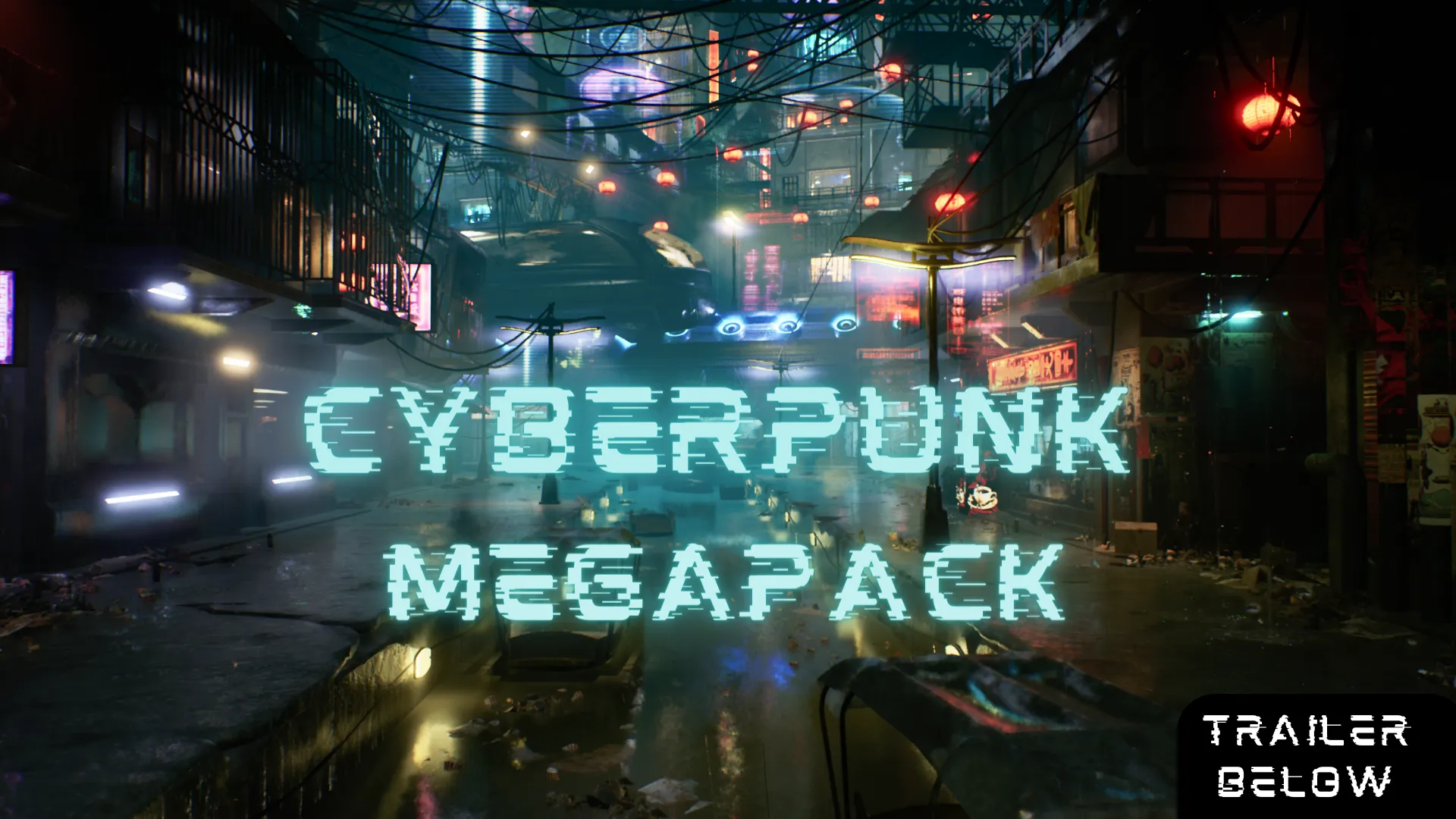
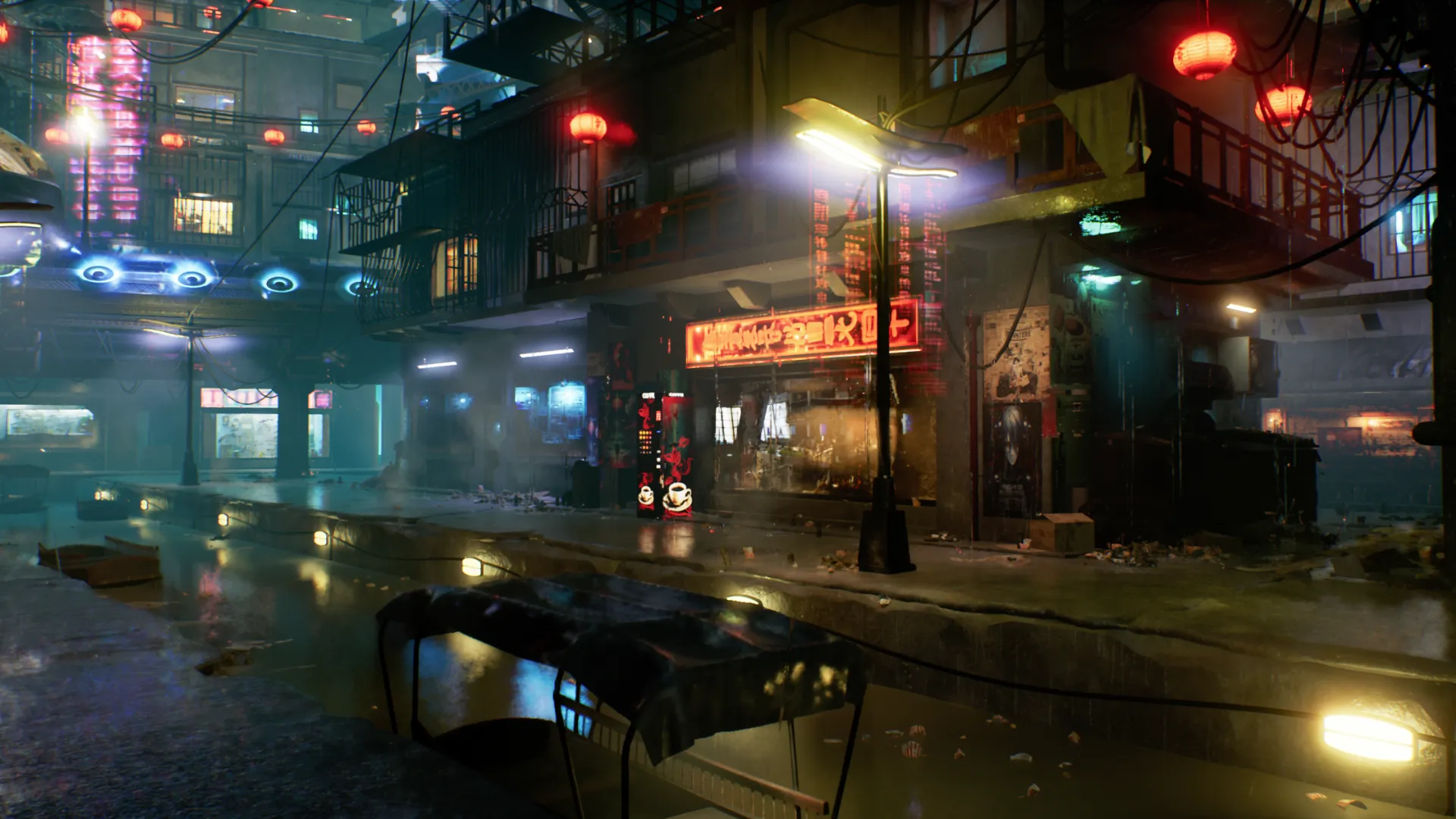
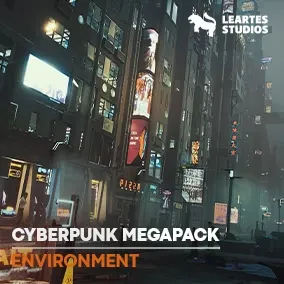
Cyberpunk City (Cyberpunk, Cyberpunk City, Sci-Fi City) represents a comprehensive solution for digital artists and game developers looking to craft high-fidelity urban environments. This asset pack provides a robust toolkit for building dense, neon-lit metropolises with ease. Consequently, it is an essential resource for those working on futuristic projects in Unreal Engine.

Procedural Workflow for Modern Cities

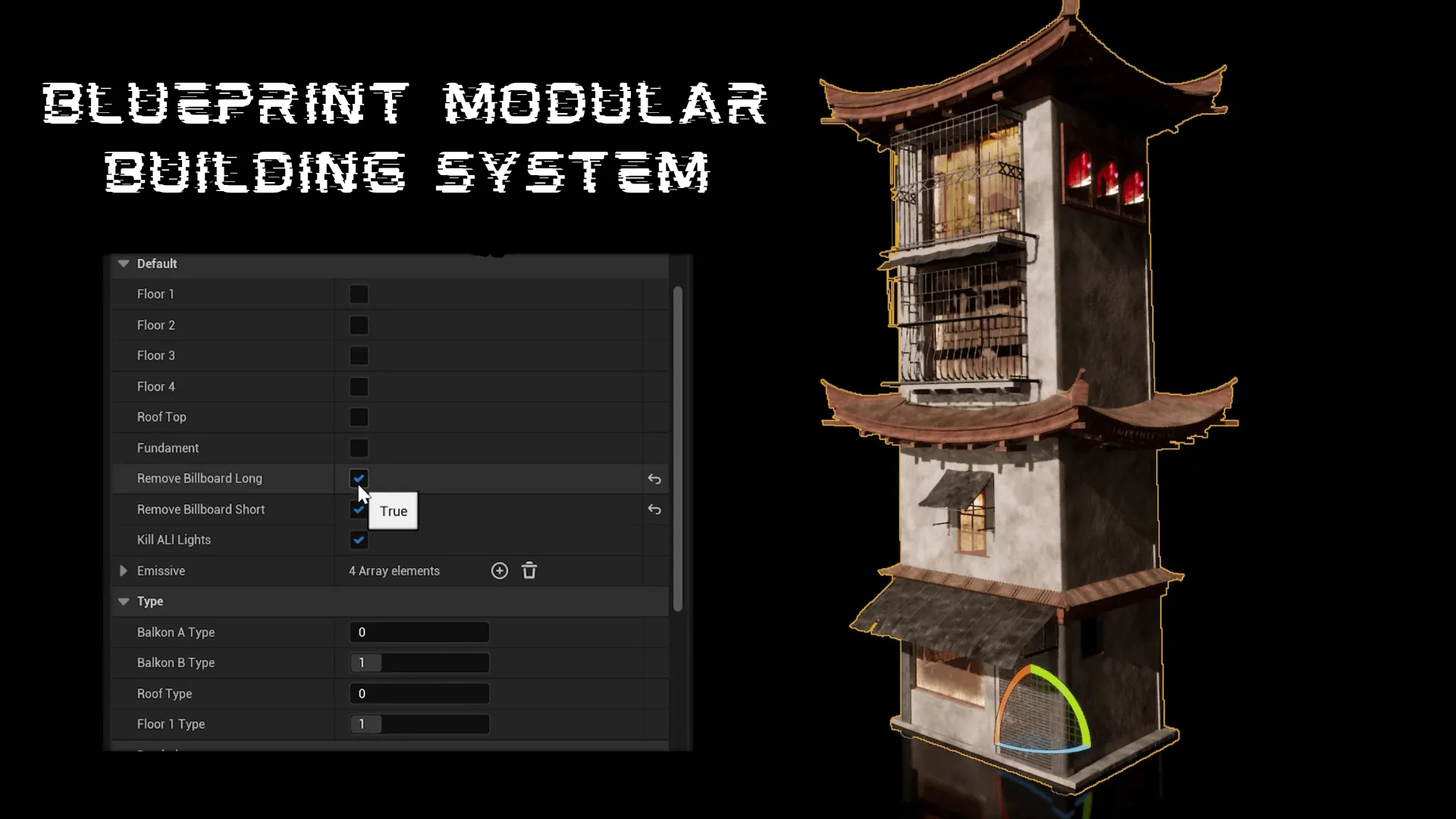
The core of this pack lies in its innovative procedural approach. Using advanced building blueprints, you can instantly generate a wide variety of architectural elements. Therefore, creating a unique skyline no longer requires hours of manual placement. In addition, these tools allow for rapid iteration during the level design phase.

Moreover, the modular nature of the kit ensures that every street corner feels distinct. You can mix and match components to suit your specific vision. As a result, your Cyberpunk City (Cyberpunk, Cyberpunk City, Sci-Fi City) project will benefit from professional-grade detail and variety.

A Massive Library of Assets

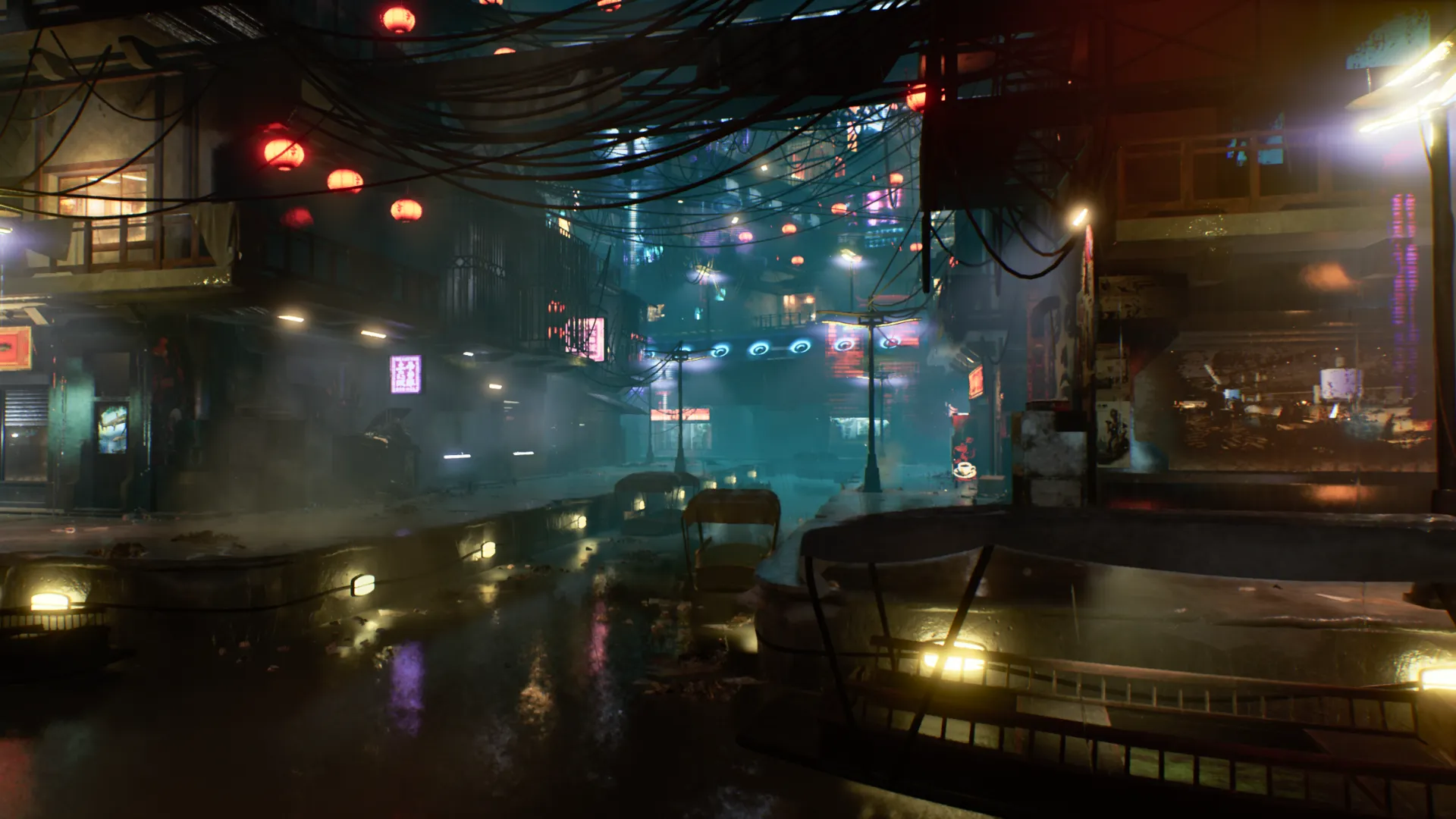
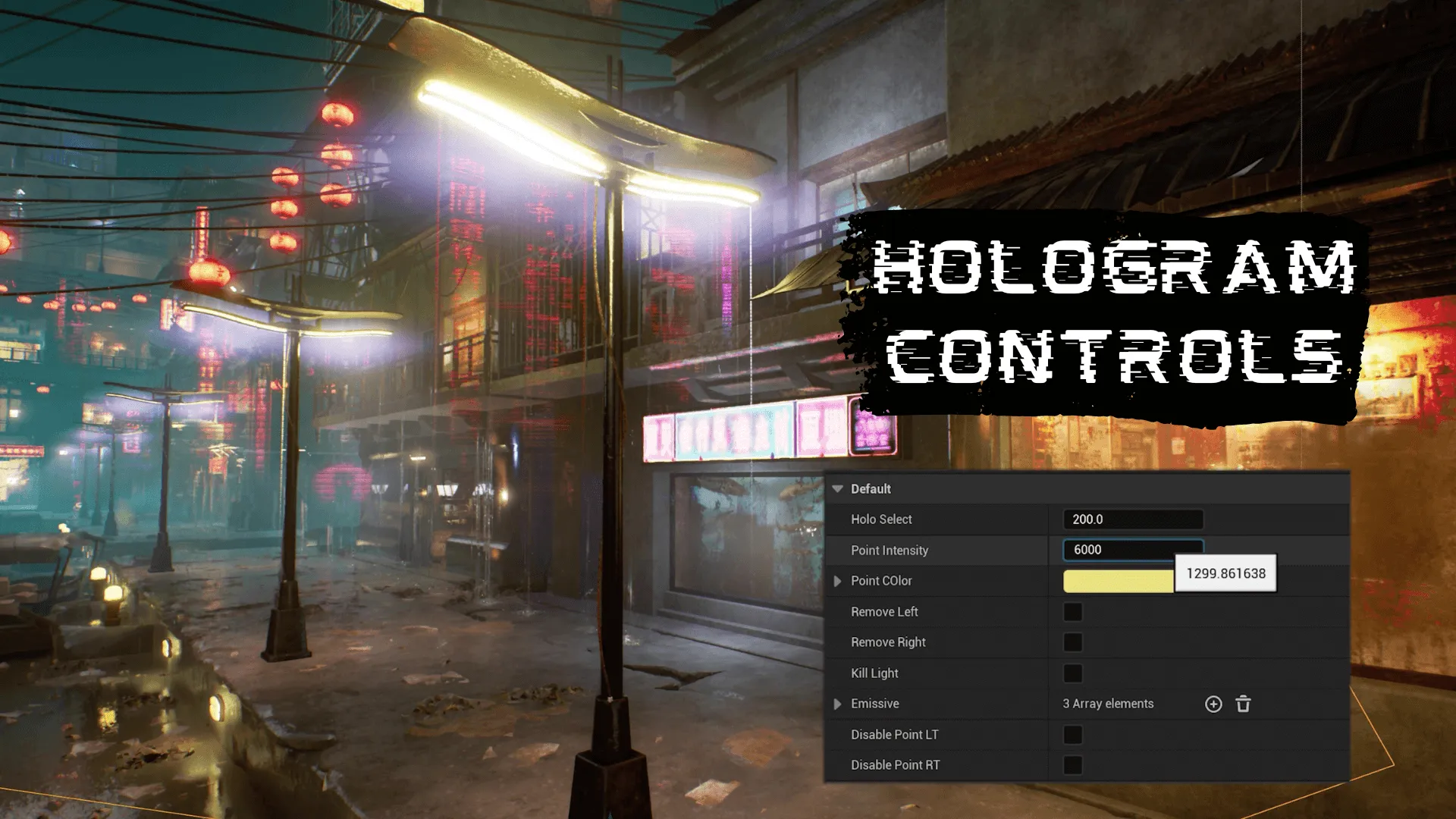
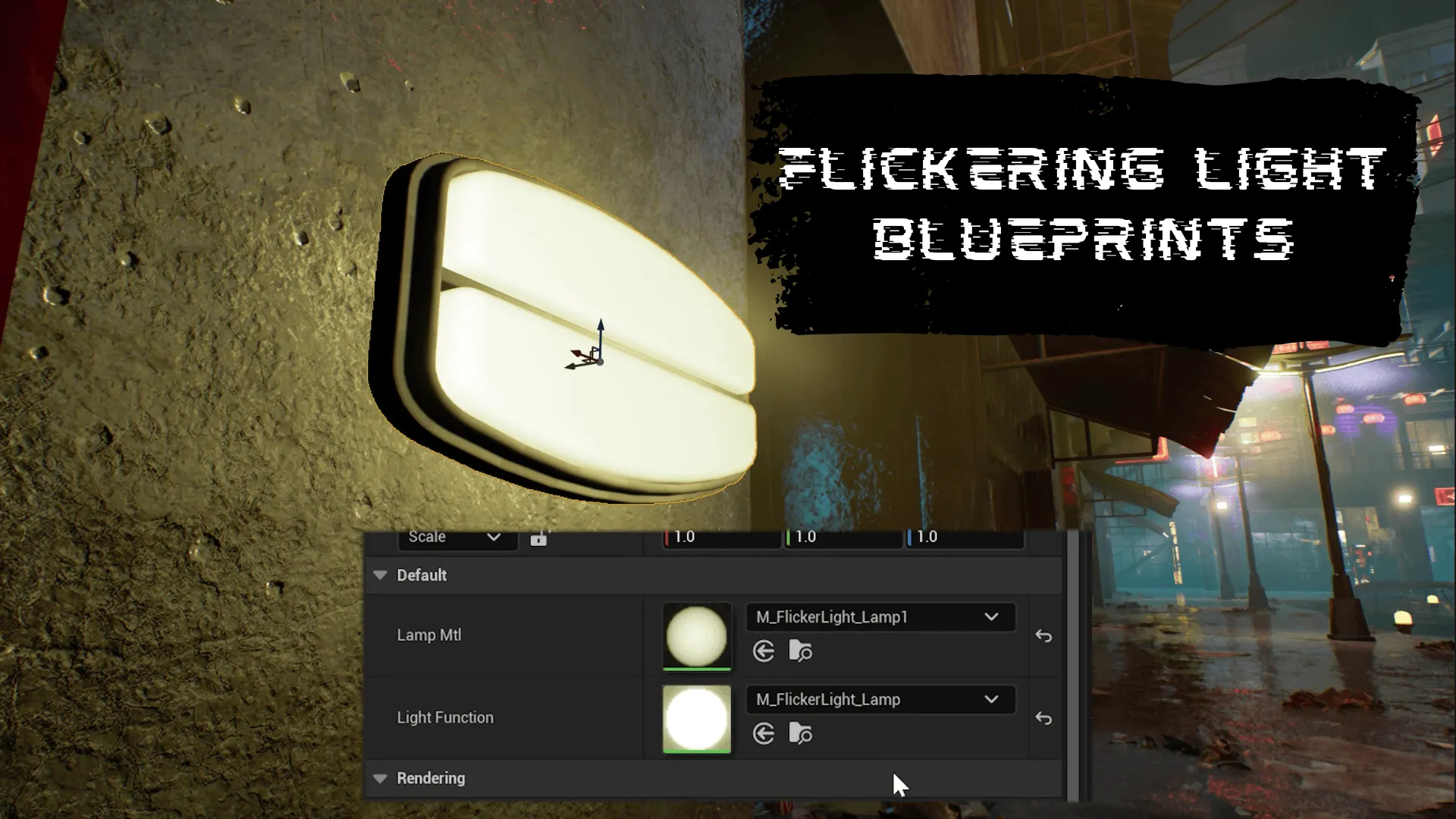
This package is incredibly extensive, featuring over 260 high-quality meshes. The modular kit includes everything from massive skyscrapers to small environmental props. Furthermore, the selection of assets covers various urban themes, including shanty towns, canals, and narrow alleys. Meanwhile, the inclusion of neon signs and streetlights adds that essential futuristic atmosphere.

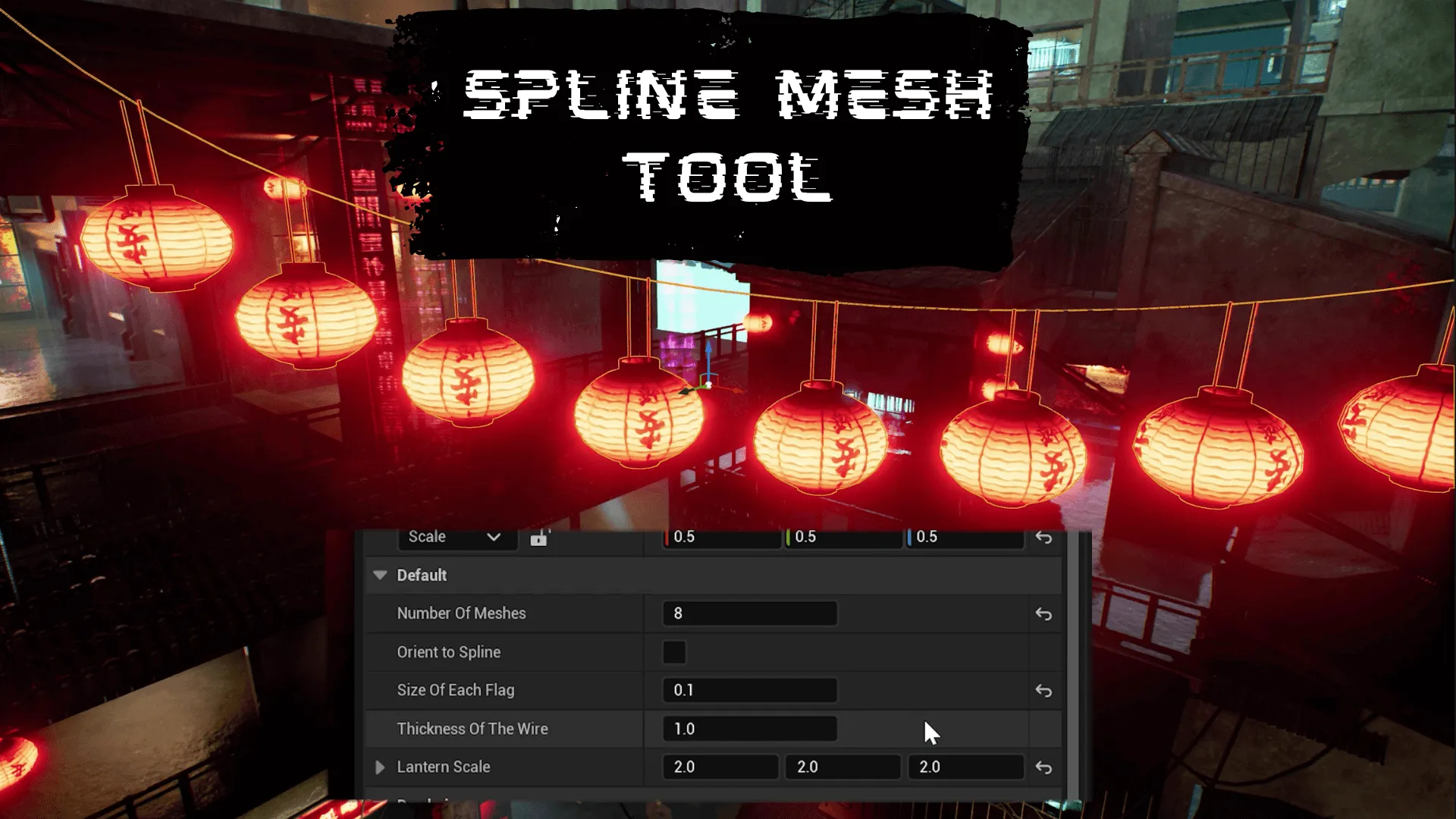
The developer has also included specialized tech tools to assist in the building process. These tools streamline the placement of complex elements. Consequently, developers can focus more on the creative aspects of their scene. Additionally, a small portion of the signs and billboards was created using generative AI models to provide unique visual flair.

Next-Gen Optimization with Unreal Engine 5

Cyberpunk City (Cyberpunk, Cyberpunk City, Sci-Fi City) is fully optimized for the latest industry standards. It supports Nanite for Unreal Engine 5.0 and above. This allows for incredibly high geometric detail without sacrificing performance. Furthermore, the pack is designed to work seamlessly with Lumen for dynamic global illumination.

Lighting is a critical component of any sci-fi environment. Therefore, the support for real-time lighting systems ensures that your city looks stunning at any time of day. In addition, the materials are crafted to react realistically to the environment, enhancing the overall immersion for the player.

Customizing Environmental Effects

Weather effects play a significant role in setting the mood of a cyberpunk scene. This pack features built-in rain effects that add a layer of grit and realism. However, the developer has made it easy to customize these effects based on your project’s needs. You can toggle the rain materials and particle systems on or off with simple adjustments.

How to Disable Rain Effects

  1. Select the specific building mesh within your blueprint.
  2. Open the assigned material for that mesh.
  3. Locate the “Add rain” switch and disable it.
  4. To remove rain particles, search for the rain storm effect in your outliner and hide or delete the instances.

Conclusion

Whether you are building a sprawling open world or a cinematic scene, Cyberpunk City (Cyberpunk, Cyberpunk City, Sci-Fi City) provides the versatility needed for top-tier production. Its combination of procedural tools and massive asset variety makes it a powerful ally for any creator. Finally, the integration with modern Unreal Engine features ensures your project remains at the cutting edge of digital art.

Screenshots & Gallery


Cyberpunk City (Cyberpunk, Cyberpunk City, Sci-Fi City) Prev Cyberpunk – Urban Steel
Cyberpunk City (Cyberpunk, Cyberpunk City, Sci-Fi City) Next Cyberpunk Environment Megapack ( Cyberpunk Exterior Scifi Cyberpunk Cyberpunk )

Leave a Reply