Master Subterranean Design with Brushify – Underworld Pack
Brushify – Underworld Pack is a powerful and easy-to-use environment kit designed for level designers and environment artists. If you are looking to get a jump start on creating stunning cave systems or dark subterranean realms, this pack is an essential resource. Moreover, the included shaders are 100% compatible with all other existing environment packages from the same developer.
This kit focuses on providing a professional workflow that saves time without sacrificing visual quality. Consequently, artists can focus on the creative aspects of world-building while the technical systems handle the heavy lifting. Whether you are building a fantasy dungeon or a sci-fi alien planet, these tools offer the flexibility you need.
Ready-Made Levels and Cinematic Workflows
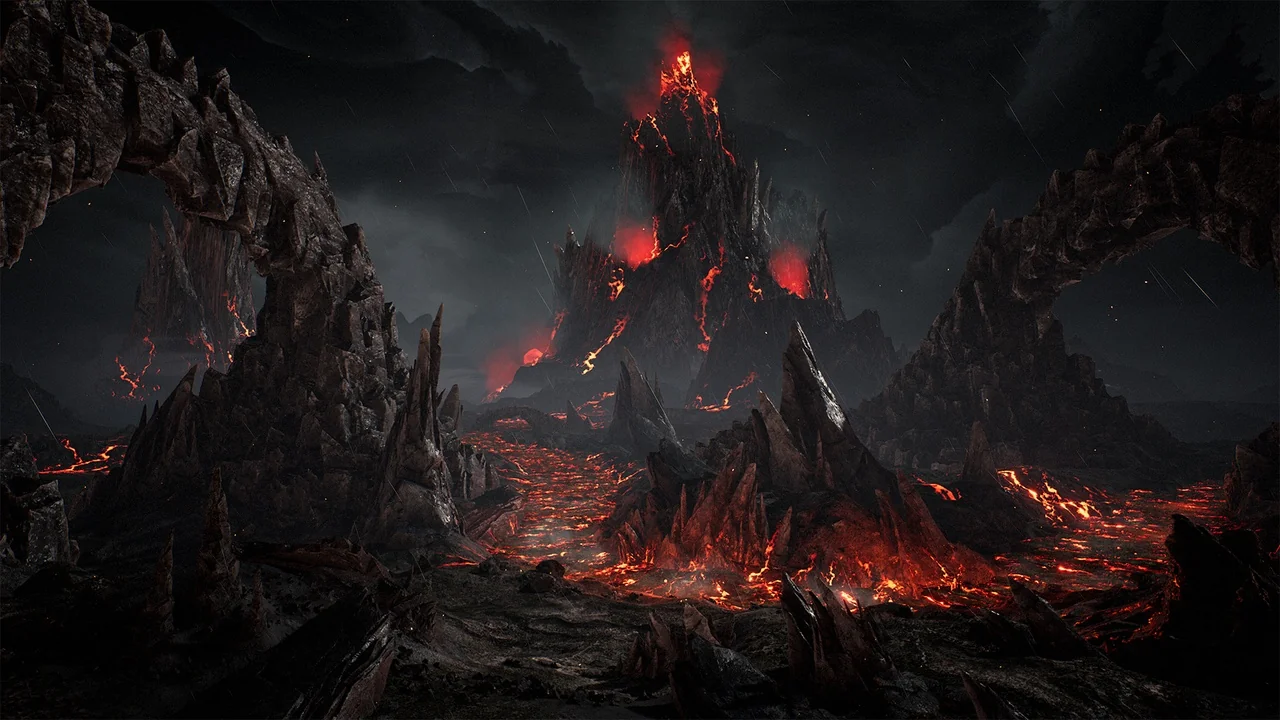
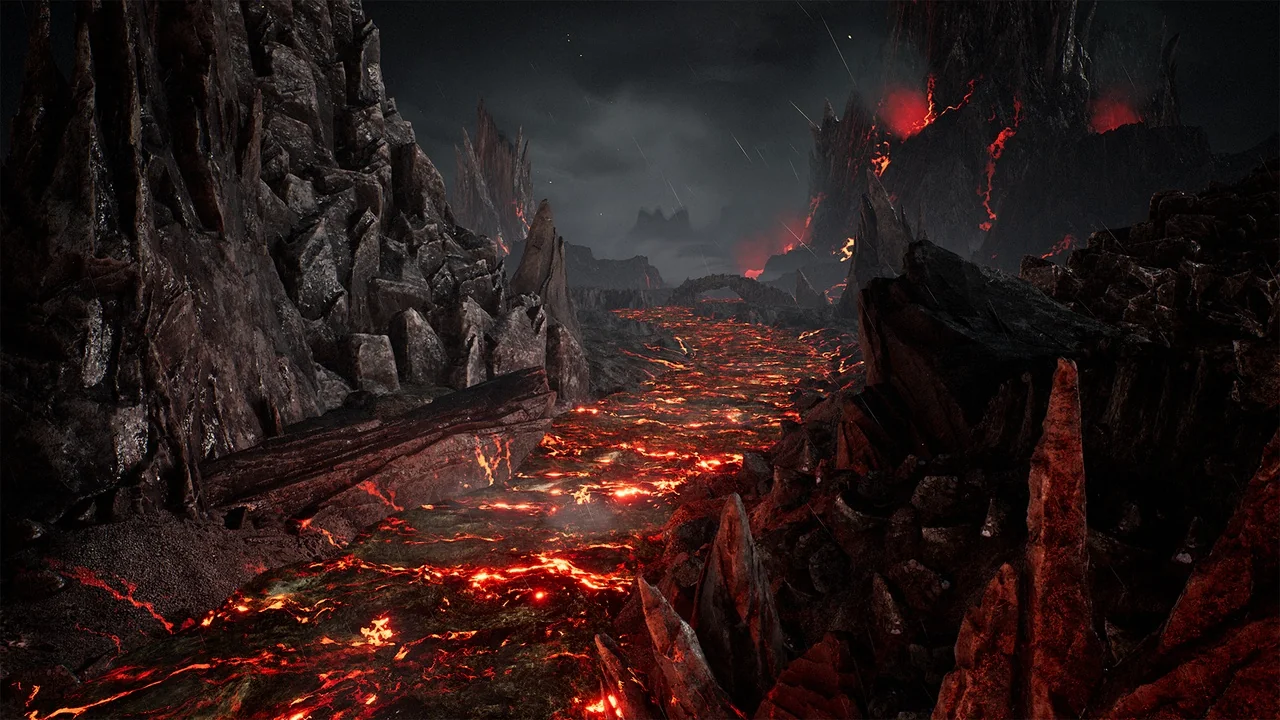
One of the standout features is the complete level that comes ready to go right out of the box. This allows you to immediately start testing your gameplay mechanics or creating high-end cinematics. Furthermore, the example setup serves as an excellent learning tool for understanding advanced environment workflows.
Everything seen in the showcase materials is provided to the user. This includes the powerful shaders and optimized setups that are standard for professional game development. Therefore, you can achieve high-fidelity results even if you are just starting your journey in Unreal Engine.
Advanced Unreal Engine 5 Compatibility
The Brushify – Underworld Pack is fully compatible with the latest Unreal Engine 5 technologies, specifically Nanite and Lumen. These features allow for incredibly high geometric detail and realistic dynamic lighting. In addition, Lumen is enabled by default to ensure your underworld environments look atmospheric and moody from the moment you open the project.
To ensure the best visual experience, users should enable the Niagara Plugin to view the included rain and weather effects. These atmospheric additions bring a sense of life and motion to otherwise static underground scenes. Meanwhile, the system remains highly optimized for modern hardware.
Landscape Auto Material and Procedural Tools
The core of the system is the Landscape Auto Material, which is arguably the fastest way to build playable landscapes. This material allows users to paint multiple biomes across huge maps with ease. Each biome functions as its own automatic paint layer, including options for grass, desert, forest, snow, and mud.
Additionally, the material supports advanced features such as:
- Runtime Virtual Texturing (RVT)
- Parallax Occlusion Mapping (POM)
- Tri-planar mapping and Tessellation
- 3-stage Level Of Detail (LOD) system
- Flow mapping and optimized shader overdraw
The pack also includes procedural spawners for quickly scattering rocks on slopes. These rocks are created using the latest photogrammetry techniques to ensure maximum realism. Because the system is modular, you can customize or remove functions to streamline the performance for your specific project.
High-Resolution Alpha Brushes and Distance Meshes
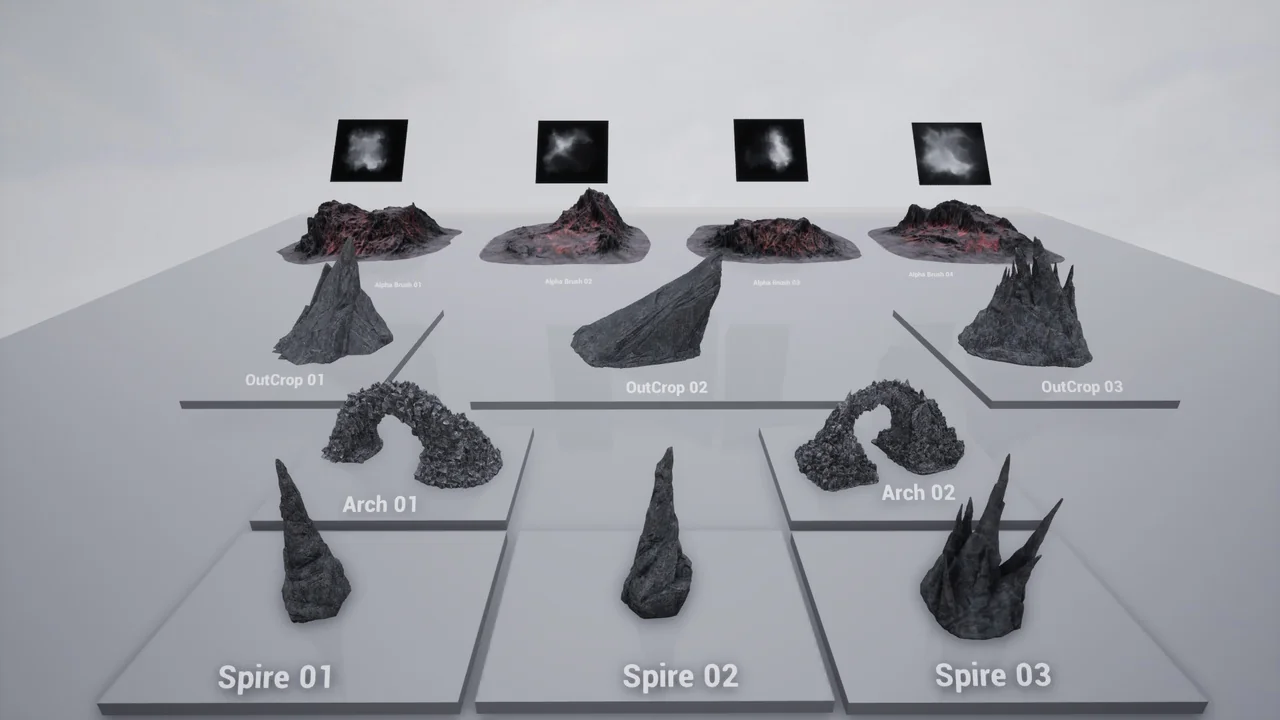
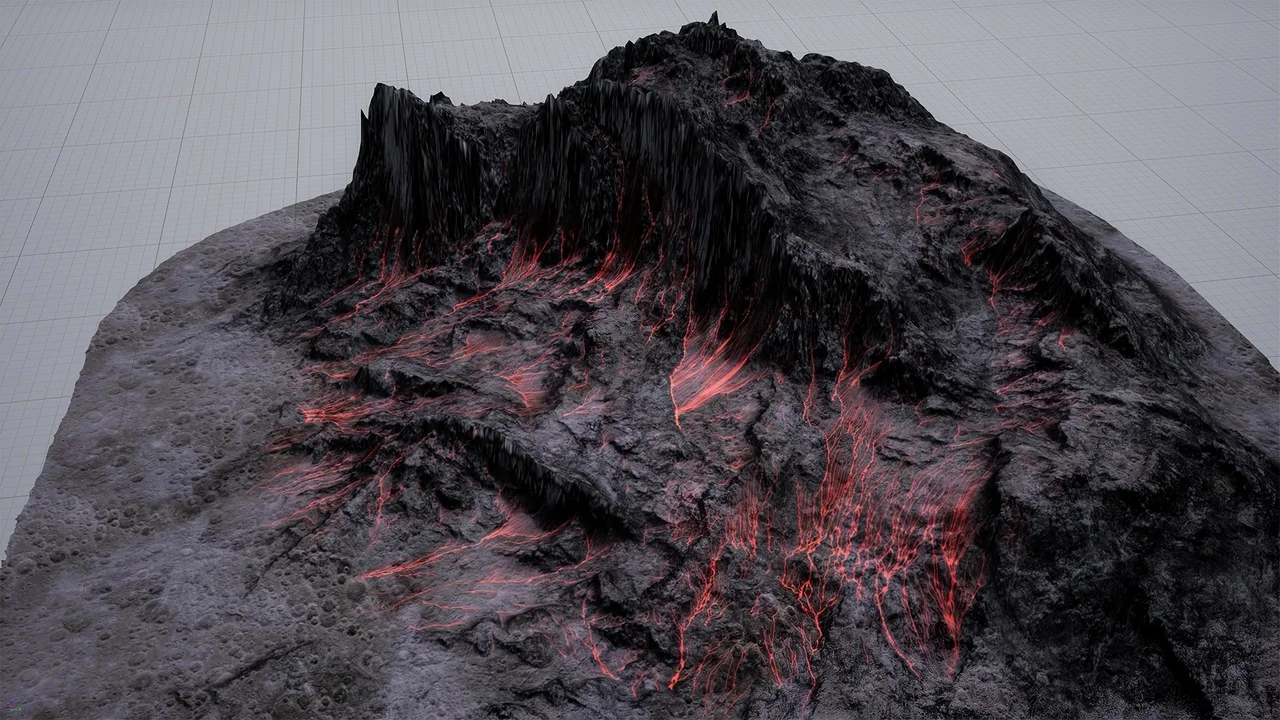
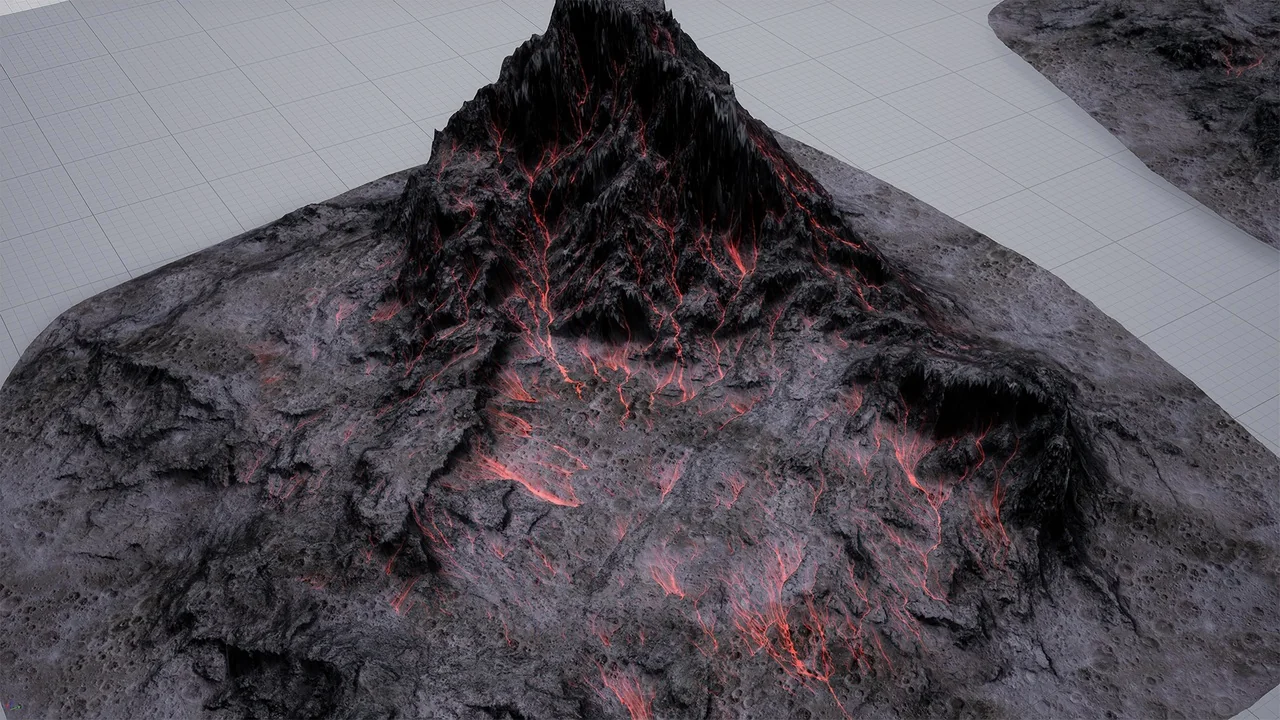
To add fine detail to your terrain, the pack includes four Alpha Sculpting Brushes stored in a massive 8k texture. These brushes allow you to sculpt underworld-style mountains directly into the landscape while maintaining artistic control. Moreover, these brushes are generated from real-world height data for authentic results.
For background vistas, the kit provides distance meshes that match the playable landscape. These are optimized geometry pieces that allow you to extend your world to the horizon without a significant performance cost. Finally, the inclusion of rocky outcrops and large archways gives you the variety needed to break up repetitive terrain.
Technical Specifications
The Brushify – Underworld Pack is built to professional standards to ensure it fits into any production pipeline. All meshes come with five levels of detail (LODs) to maintain high frame rates. Texture sizes for foliage and rocks reach up to 4k, while distance terrain textures are provided in 8k resolution.
For those looking to expand their toolkit, these packs can be easily merged. Simply add the new pack to your project and overwrite existing files when prompted. This ensures all shared shaders and textures remain synchronized across your entire environment library.
Official documentation for the system can be found at: www.brushify.io/docs
Screenshots & Gallery