
Overview
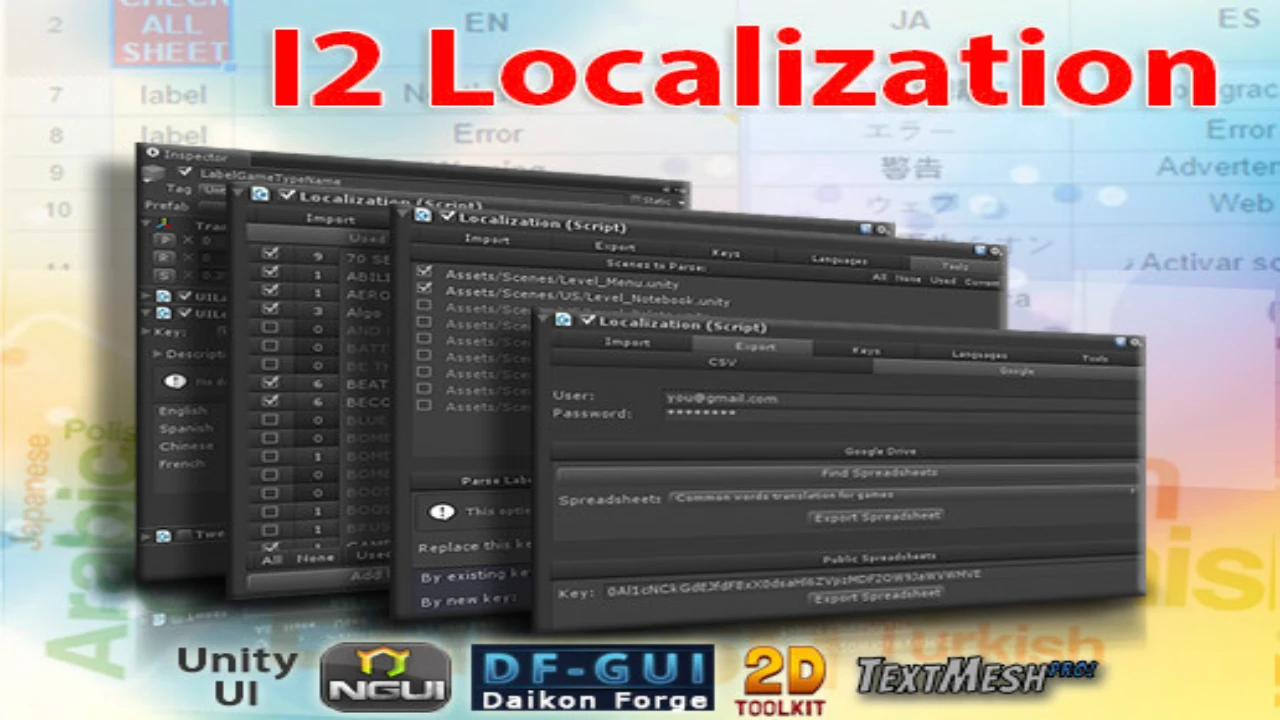
I2 Localization is a comprehensive localization system designed for Unity. It supports a wide range of Unity features and assets, making it a versatile solution for game localization.
Key Features
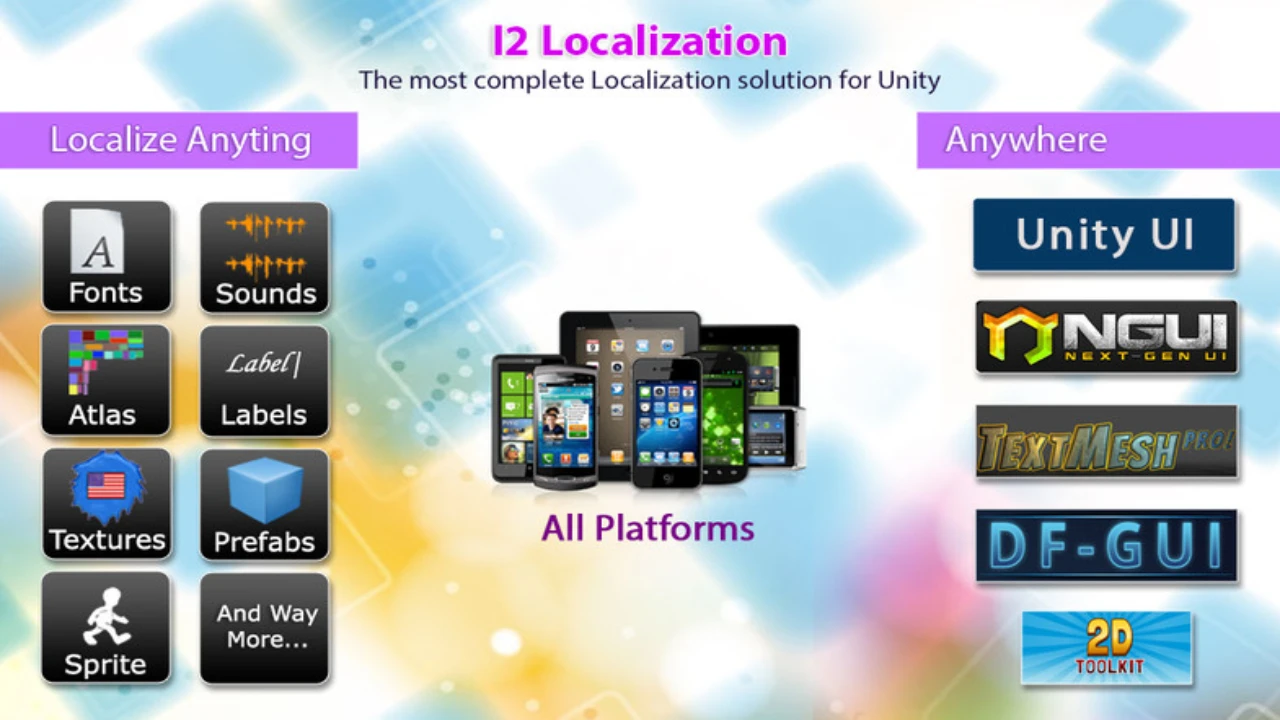
- Supports Unity UI, Unity 2D, TextMesh Pro, NGUI, 2D ToolKit, SVG Importer, Standard Components
- Localizes Image, Text, Sounds, Fonts, Sprites, Atlases, Prefabs, TextMeshes, Dropdowns and more
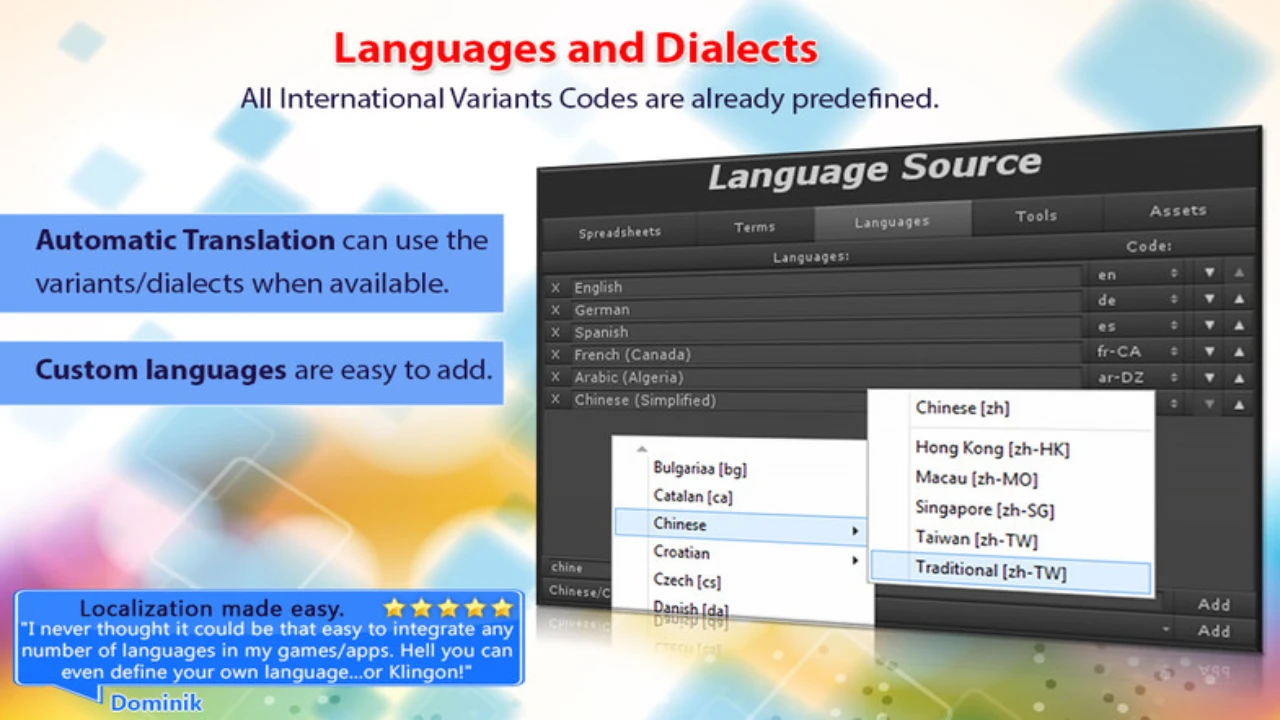
- Auto Translation: Built-in support for Google Translator for automatic localization.
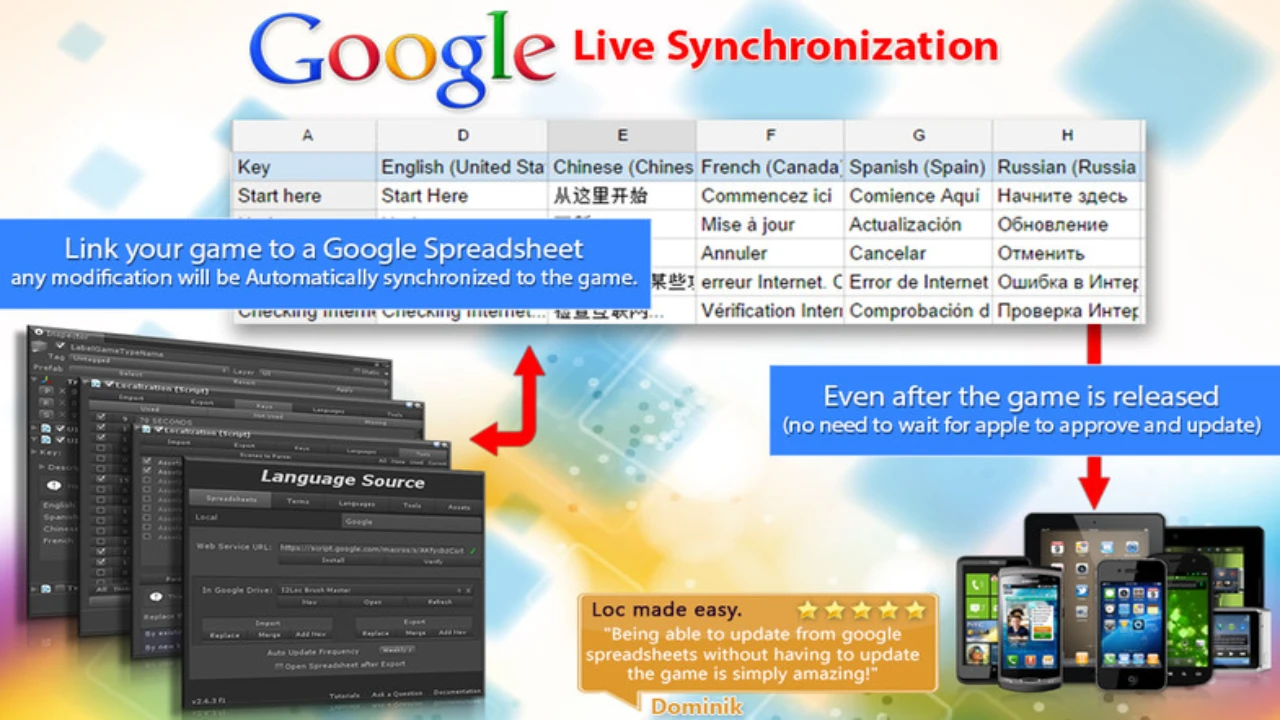
- Google Spreadsheets and CSV files: Link external Spreadsheets and any change will be automatically downloaded.
- Detect and Fix Errors: Parse scenes to find missing or unused translations.
- Sub-Object Translations: Set Secondary terms to change Fonts and Atlases used per language.
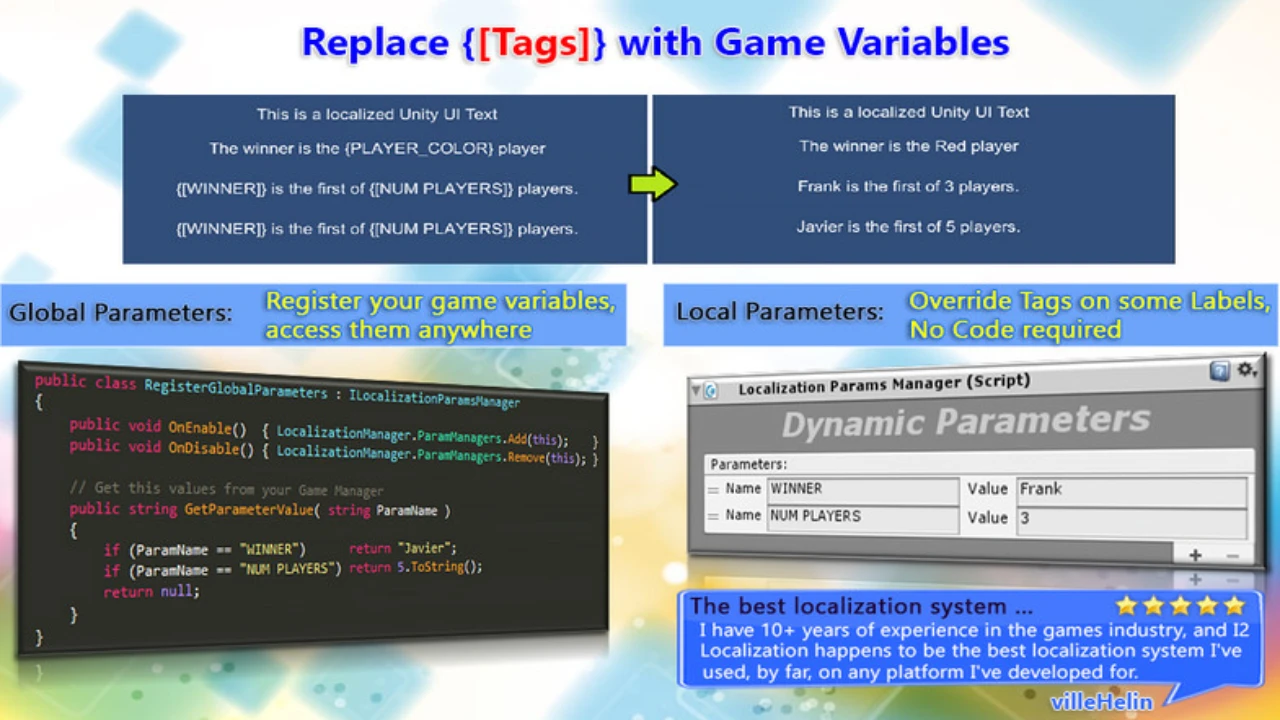
- Callbacks and Parameters: Translations can be modified to insert Scores, Names and Game Variables.
- Plurals: Built-in rules for each language covering singular/plural forms.
- Right to Left Languages: Correct rendering of RTL languages.
- Save Memory: Create Fonts with only the characters you are using.
- Link your AssetBundles to add more localized content.
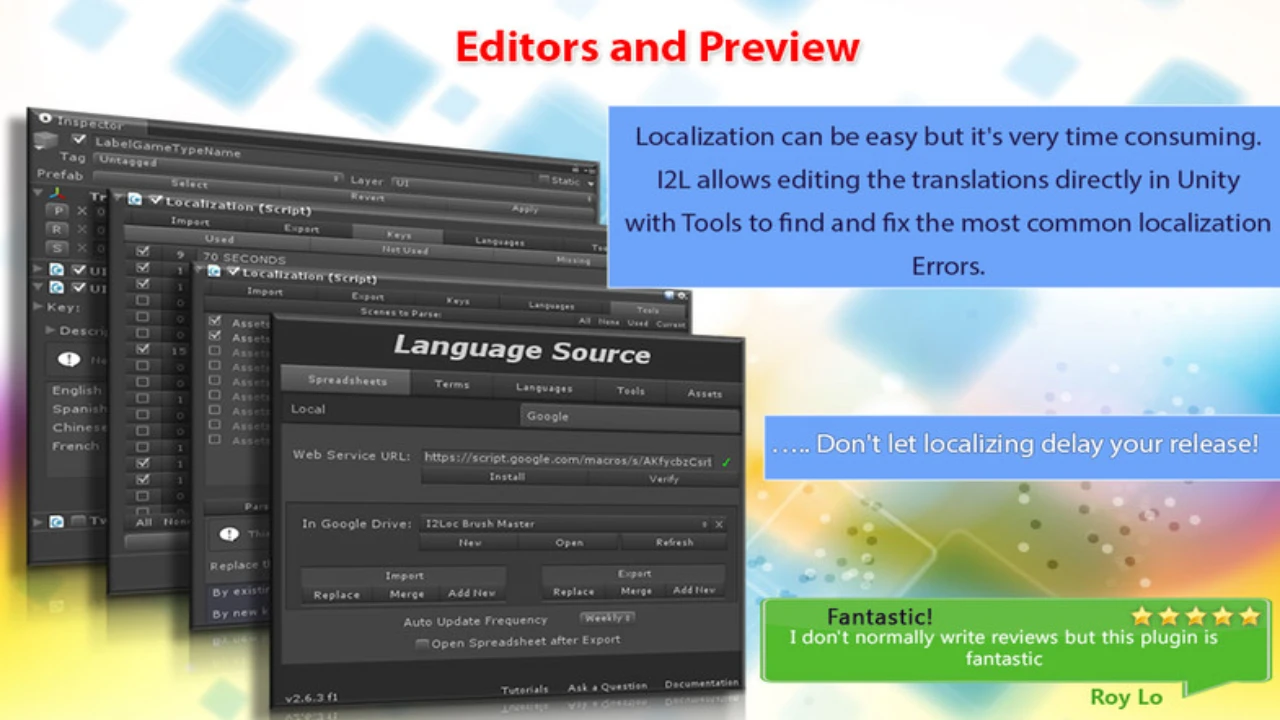
- Easy and Efficient Edit and Preview all your translations in one location.
- Reuse Translations: Set texts to be automatically shown as UPPER CASE, lower case, Upper first, Title Case, etc.
- In Game Dynamic Translations: Easy API to translate chat messages and other dynamic texts at runtime
- App Name and Store Localization: Translate the name of your game to all languages.
- Simple yet Powerful Editors Intuitive inspectors allow you Preview, Edit, Categorize, Create, Parse and Filter even large sources.
- Compile Time Checking Bake translations into script constants to avoid Typos when accessing them on the code.
- Playmaker: Several actions to access and interact with Localized elements and switching languages
Click the button below to download.
Download: